Onboarding & permissions
A calm first run: a welcome, a goal picker, and step-by-step permission screens that each explain why they are asked.
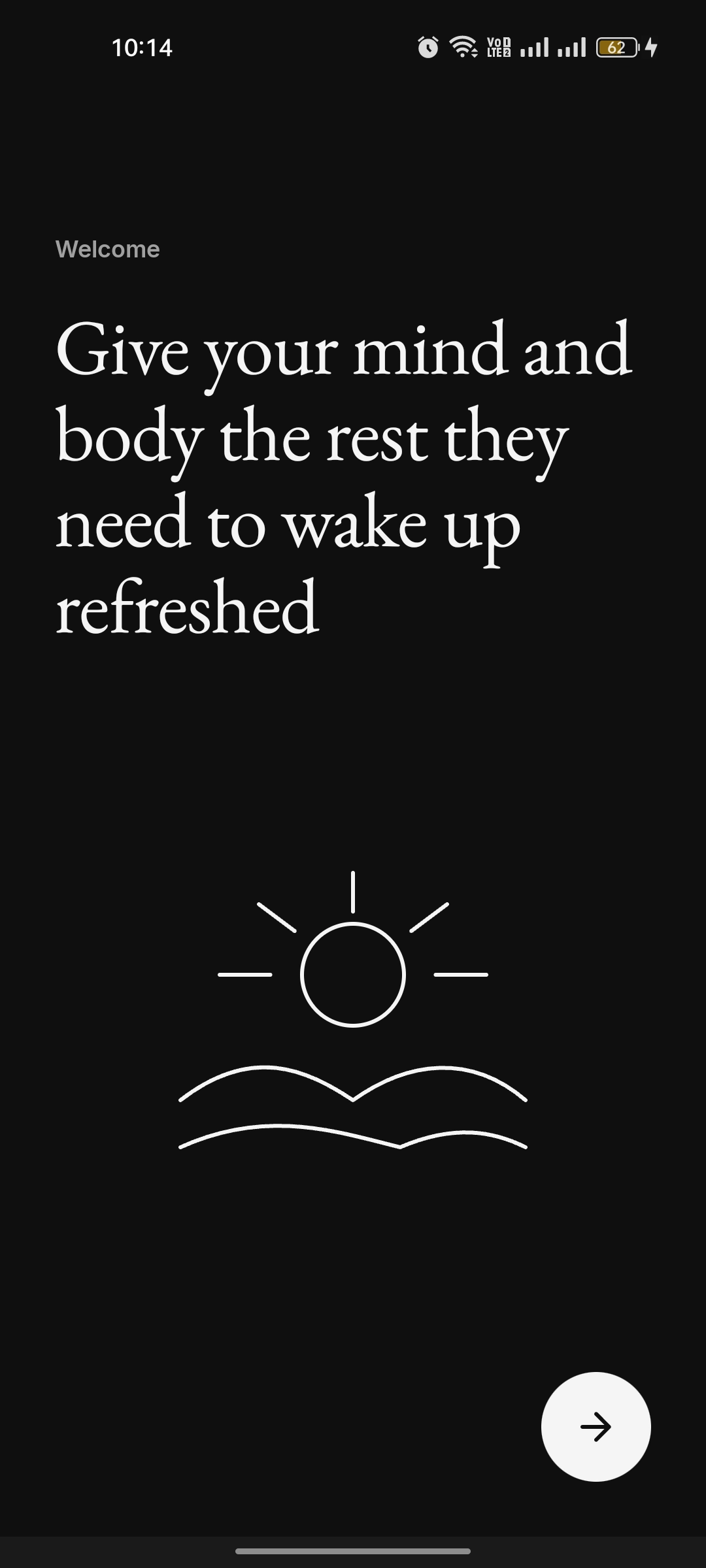
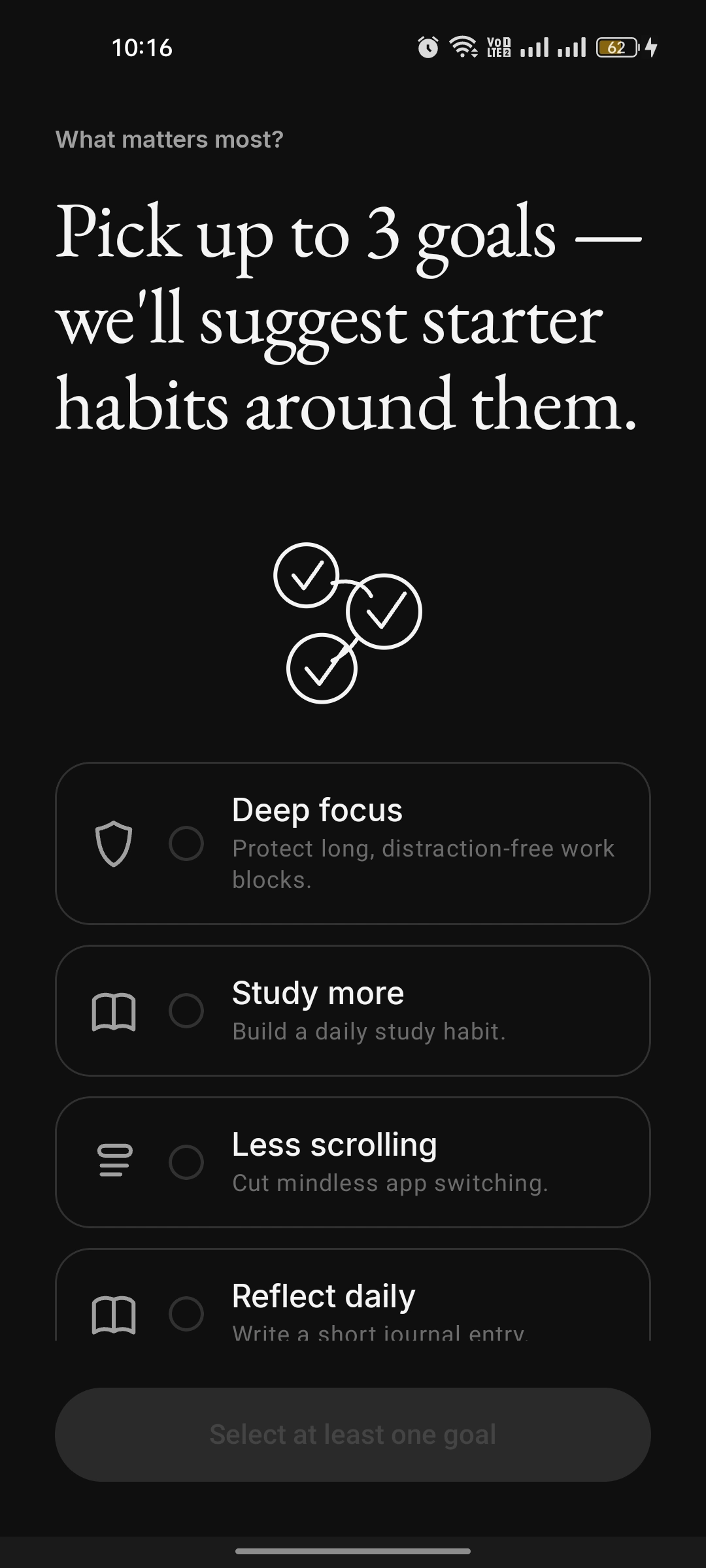
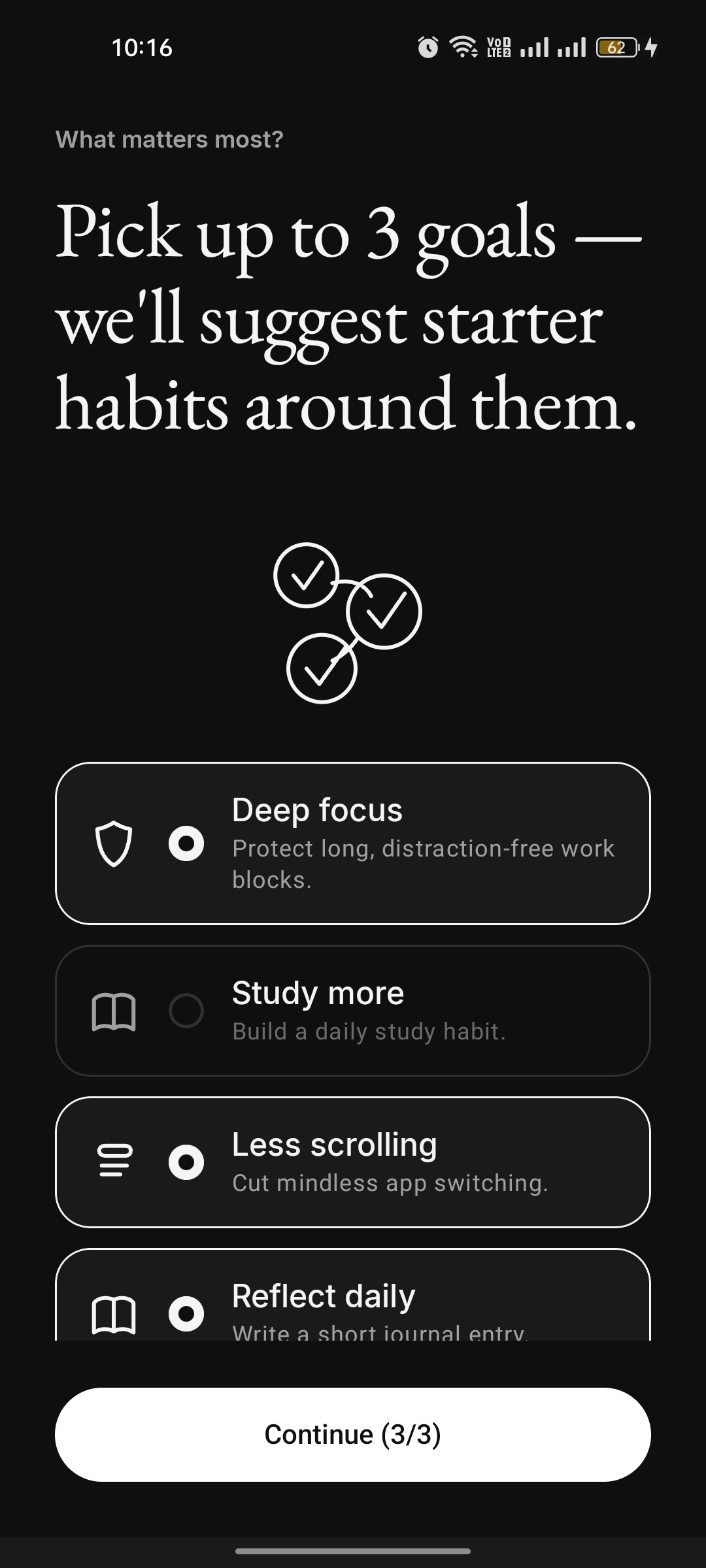
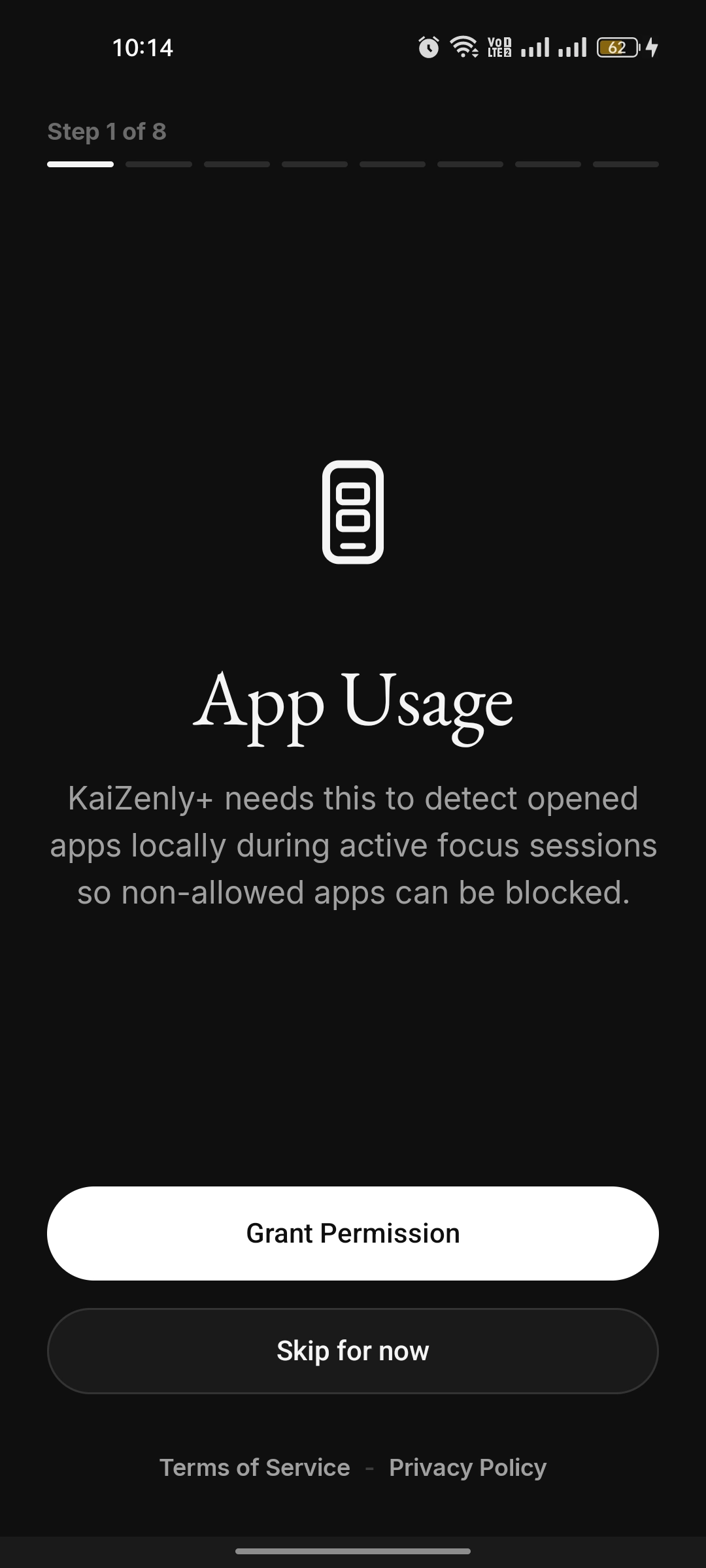
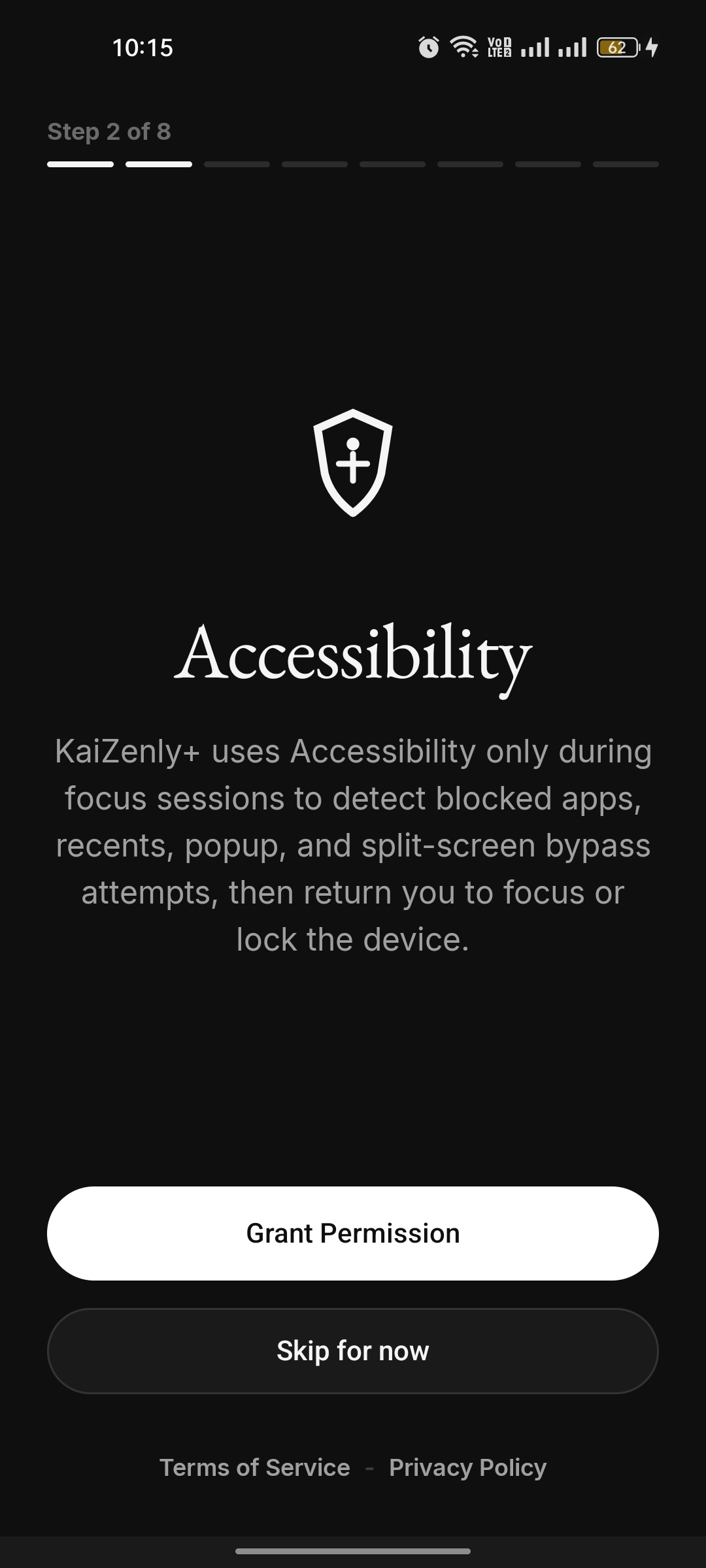
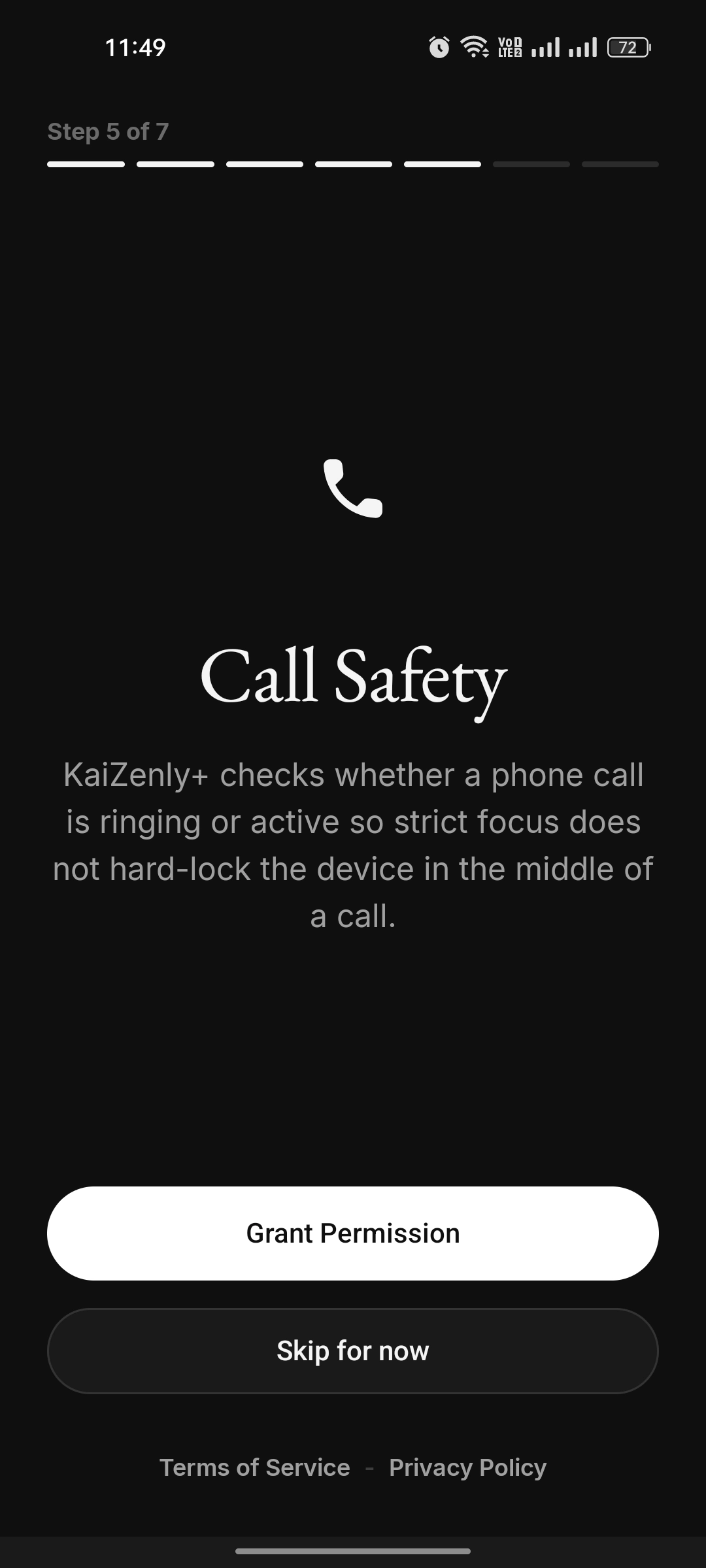
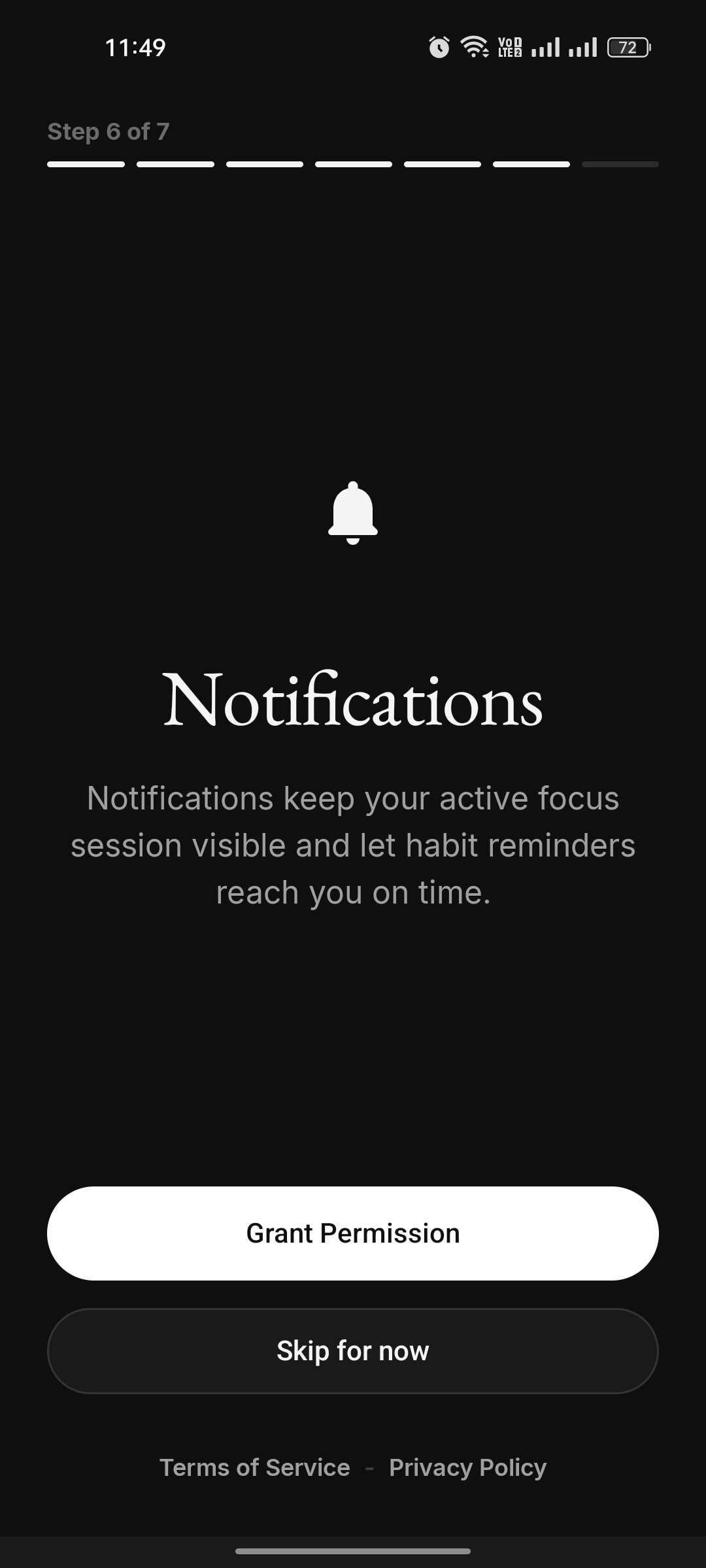
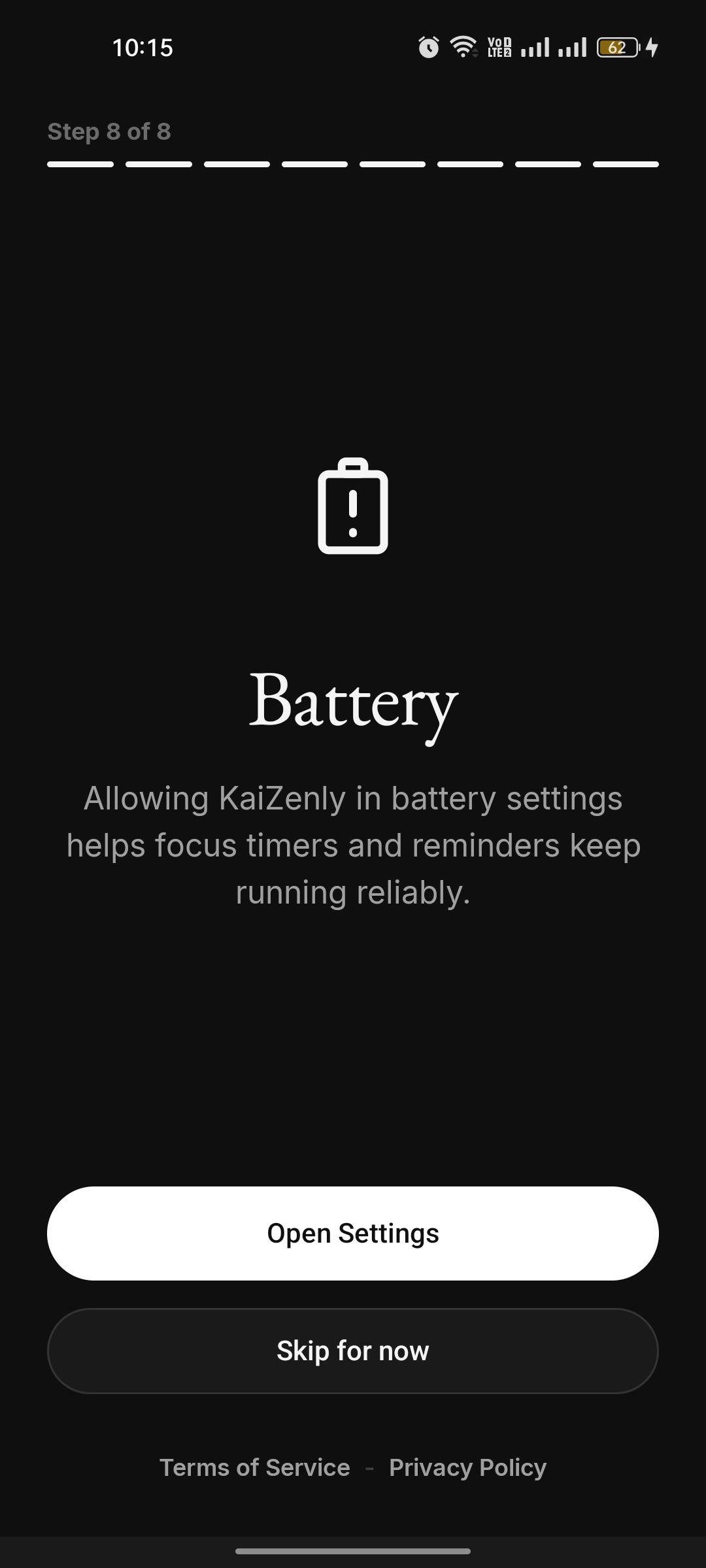
KaiZenly+ welcome screen with a serif headline about rest and a line illustration Goal picker — "Pick up to 3 goals" with Deep focus, Study more, Less scrolling and Reflect daily, none selected Goal picker with three goals selected and the Continue button enabled Permission step 1 of 8 — App Usage, explaining it detects opened apps locally during focus Permission step 2 of 8 — Accessibility, used only during focus to catch bypass attempts Permission step 5 of 7 — Call Safety Permission step 6 of 7 — Notifications, keeping a focus session visible and reminders on time Permission step 8 of 8 — Battery, so focus timers and reminders keep running reliably Habits
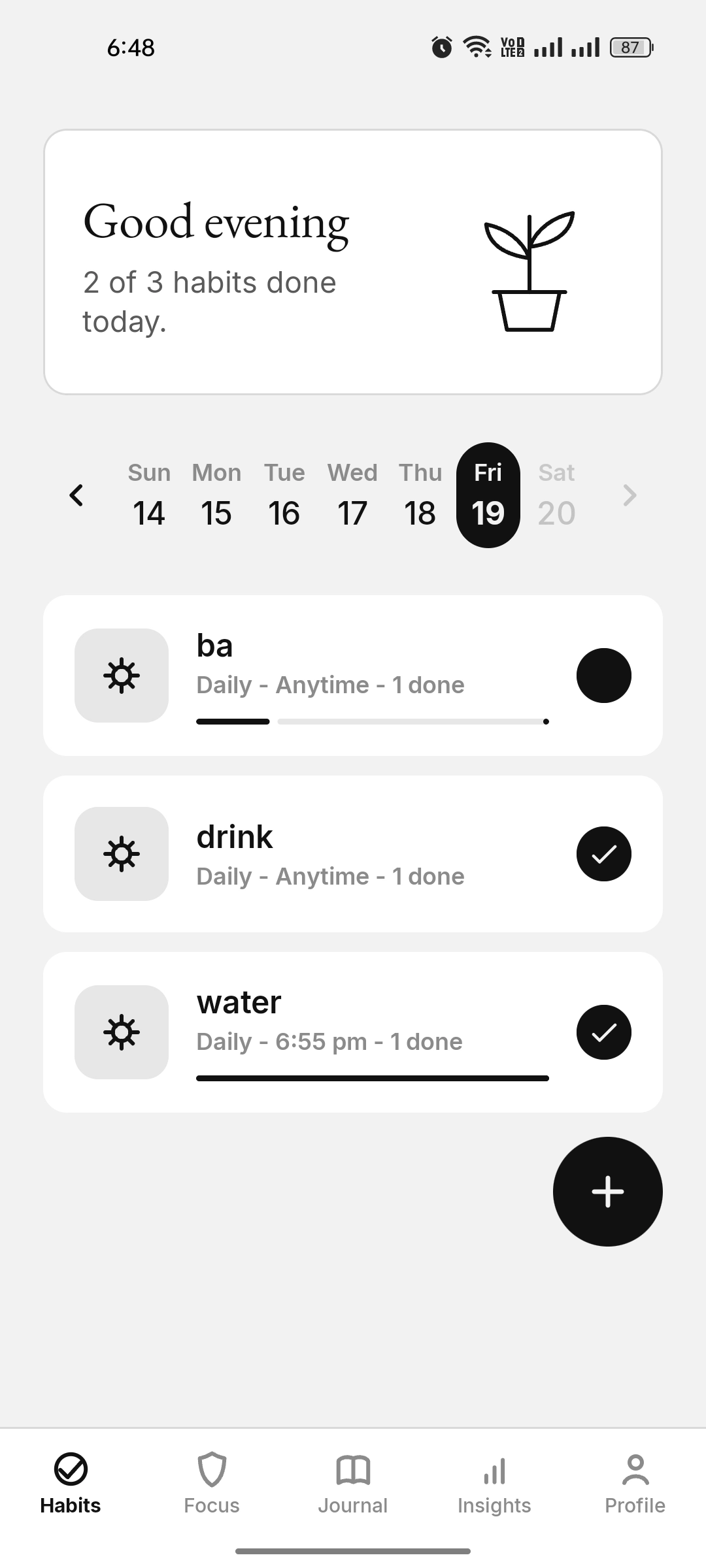
Daily habits with a greeting, a week strip, progress, reminders, alarms, and per-habit analytics — for Task, Count, and Scale habit types.
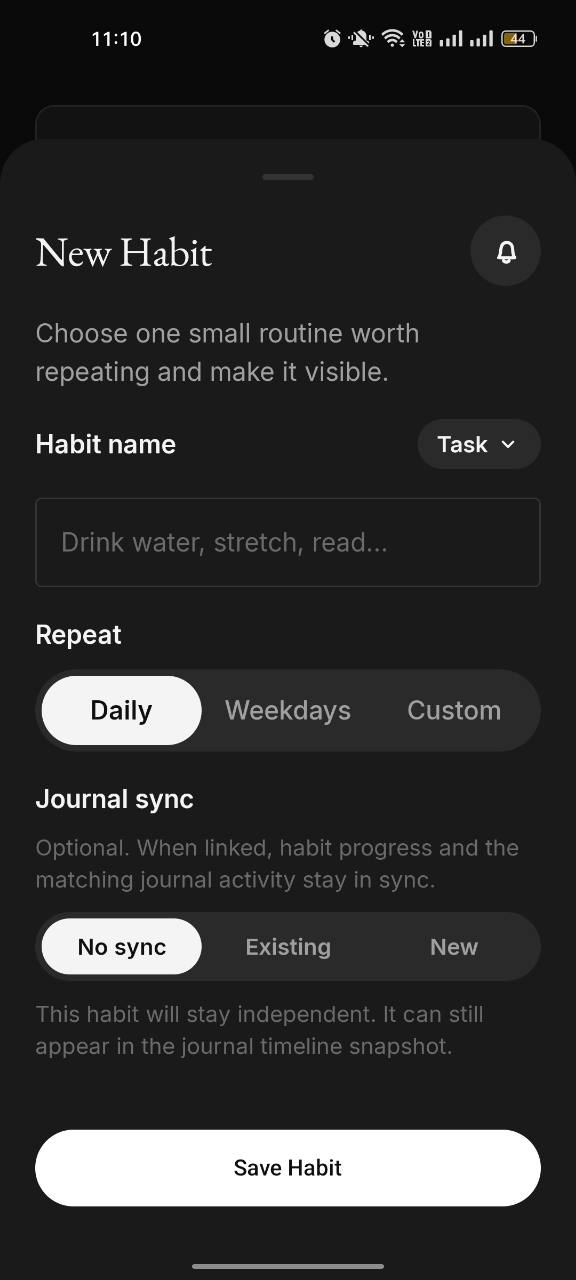
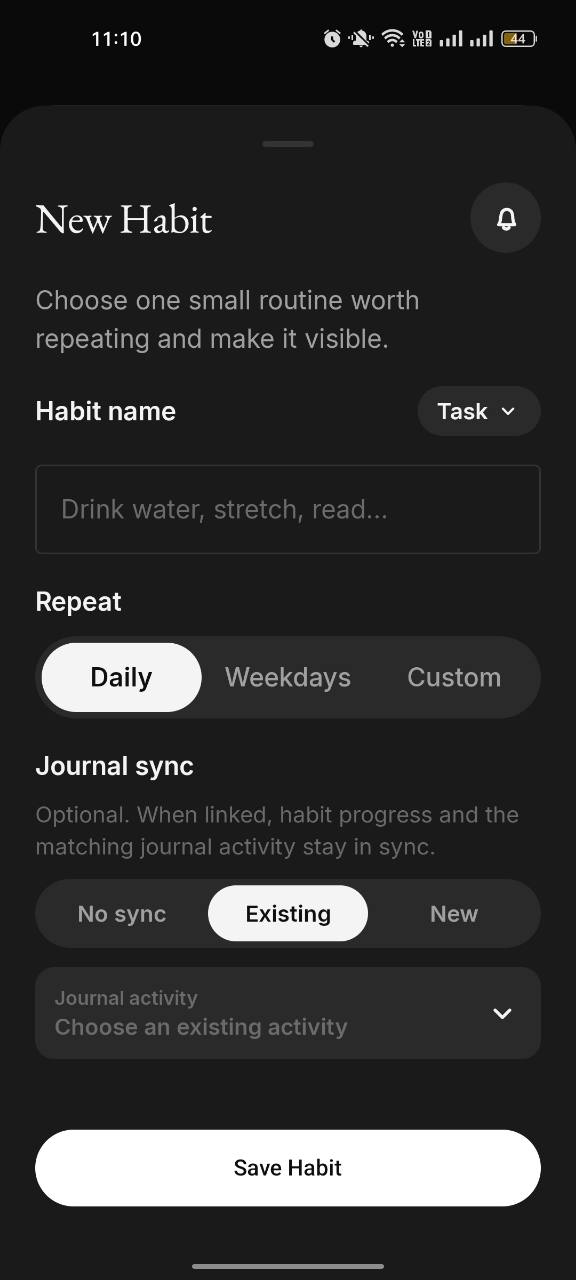
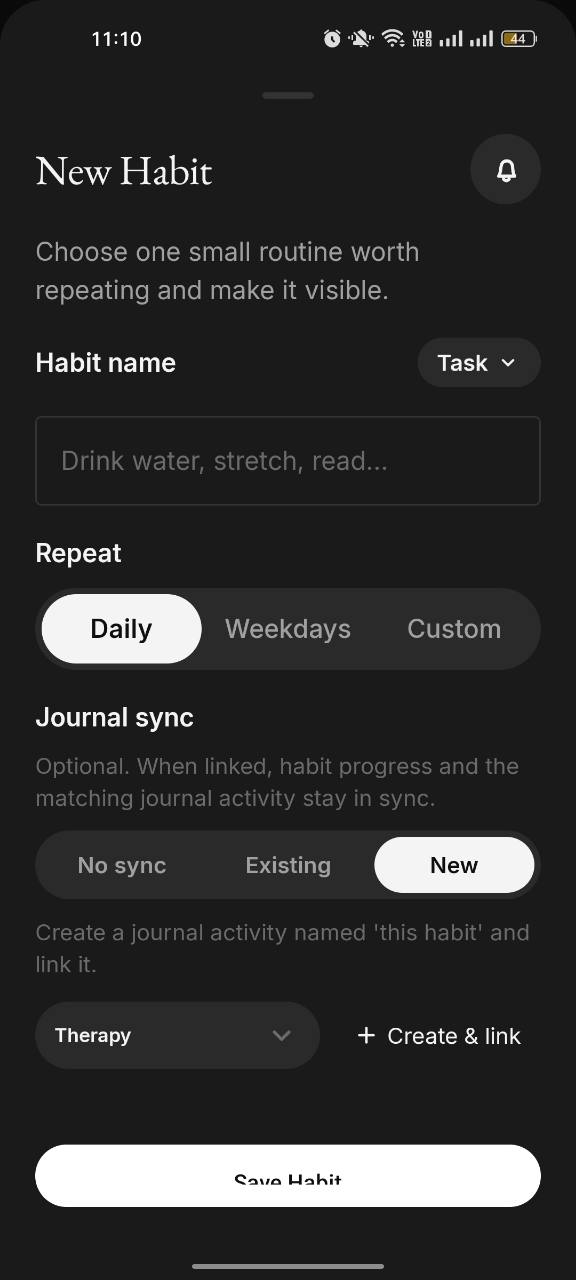
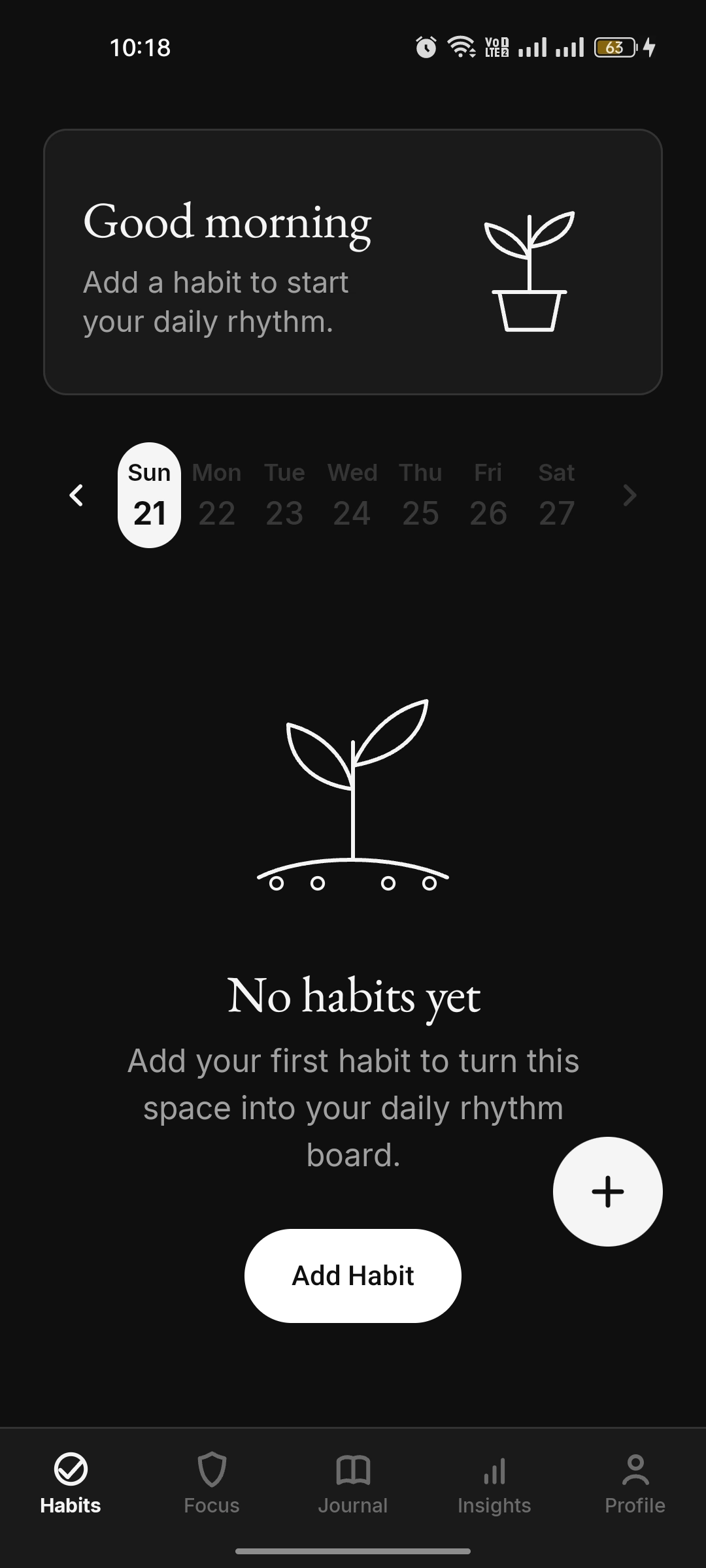
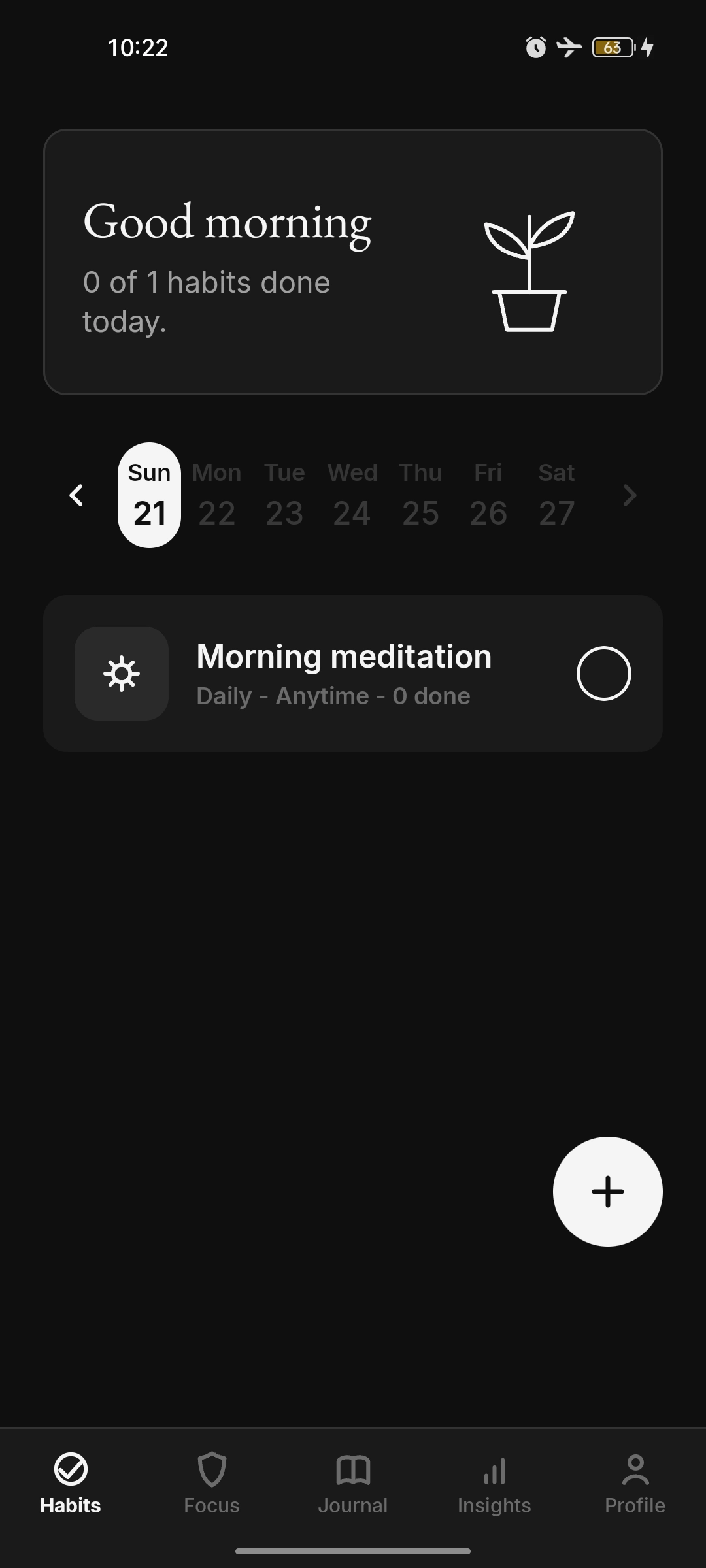
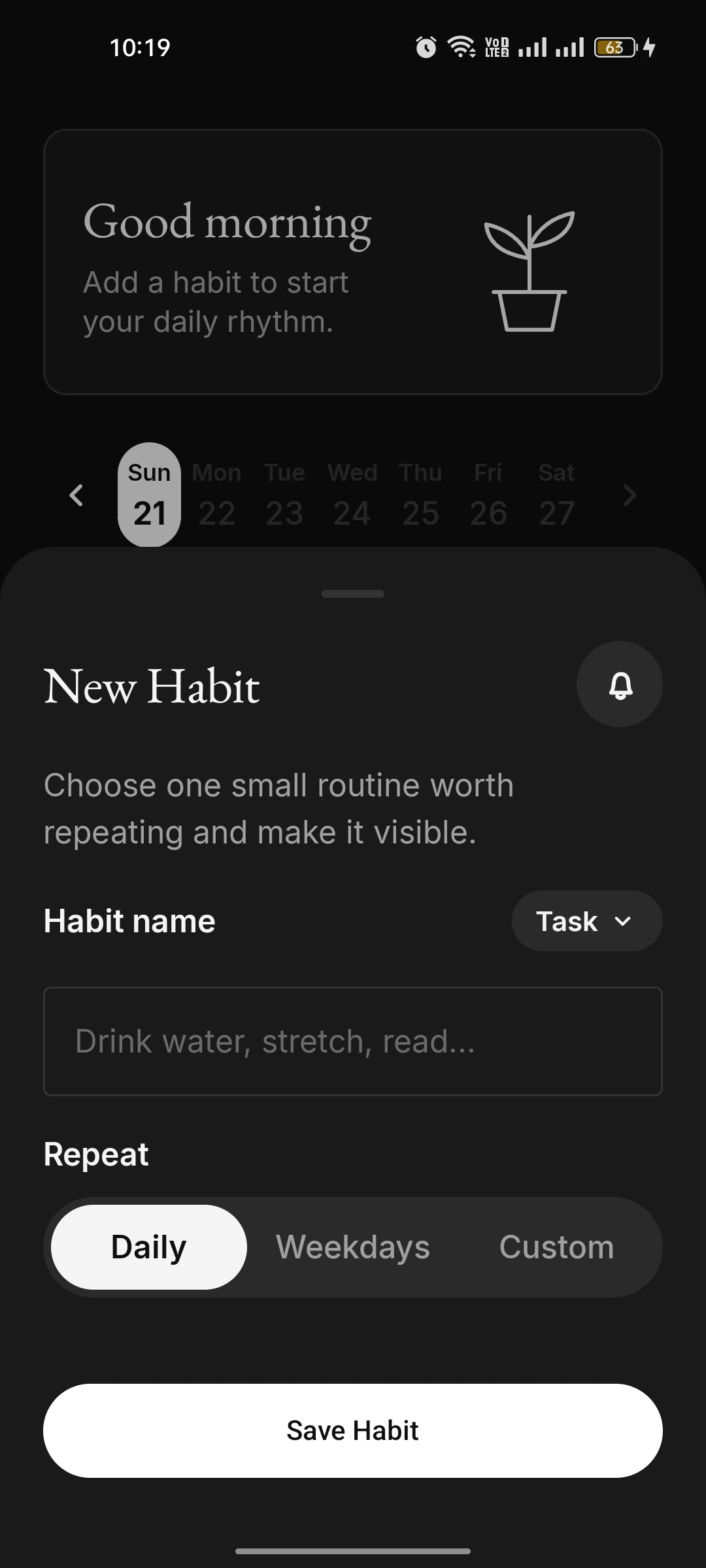
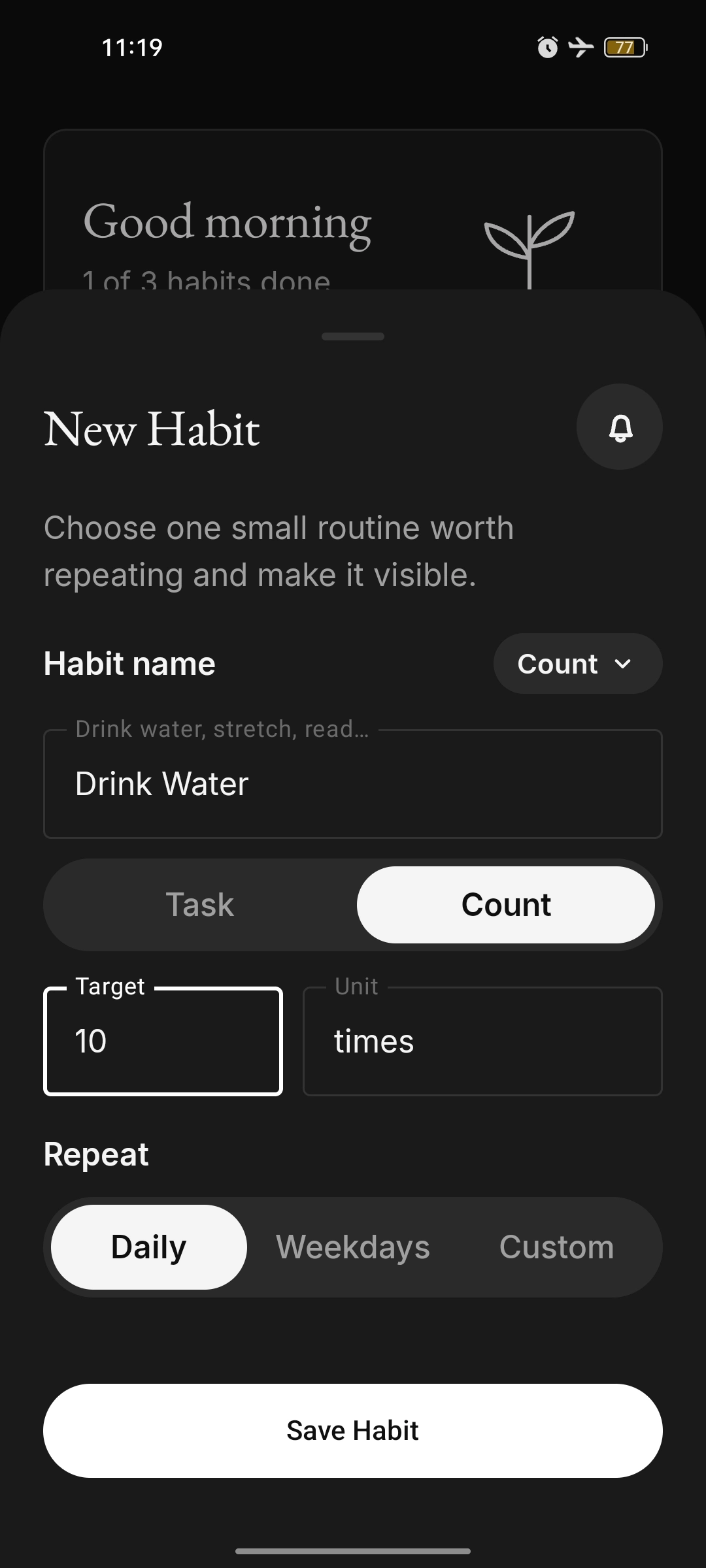
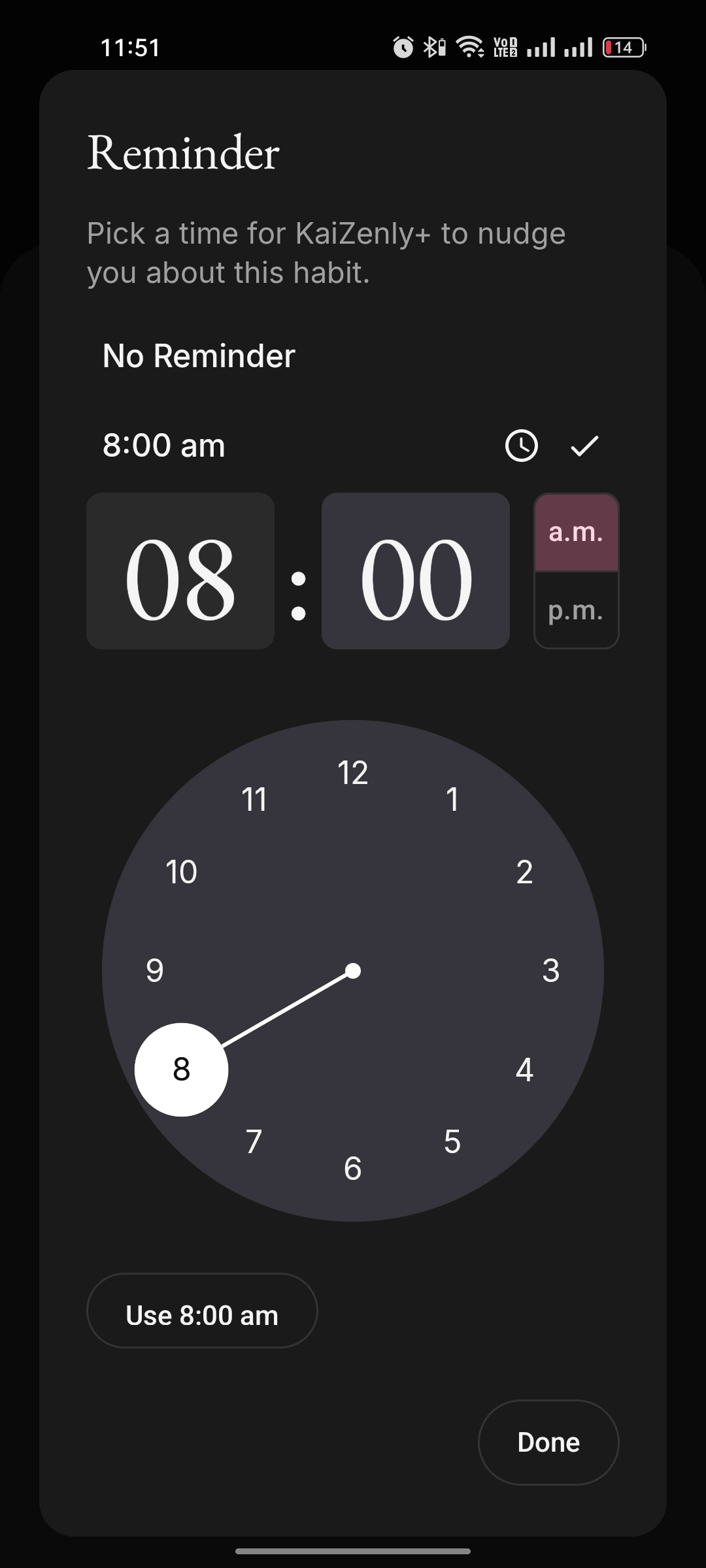
Habit setup showing Journal sync turned off, for an independent habit that can still appear later in the Journal timeline snapshot Habit setup showing the Existing Journal sync option, where a habit can link to an existing Journal activity Habit setup showing the New Journal sync option, where a new Journal activity can be created and linked to the habit Habits dashboard with a greeting, a calendar strip and three habits with progress bars Empty habits screen with a sprout illustration and "No habits yet" Habits list with a single habit, Morning meditation, not done yet New Habit bottom sheet with a Task type and a daily repeat New Habit sheet, Count type, Drink Water with a target of ten times Habit reminder time picker with a clock face Water habit detail with an overview score, history chart, calendar and streaks Count habit detail showing ten of ten times and full stats Zen Shield Focus
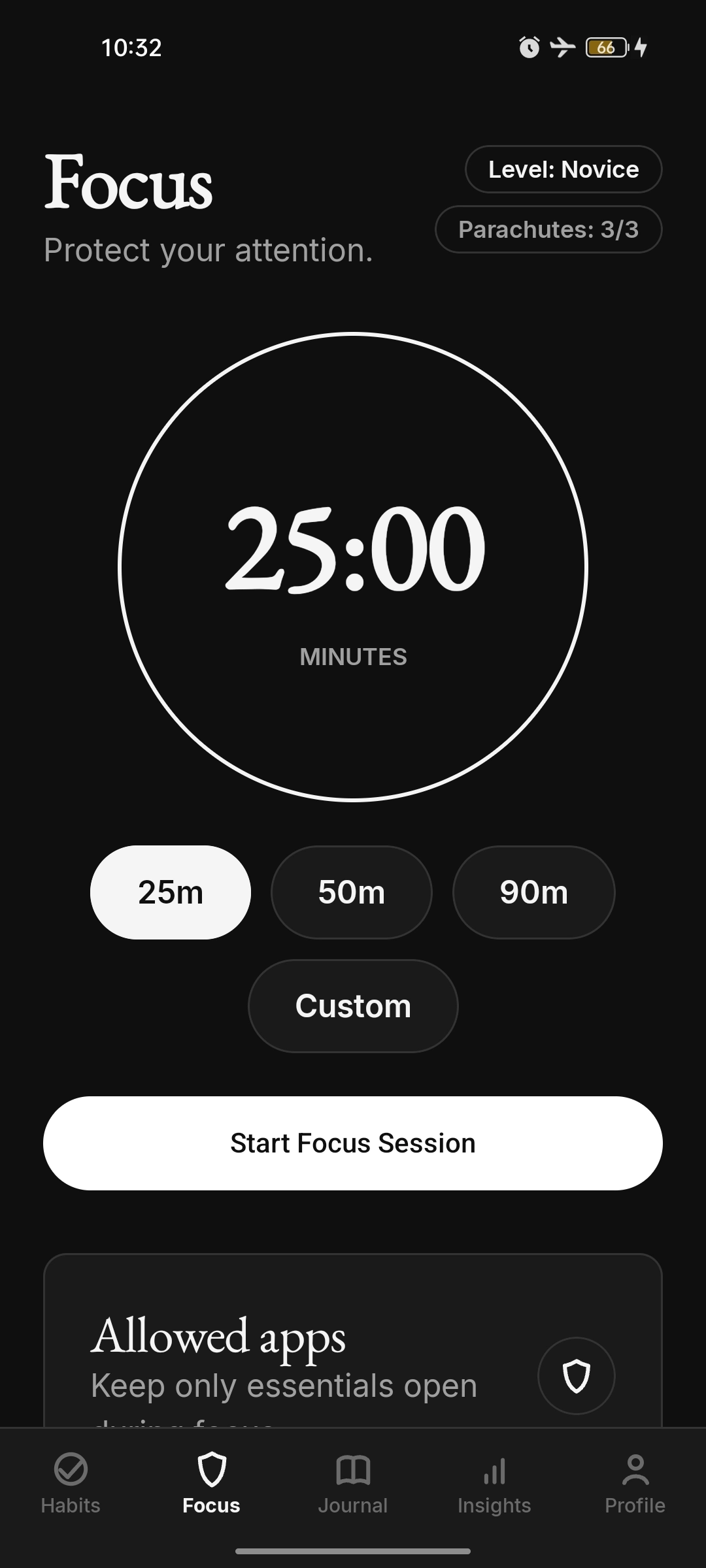
Focus session setup, allowed apps, a running session, the parachute exit, the protected wall, and a calm completion.
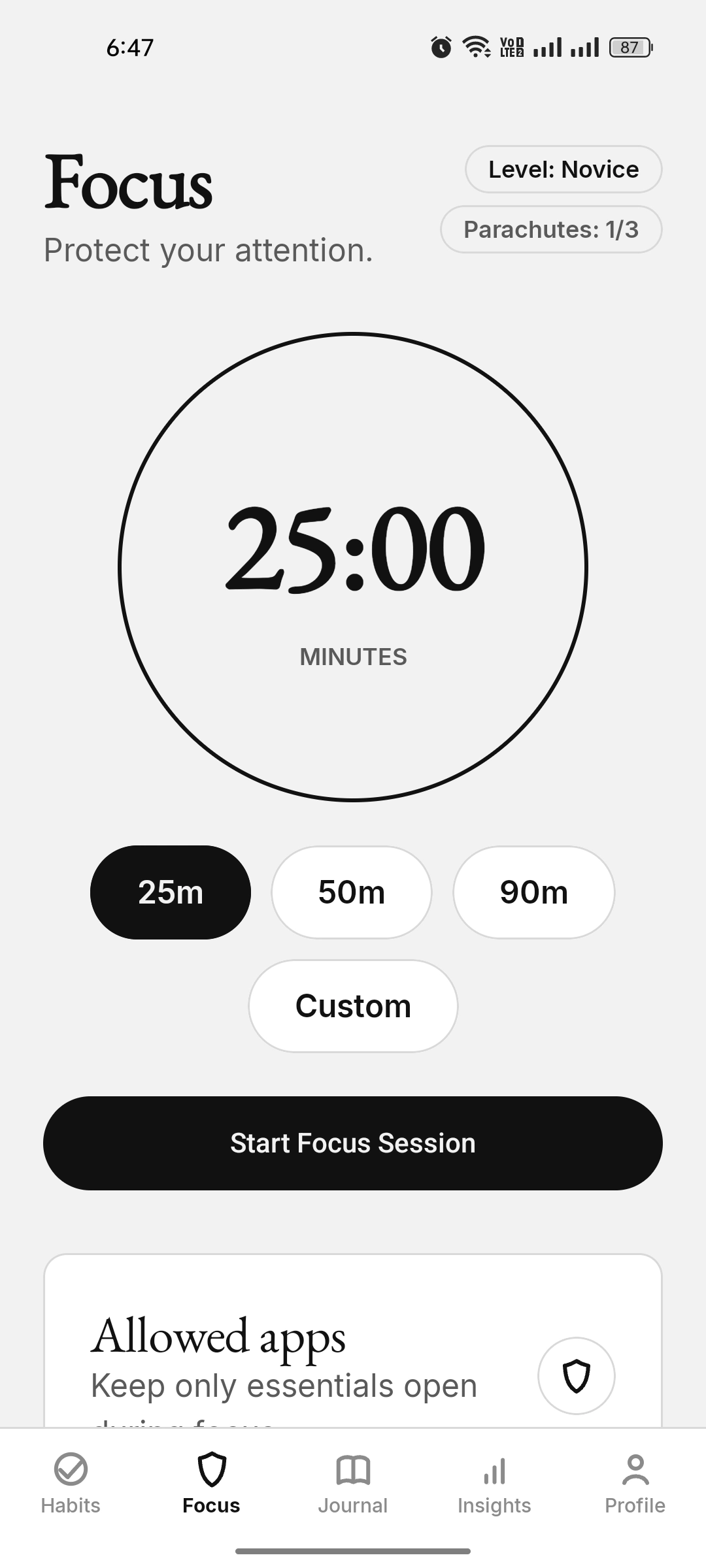
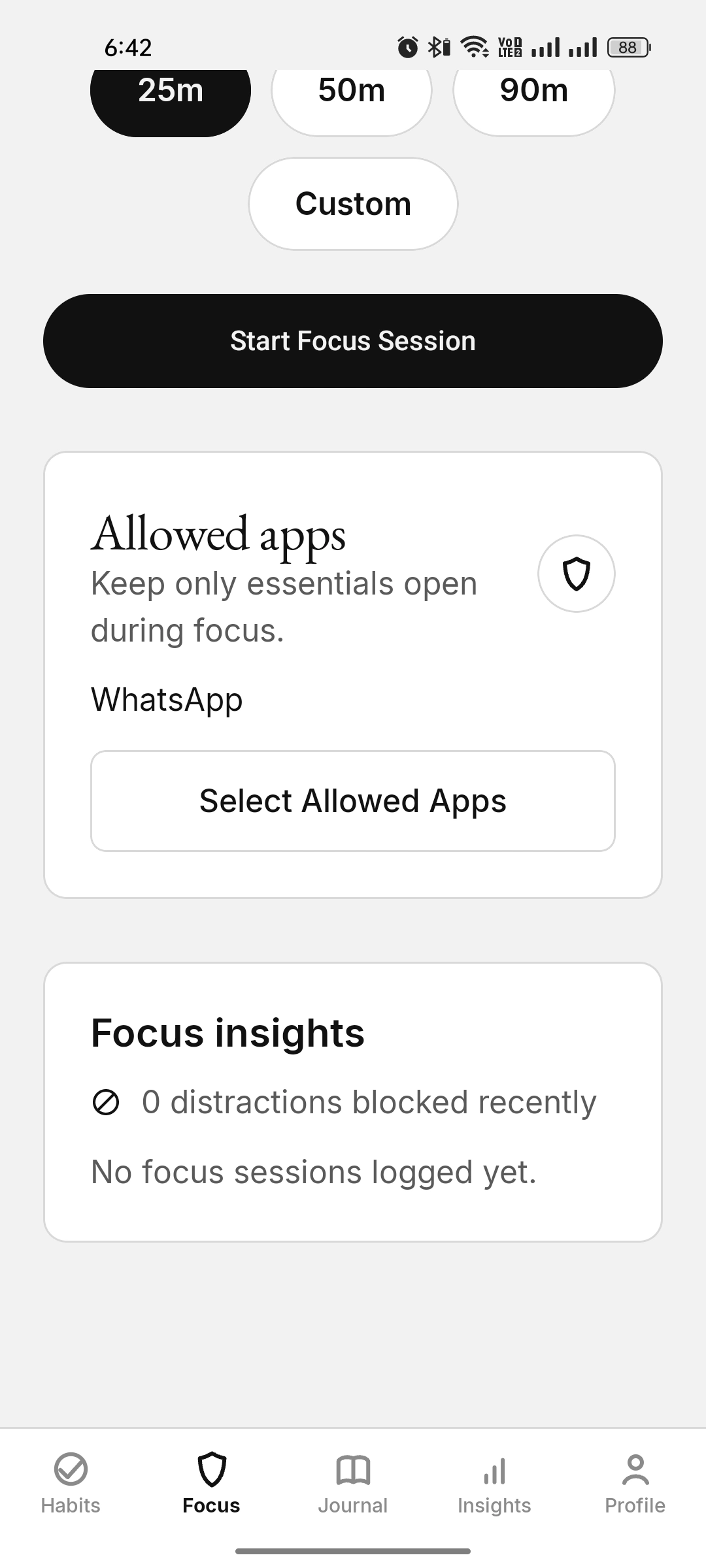
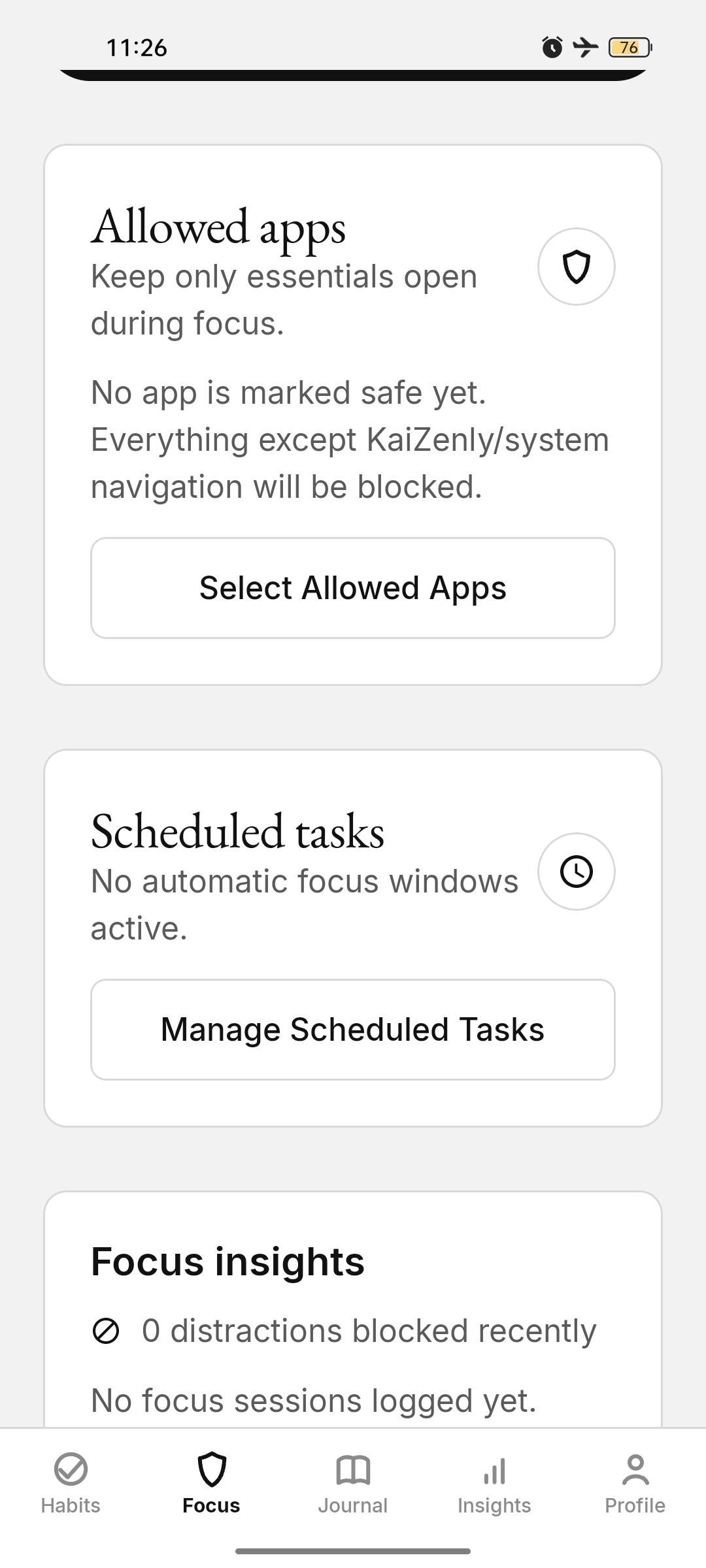
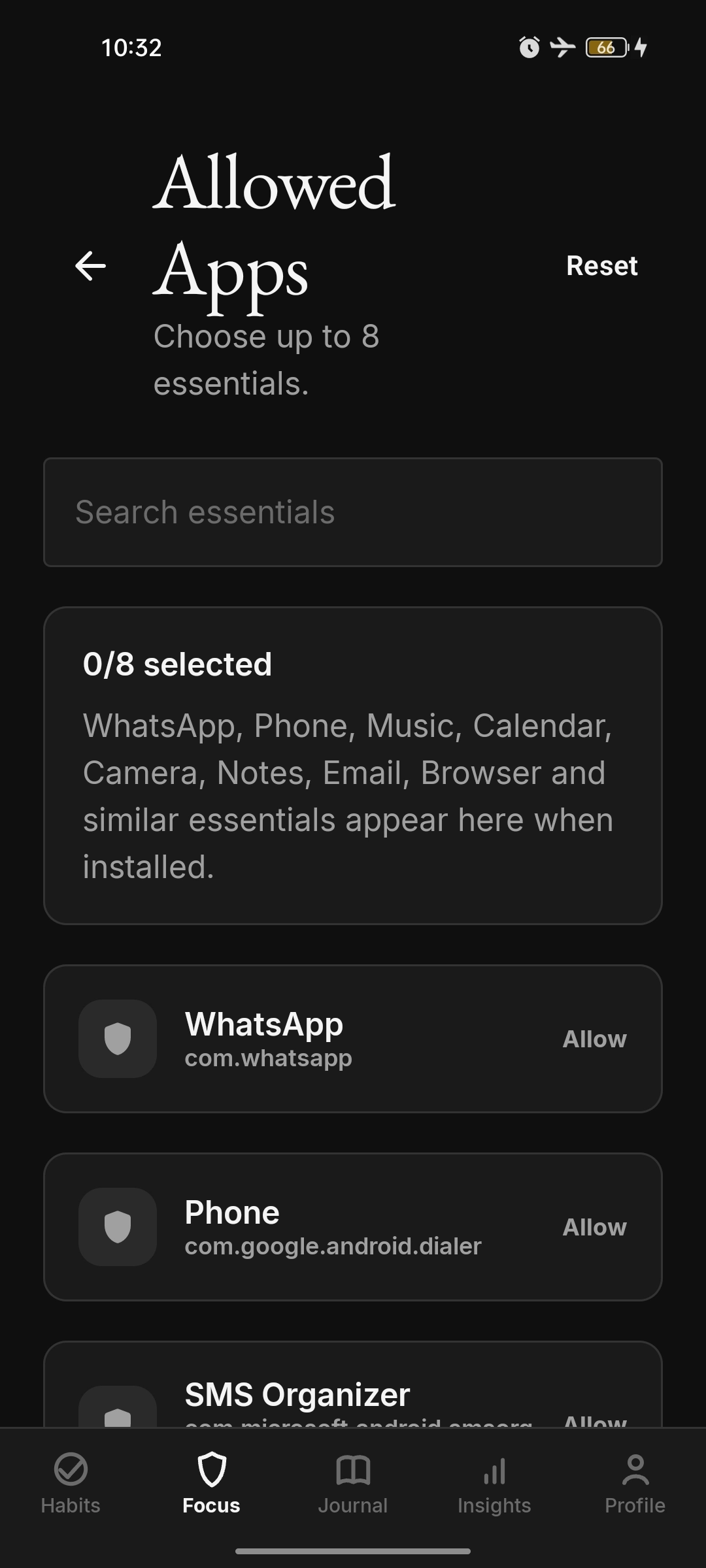
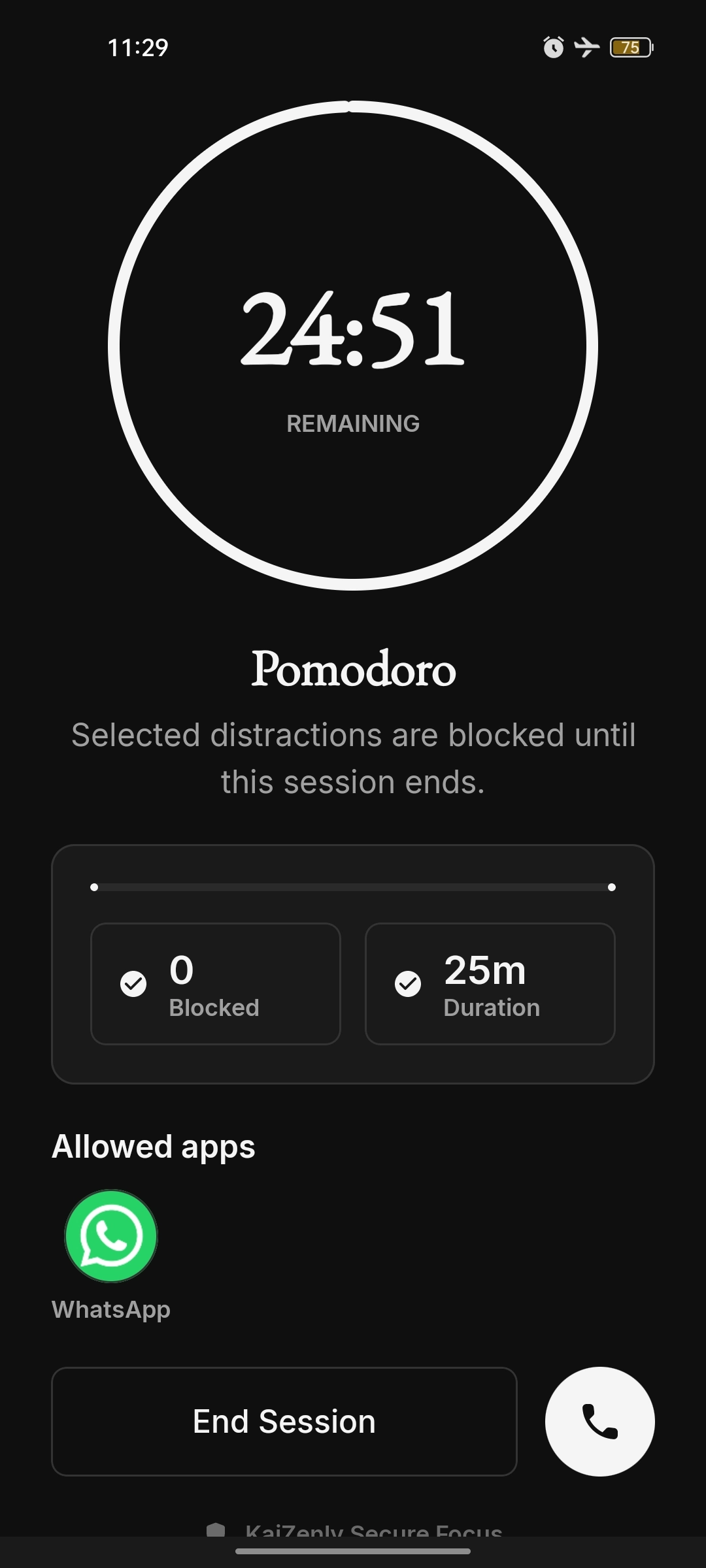
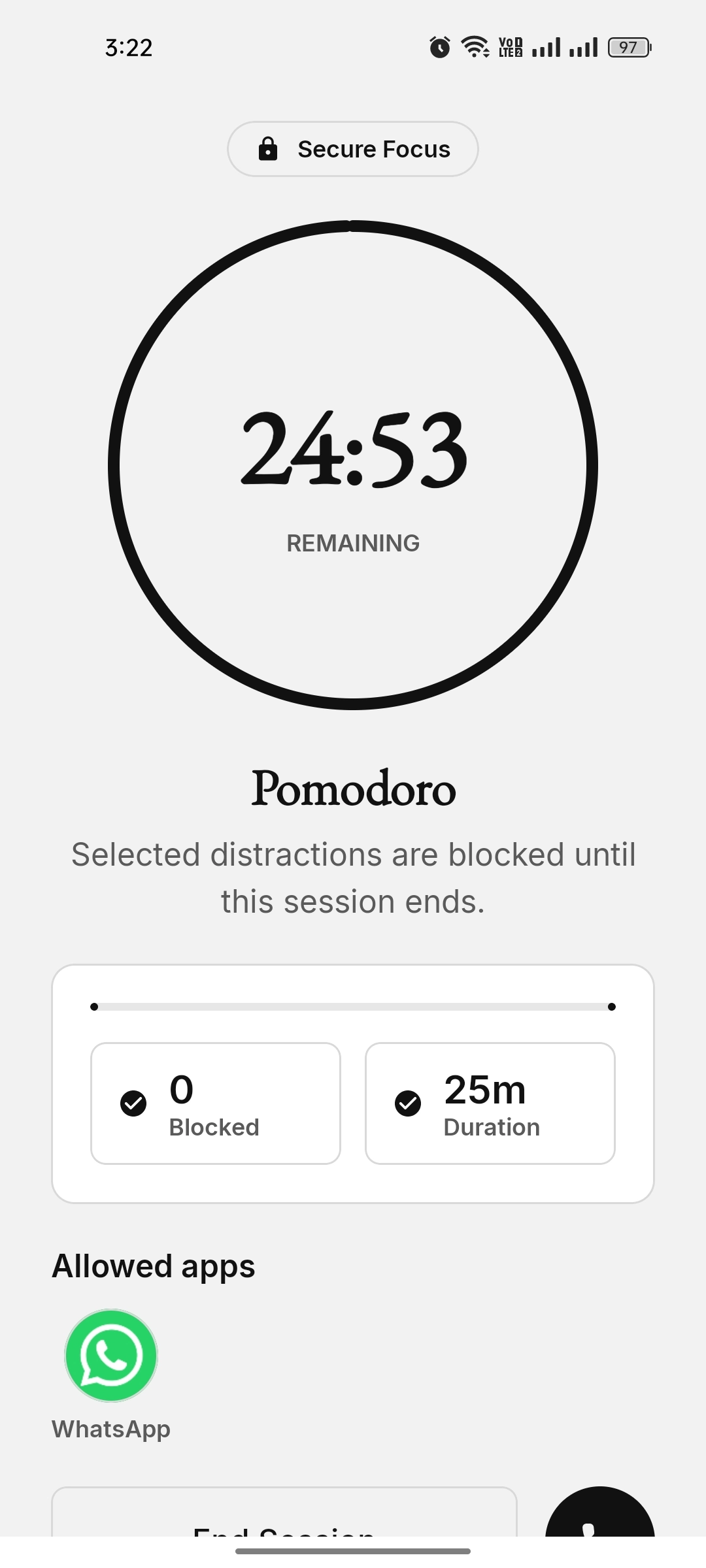
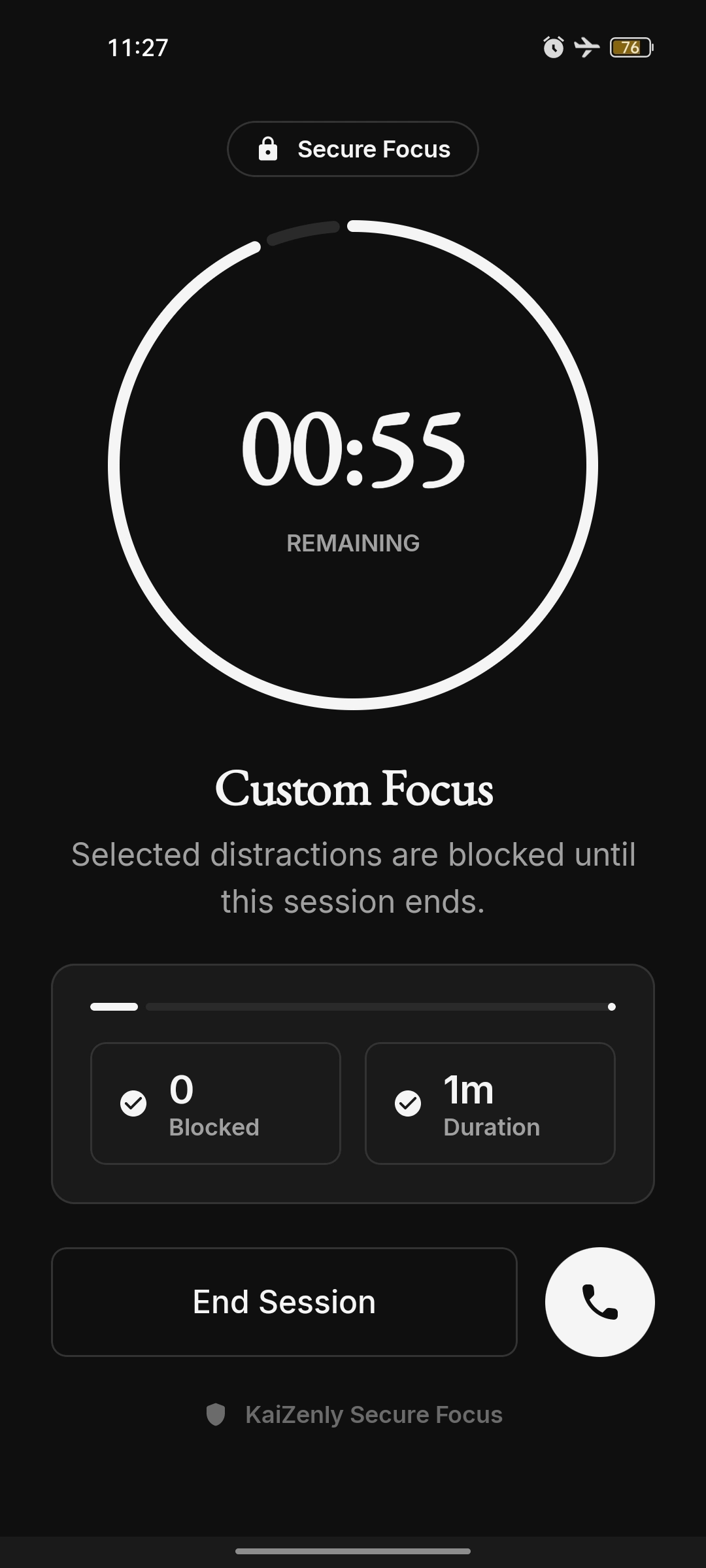
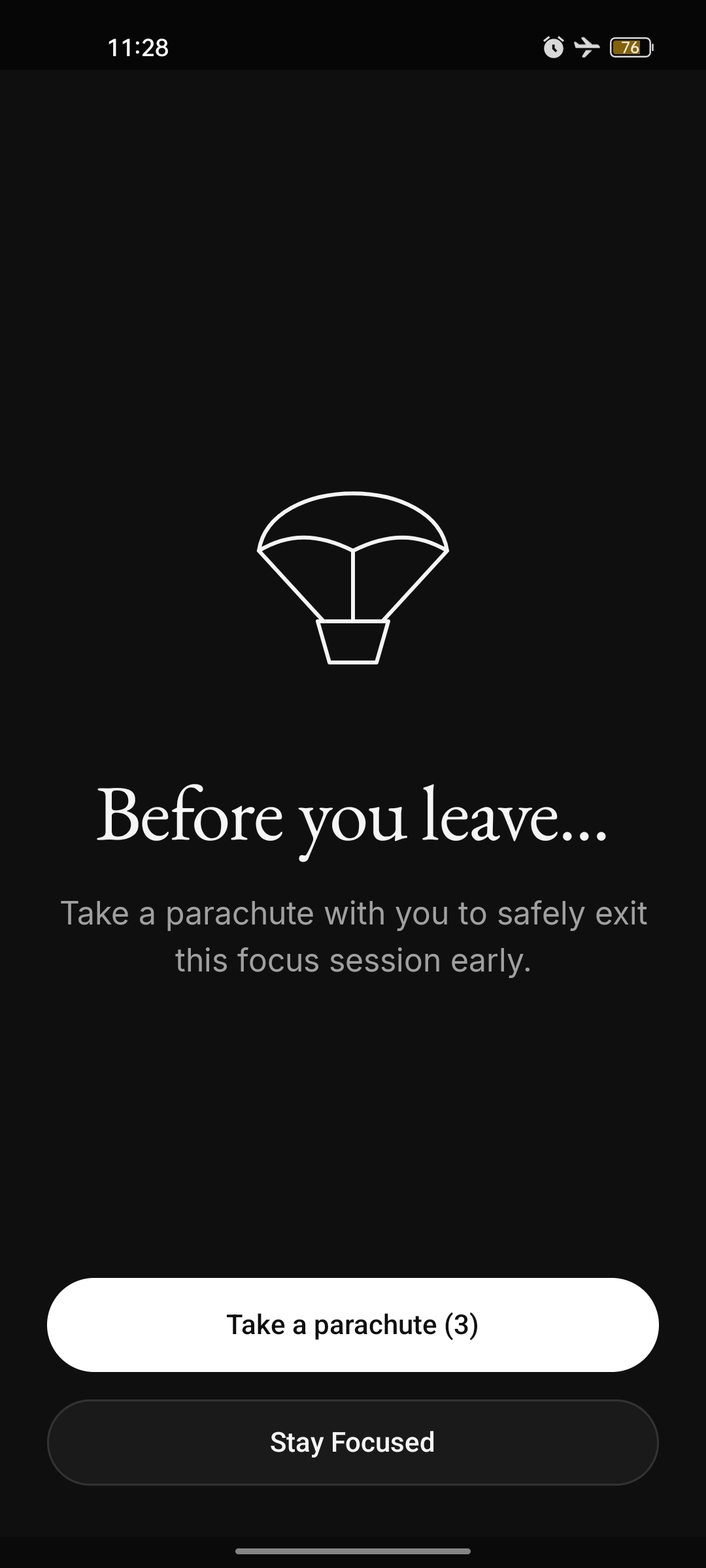
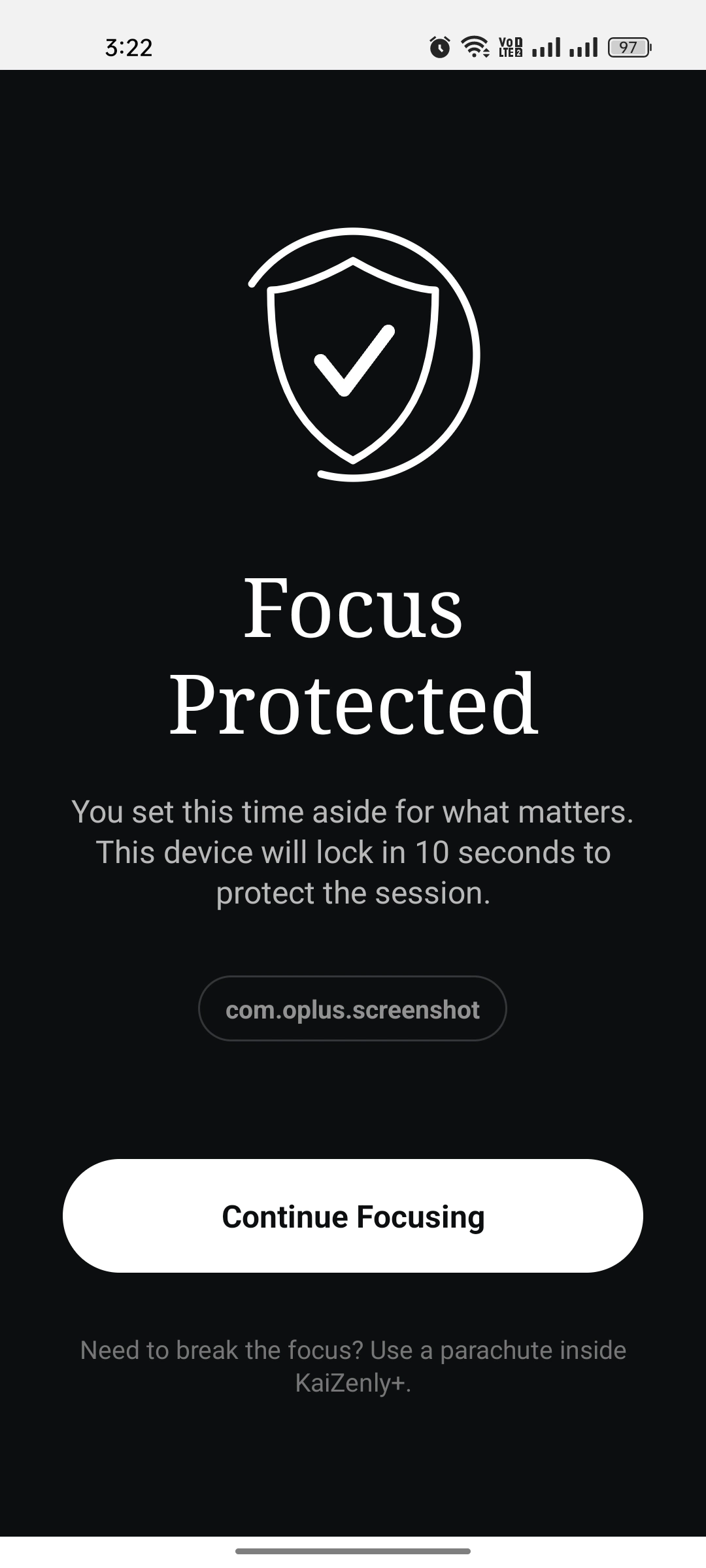
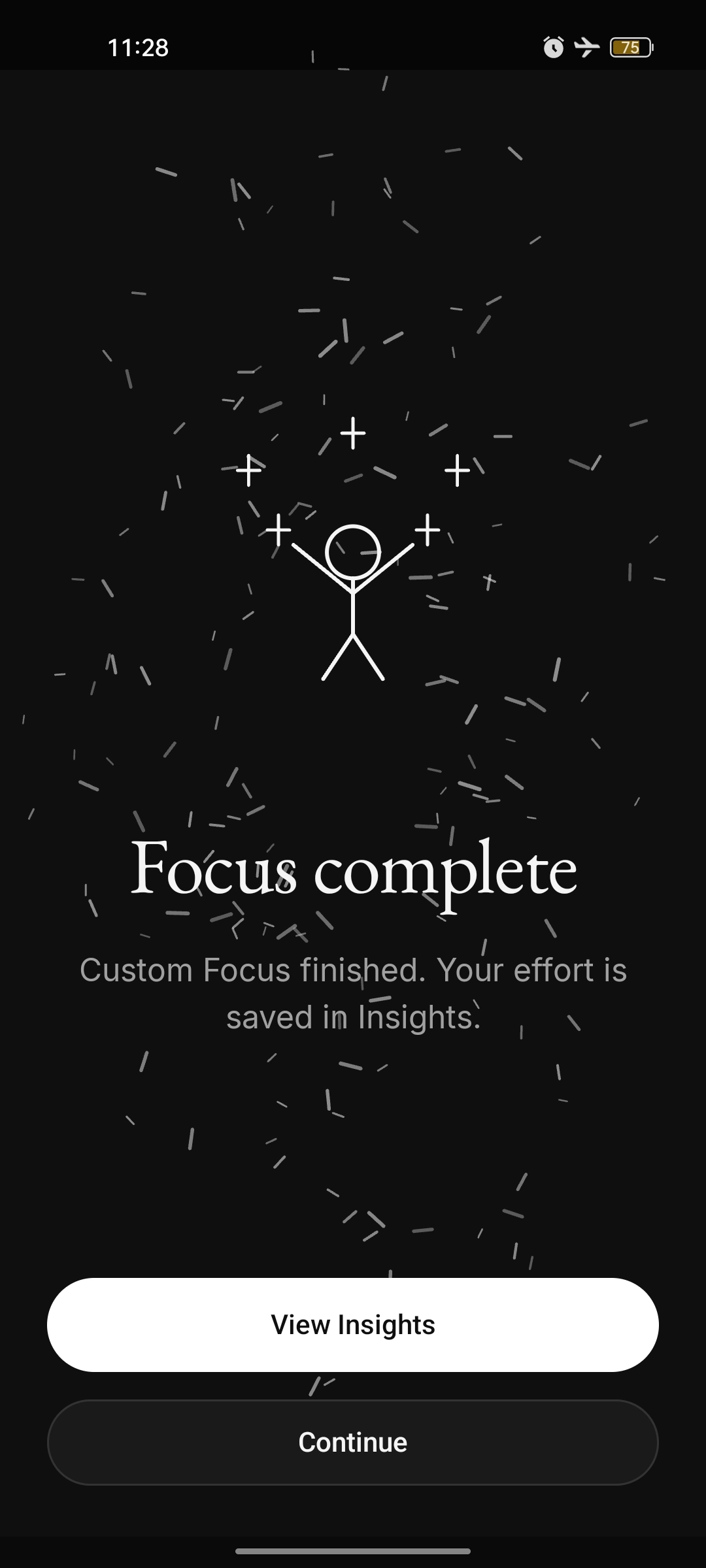
Focus setup with the timer, preset durations, a Start button and an allowed apps card Focus setup with a 25 minute timer and WhatsApp allowed Focus setup in dark theme with three of three parachutes Focus home with allowed apps, scheduled tasks and focus insights cards before any session Allowed apps picker with WhatsApp, Phone and SMS Running Pomodoro focus session, 24:51 remaining, WhatsApp allowed Running Pomodoro focus session in light theme with WhatsApp allowed Running Custom focus session with fifty-five seconds remaining Before you leave — take a parachute to safely exit a focus session early Focus Protected wall with a shield and a Continue Focusing button Focus complete celebration with confetti and a View Insights button Scheduled focus & Bedtime
Auto-start focus windows and a bedtime mode that turns on Zen Shield during your sleep hours.
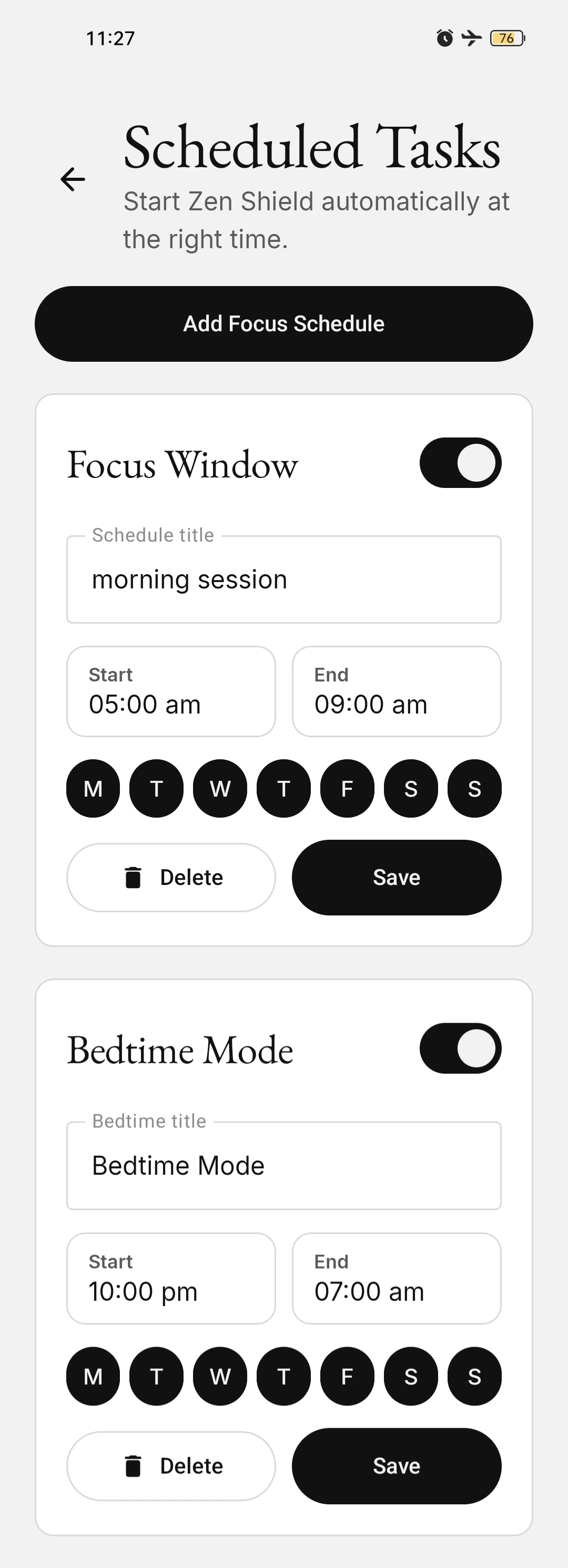
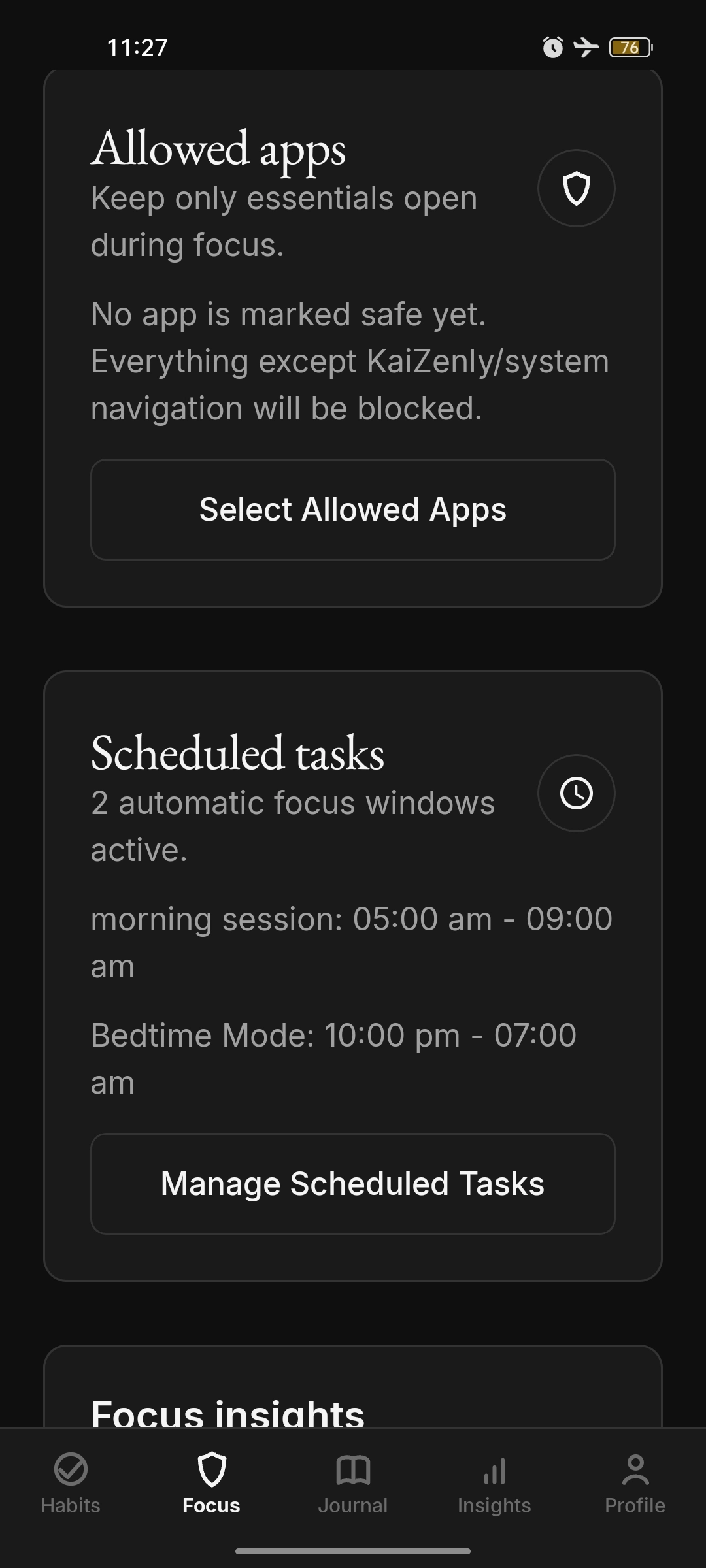
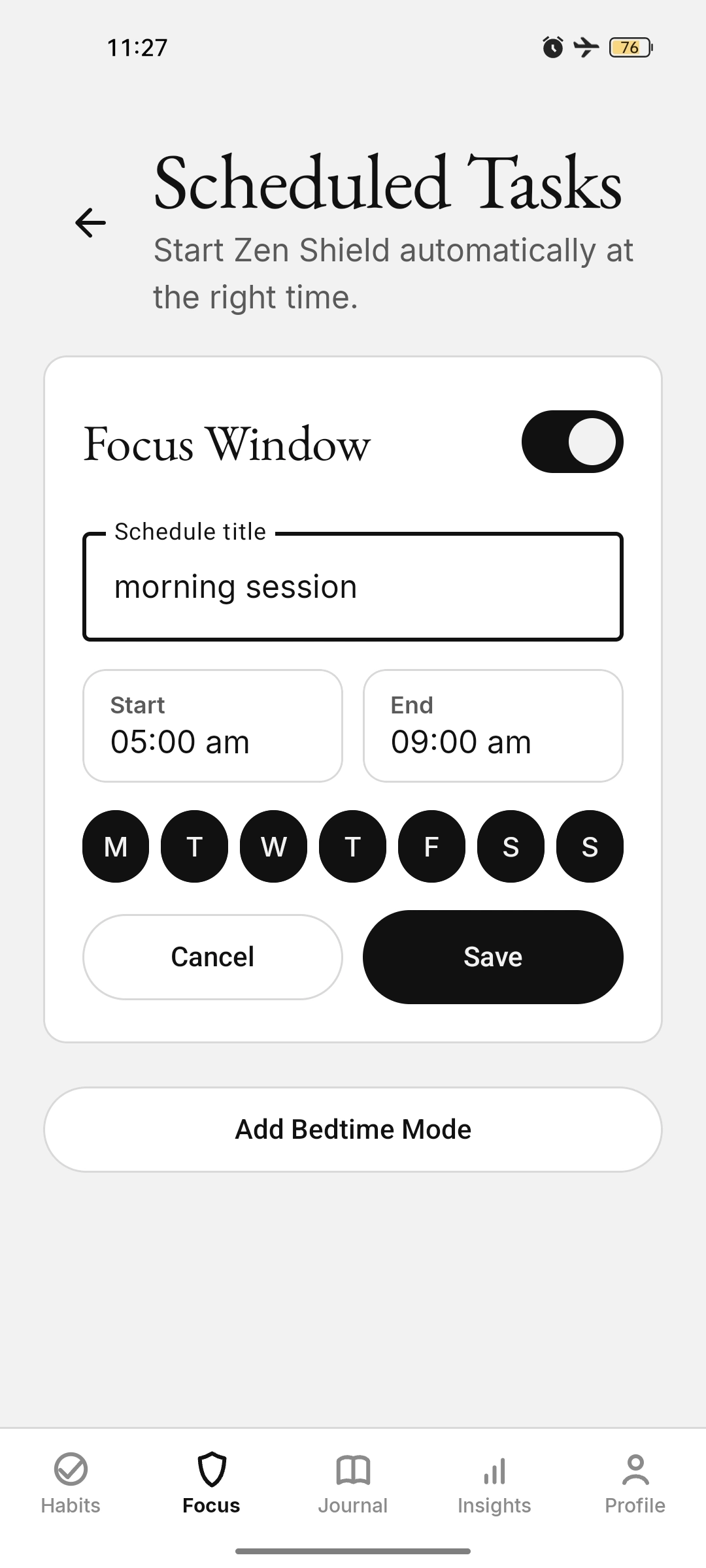
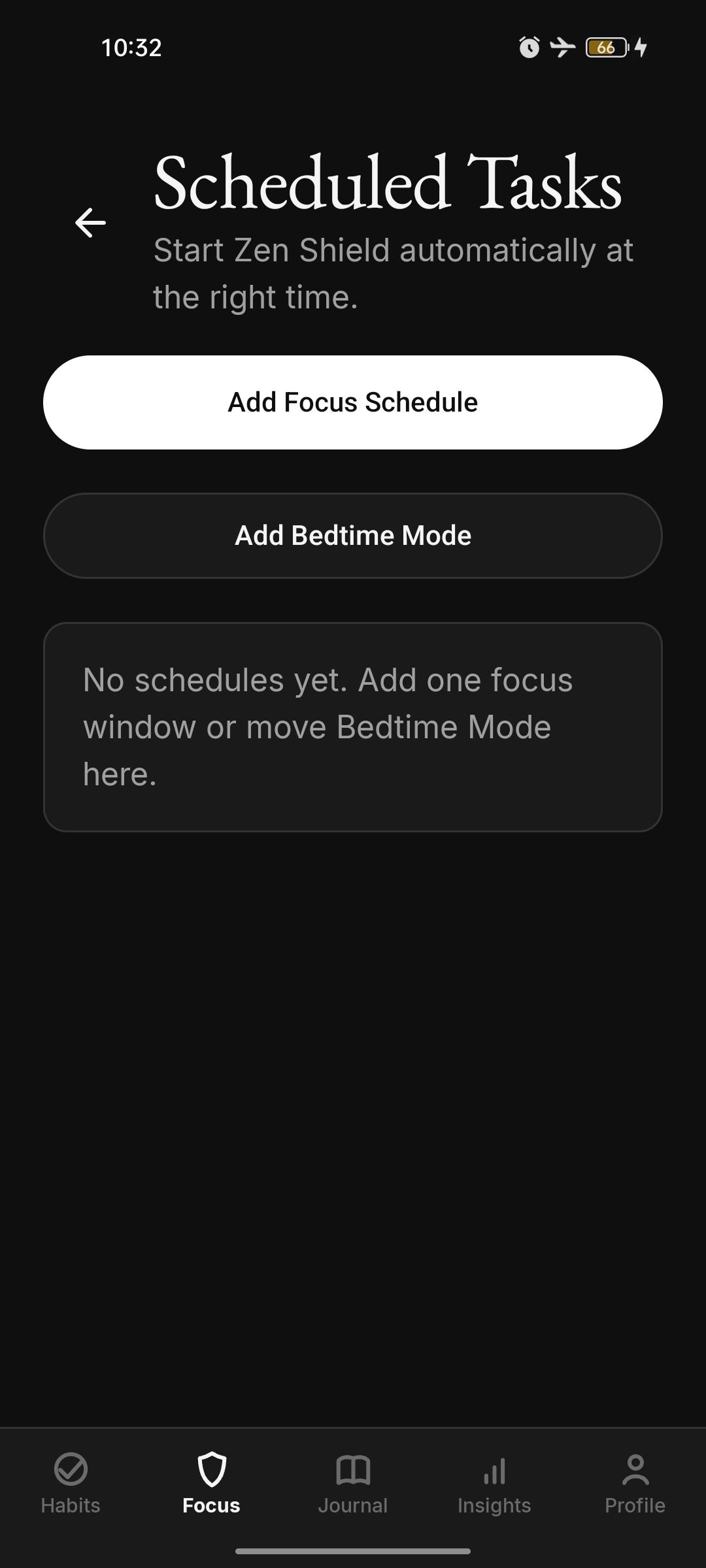
Scheduled tasks with a morning Focus Window and a Bedtime Mode configured Scheduled tasks with two active windows, a morning session and bedtime mode, in dark theme Focus Window form for a morning session from five to nine, Monday to Sunday Empty scheduled tasks screen with Add Focus Schedule and Add Bedtime Mode Journal & Mood
Mood-aware journaling with a quick mood picker, tags, prompt templates, and a calm empty state.
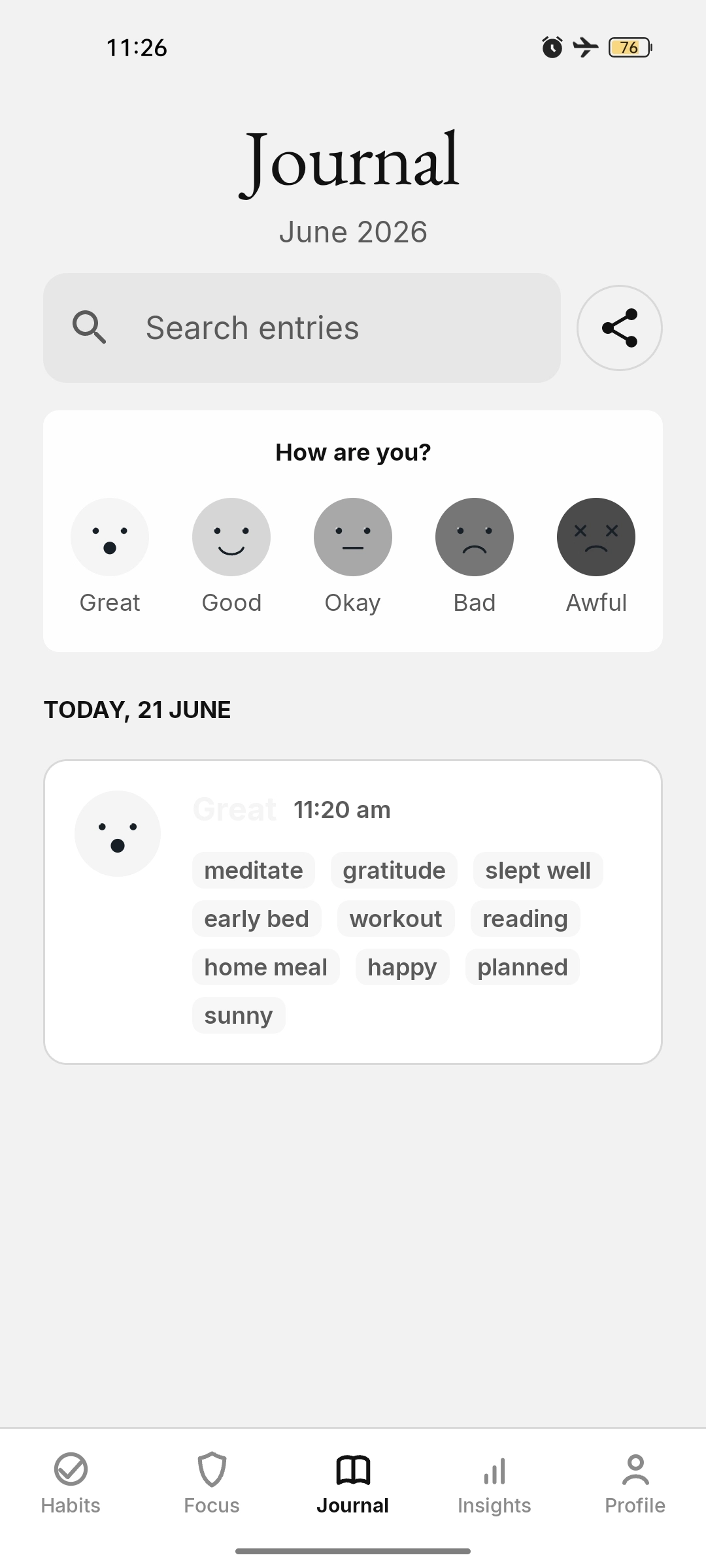
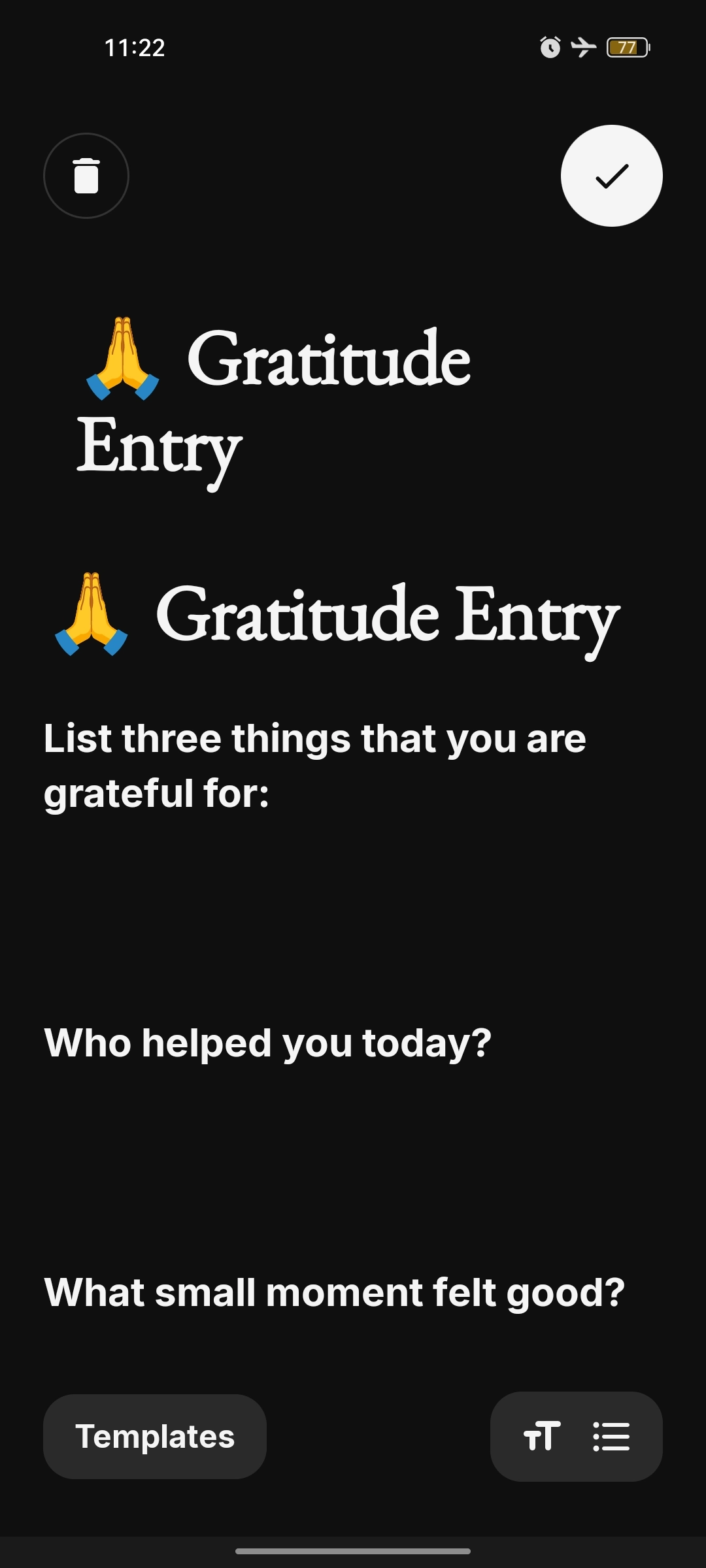
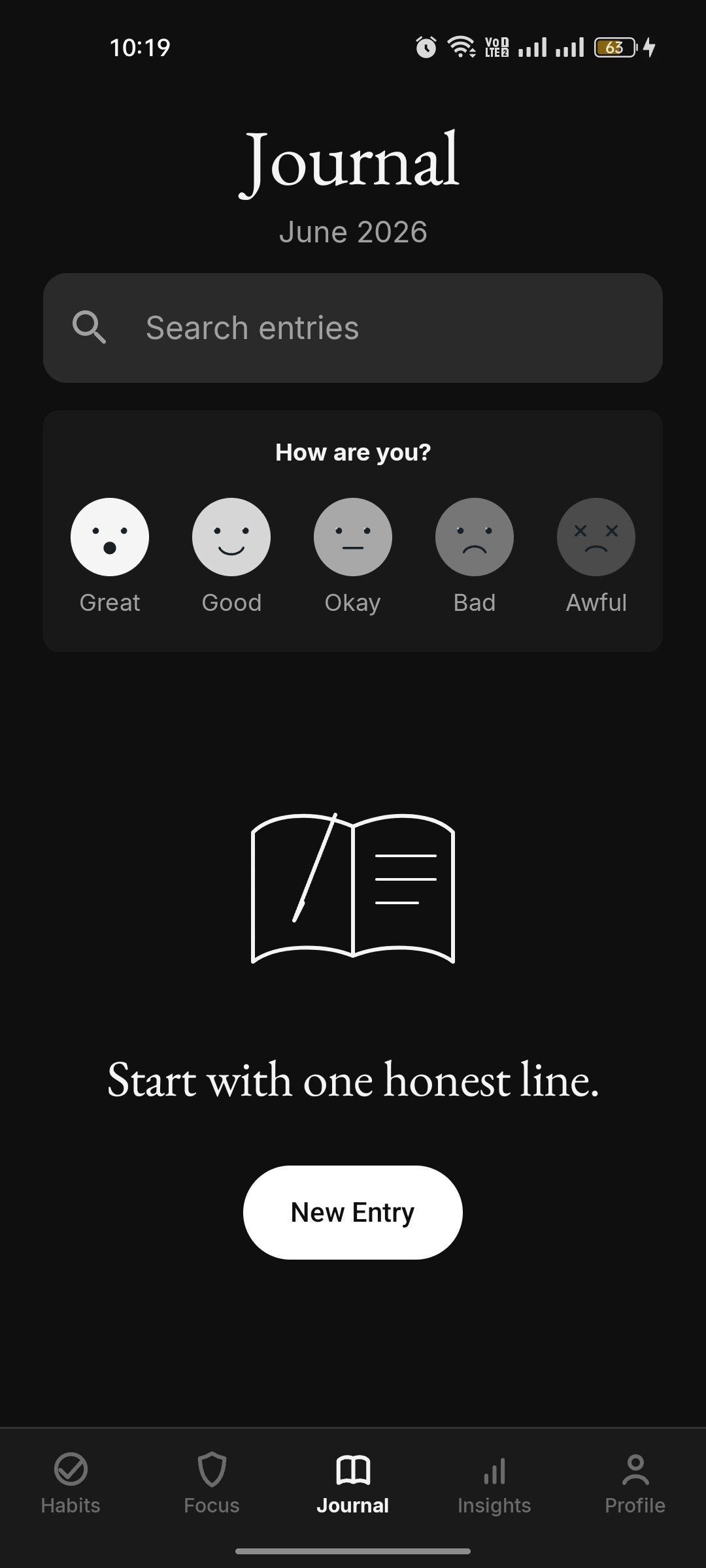
Journal with a Great mood entry and tags Gratitude journal template with guided prompts Empty journal with a mood picker and the prompt "Start with one honest line" Insights
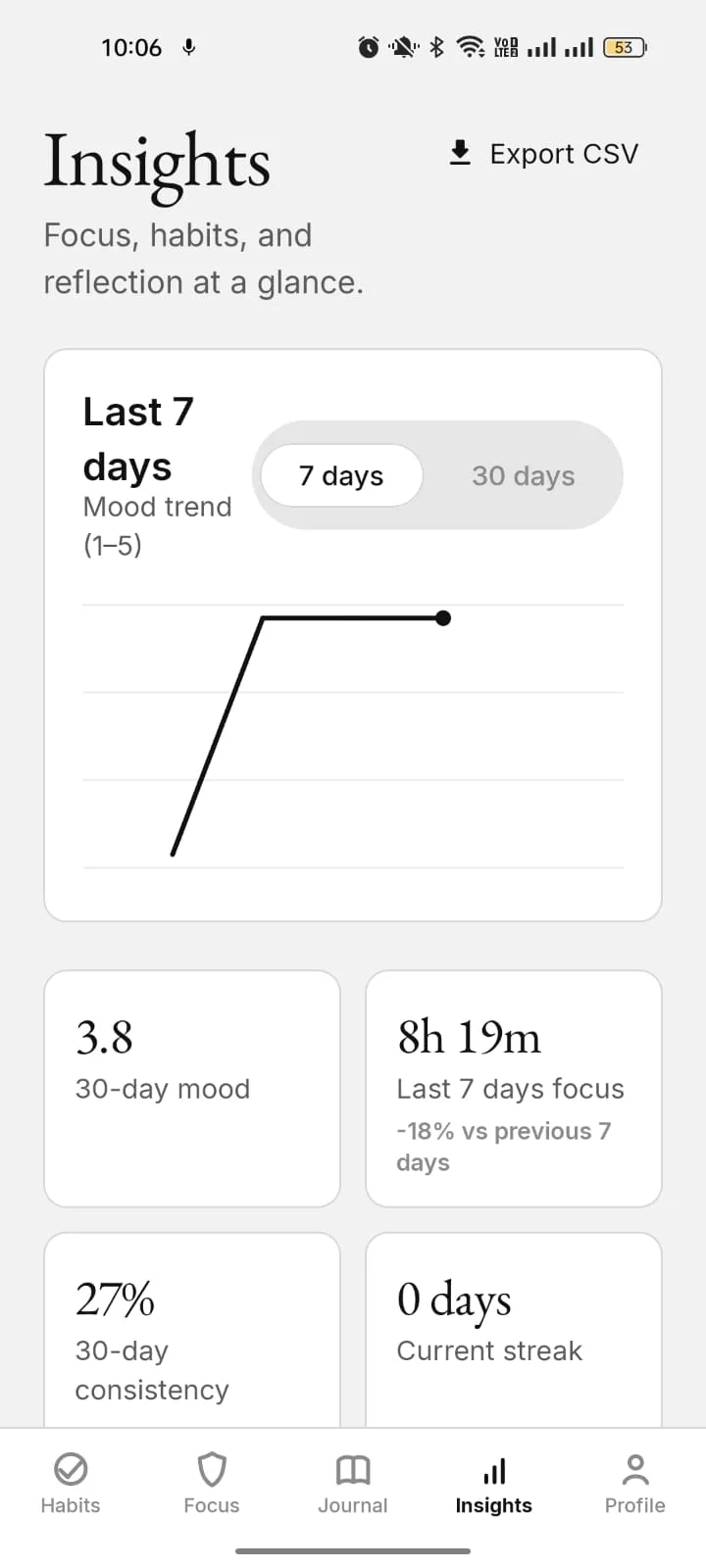
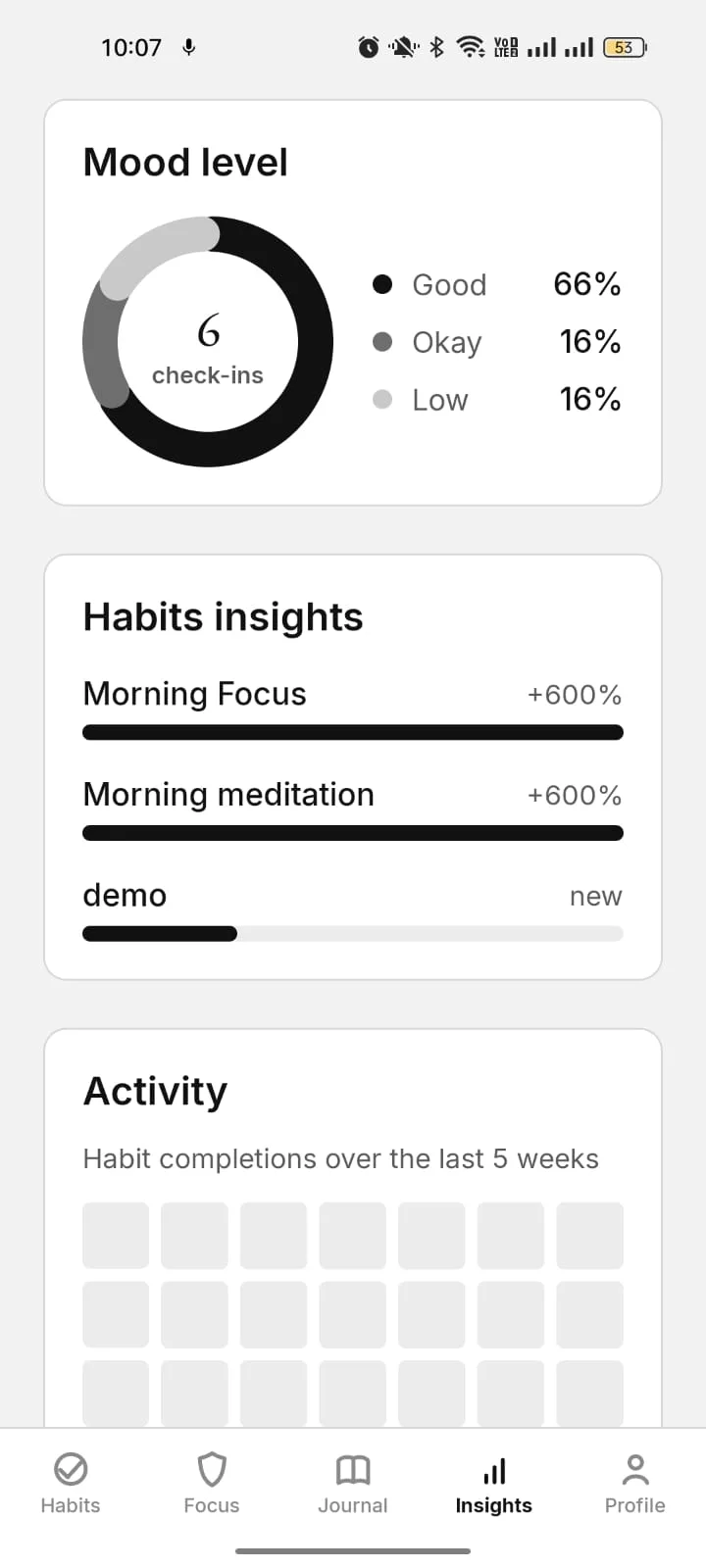
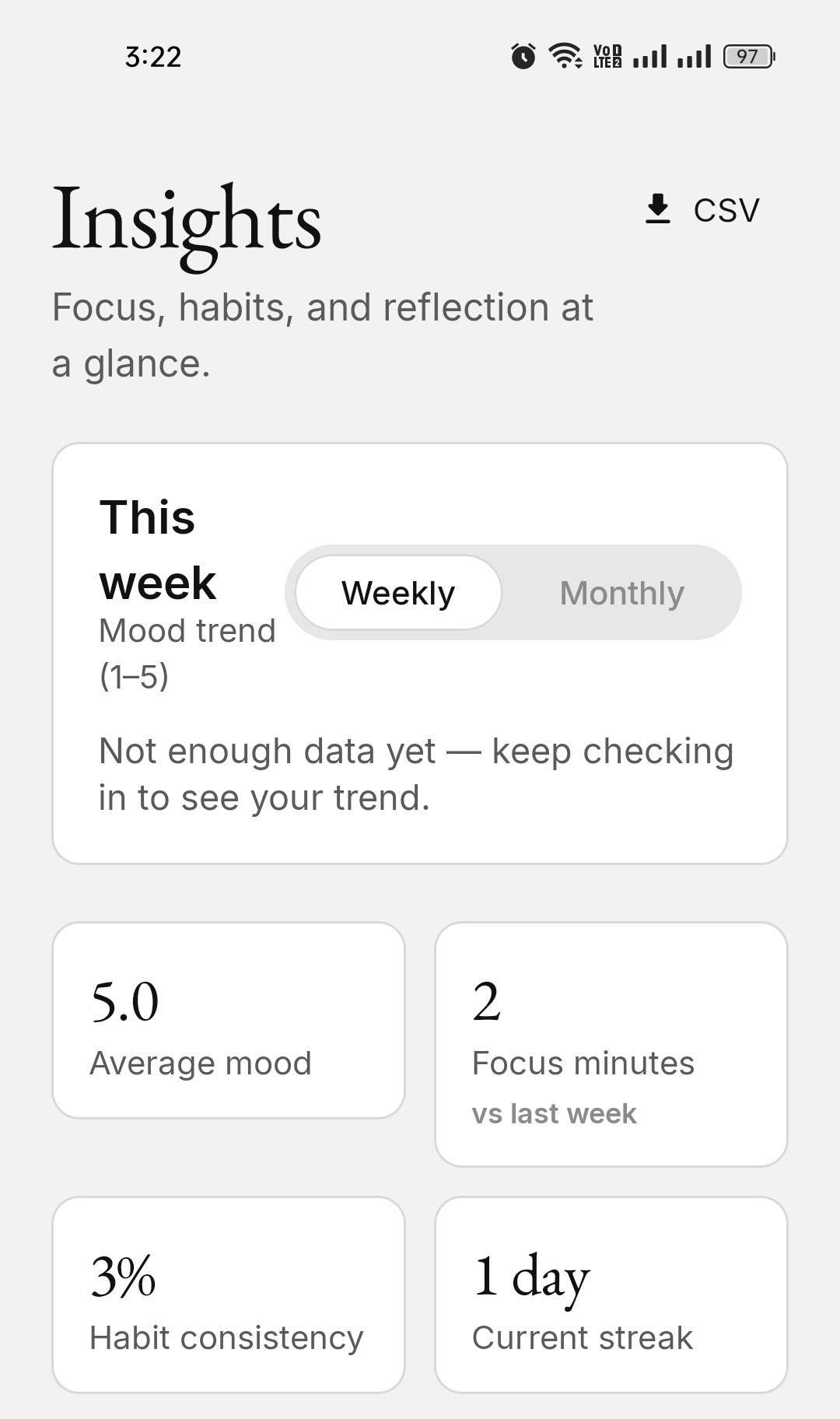
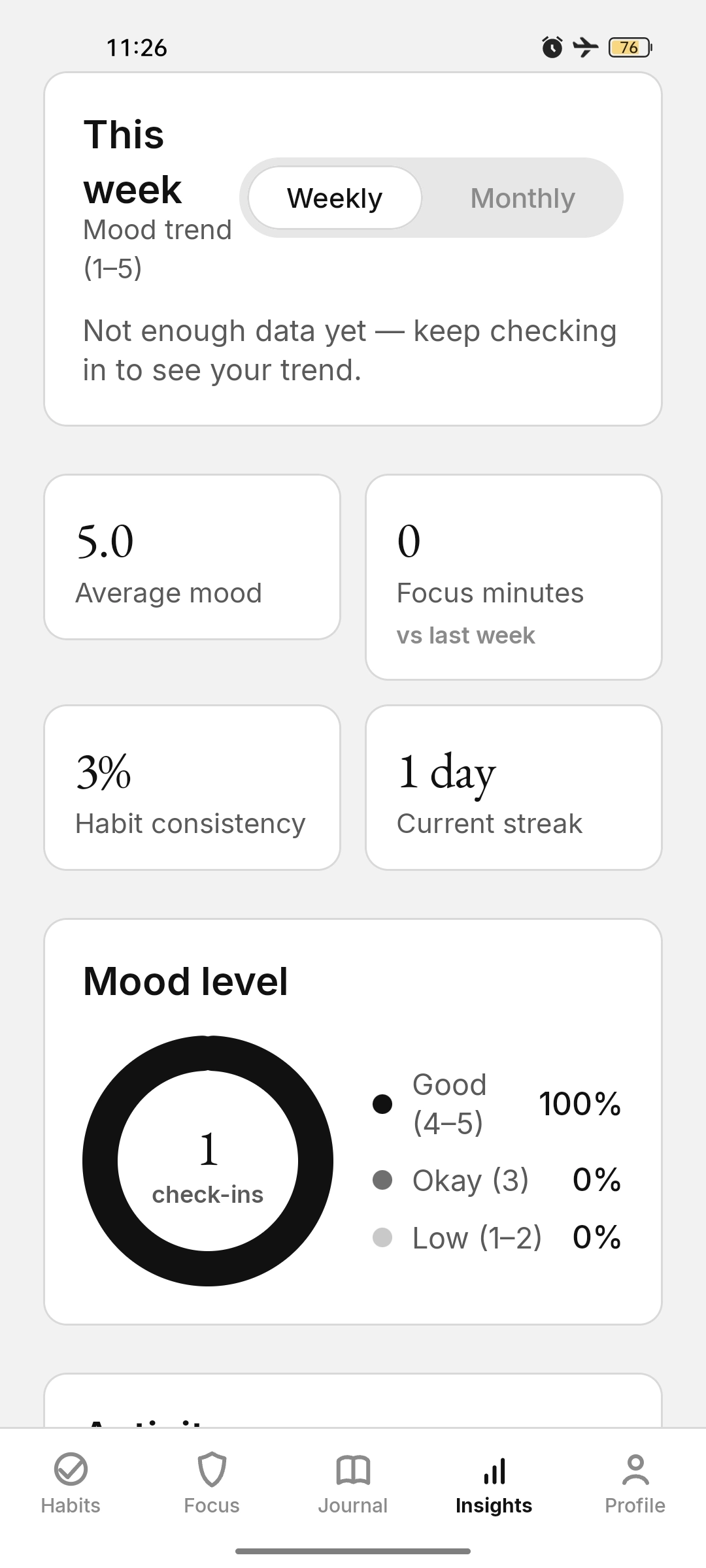
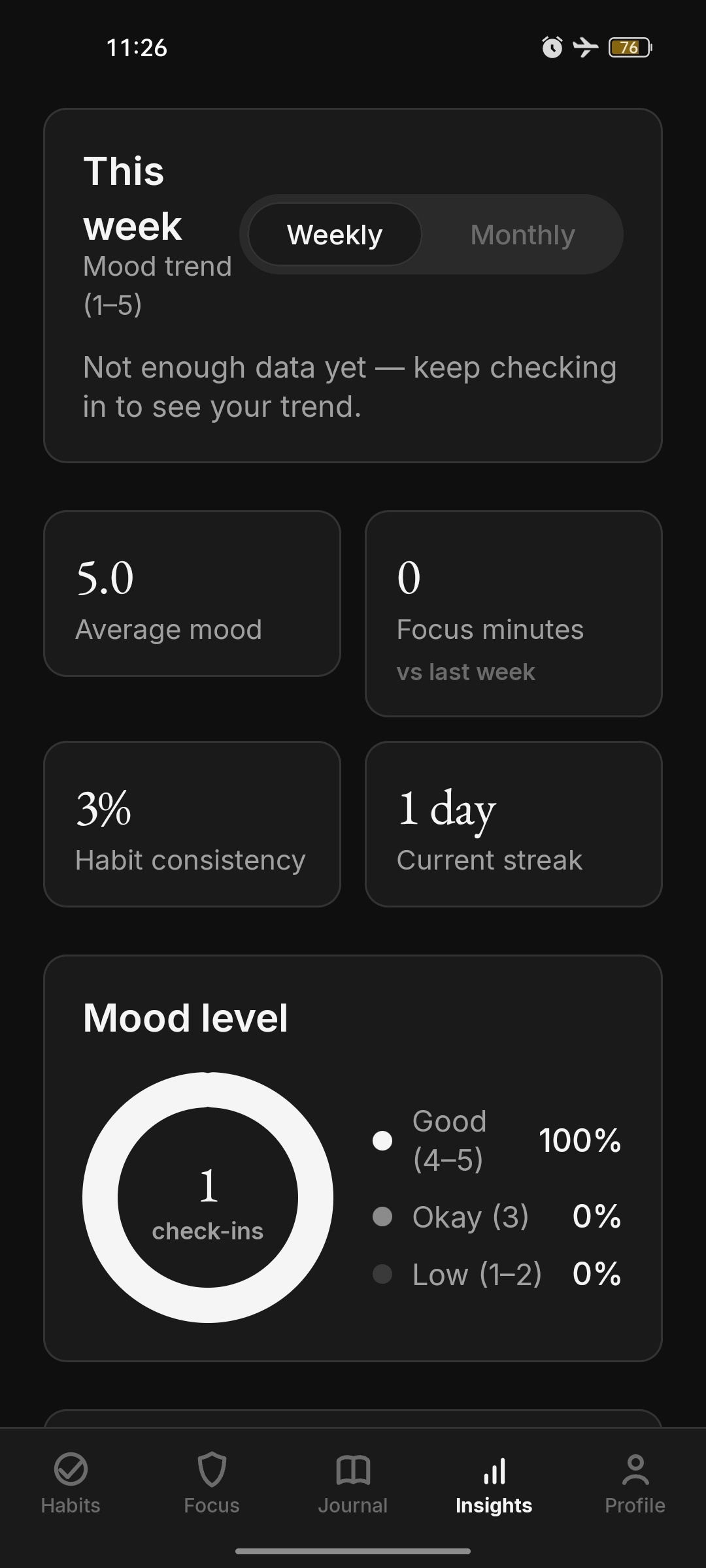
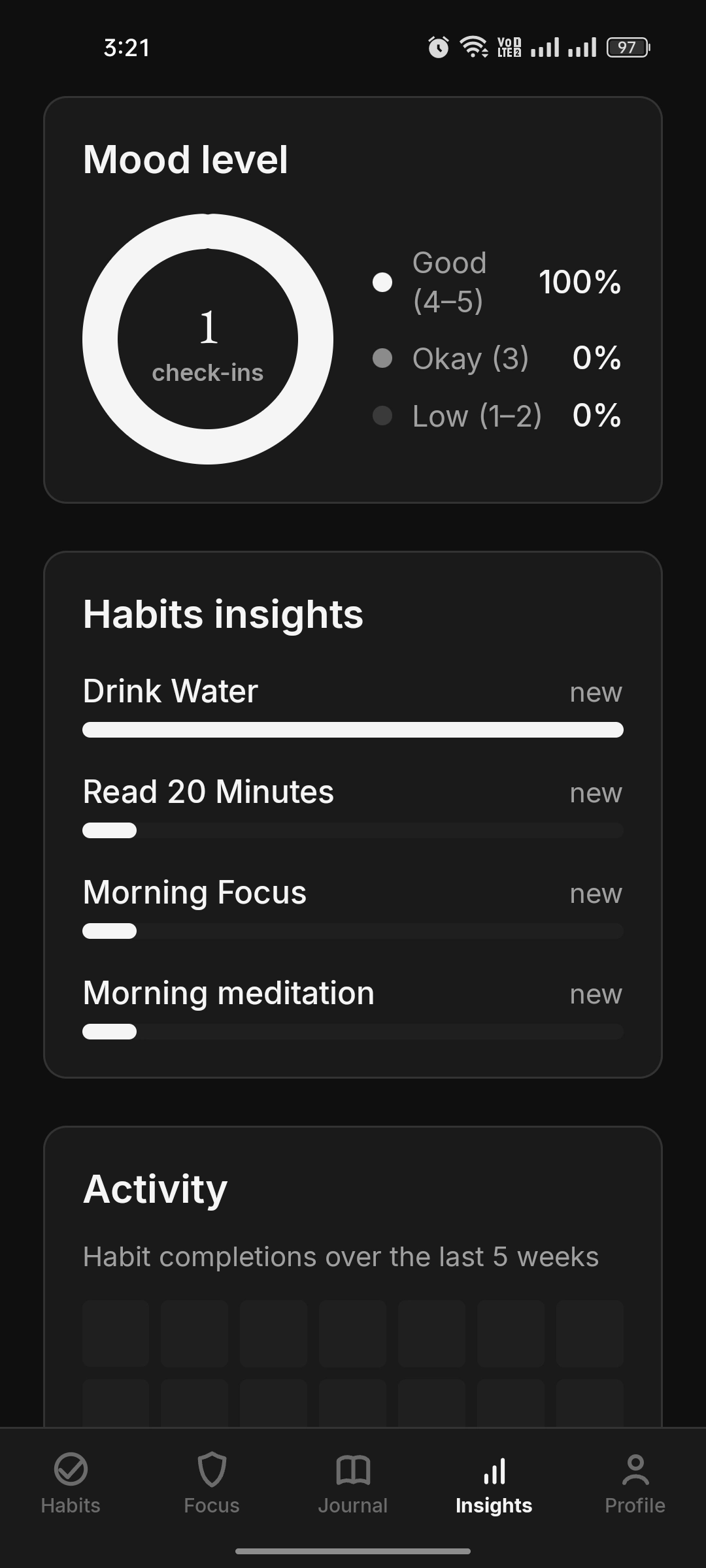
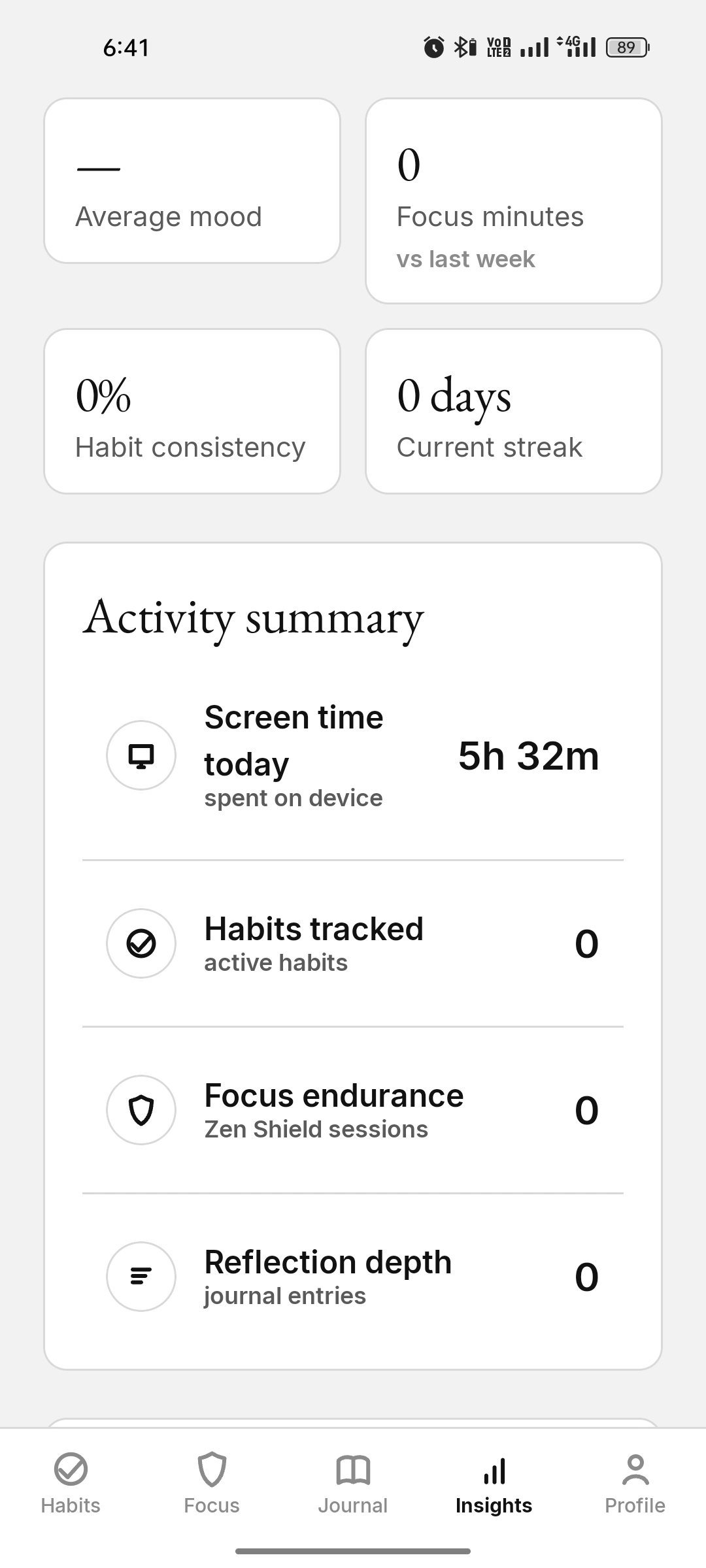
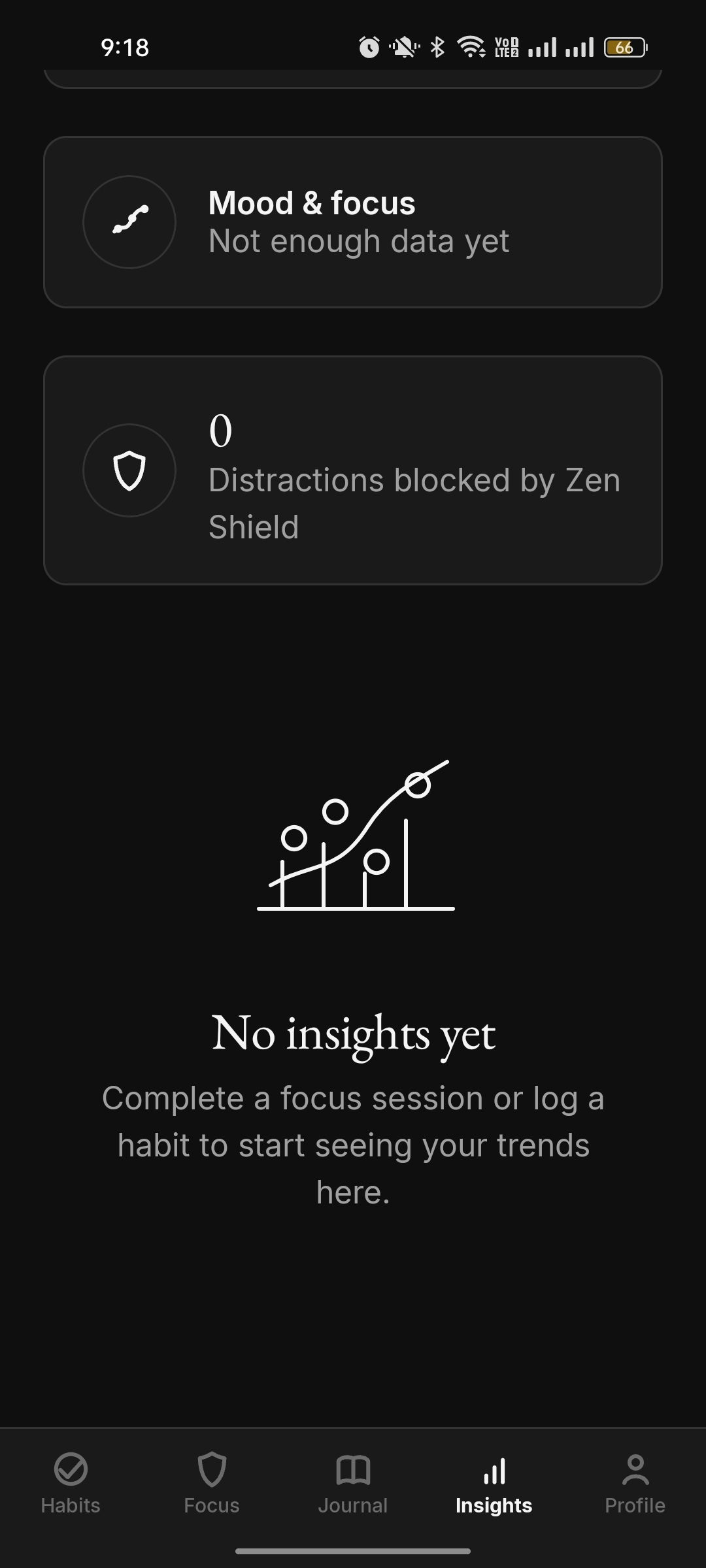
On-device analytics: a mood trend, a mood donut, habit comparison bars, and stat tiles.
Insights with real mood trend, focus stats, consistency and current streak tiles in light theme Insights with mood level donut, habit comparison bars and activity heatmap in light theme Insights with a mood trend and stat tiles, five point zero average mood Insights with a weekly mood trend and a mood-level donut chart in light theme Insights with a mood-level donut chart in dark theme Insights habit comparison bars for four habits in dark theme Insights with stat tiles and an activity summary in light theme Empty insights with a "No insights yet" message in dark theme Backup & Privacy
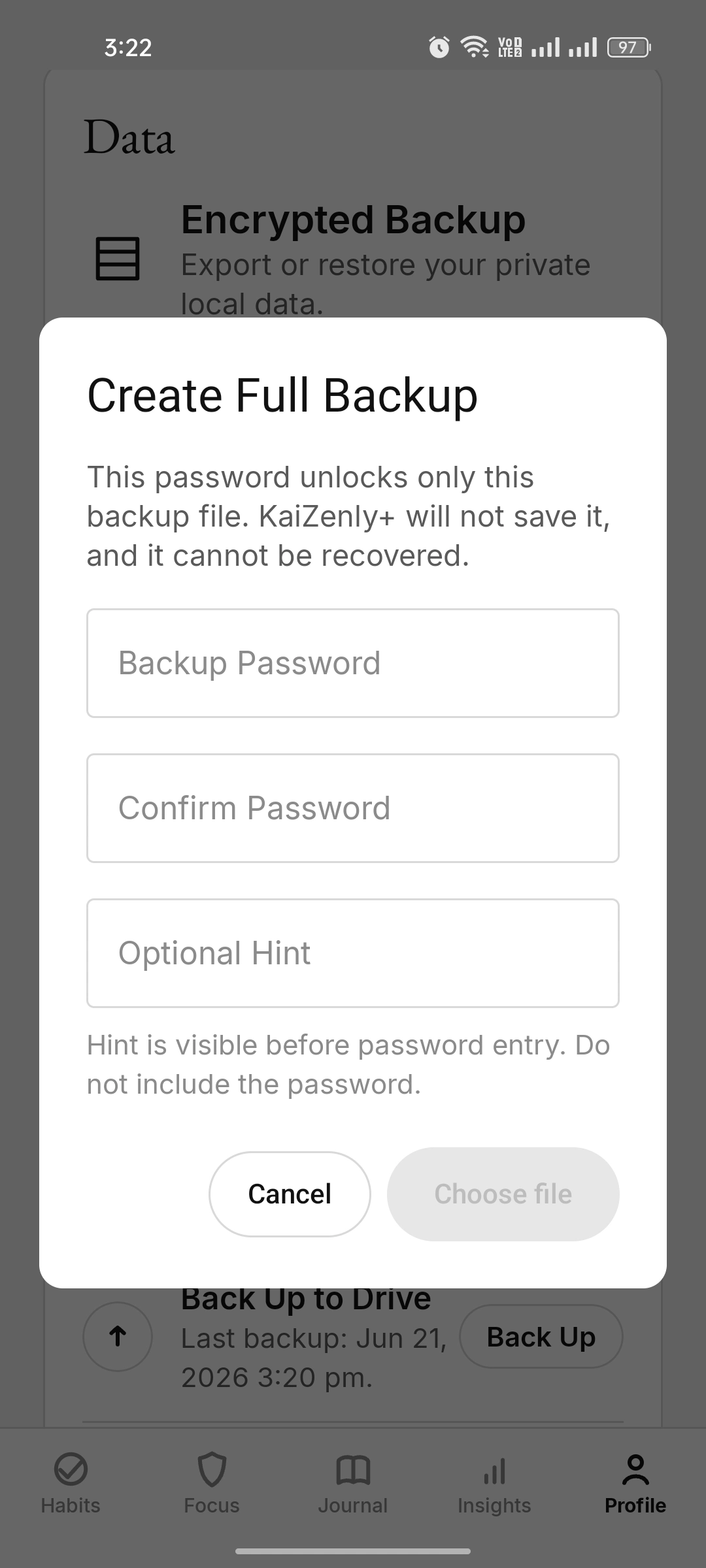
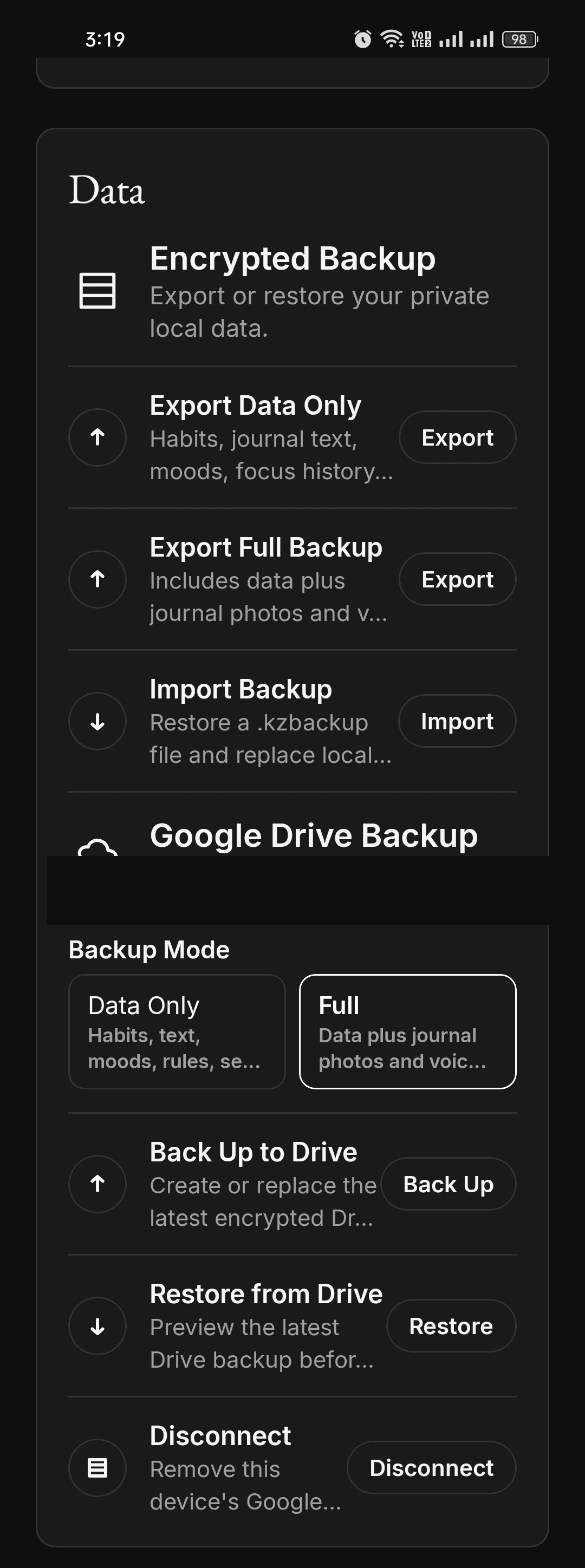
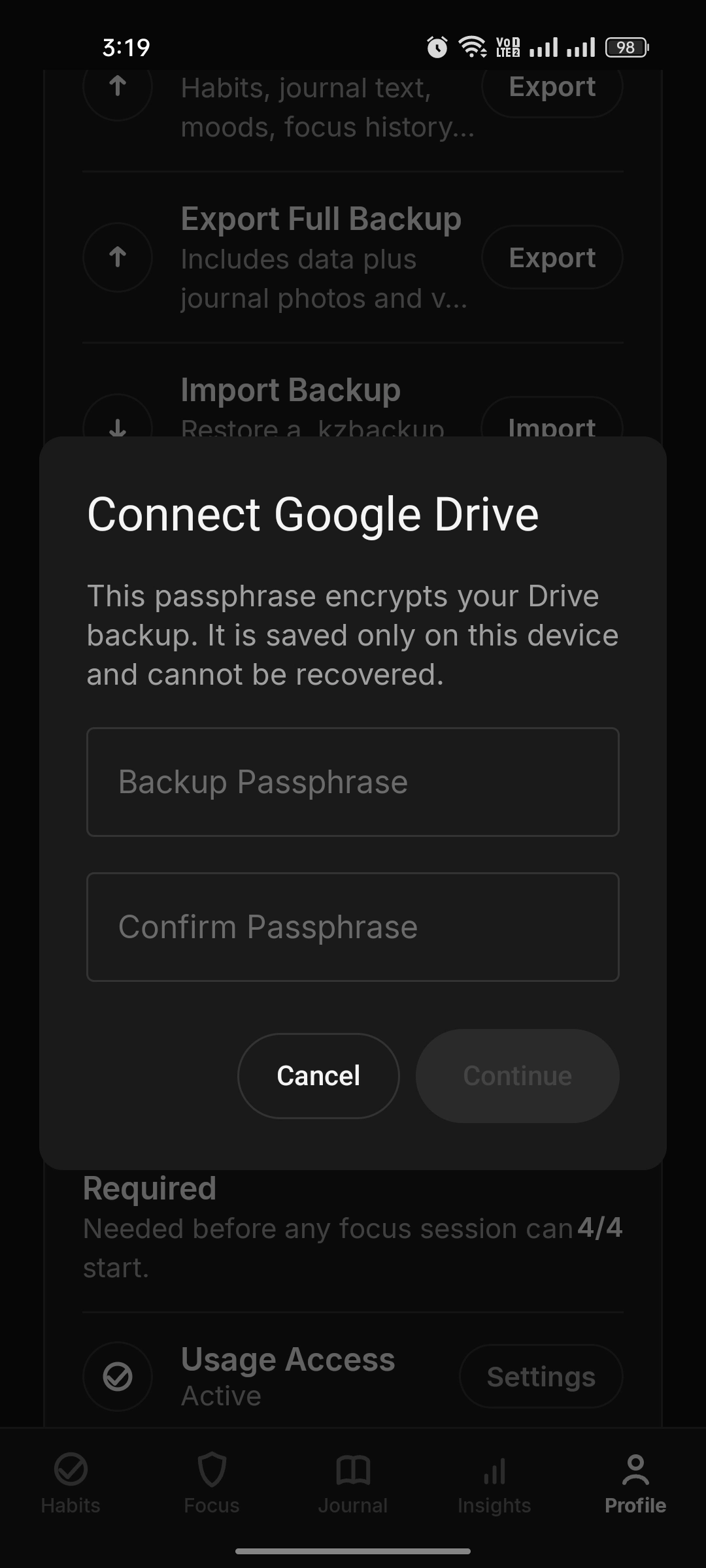
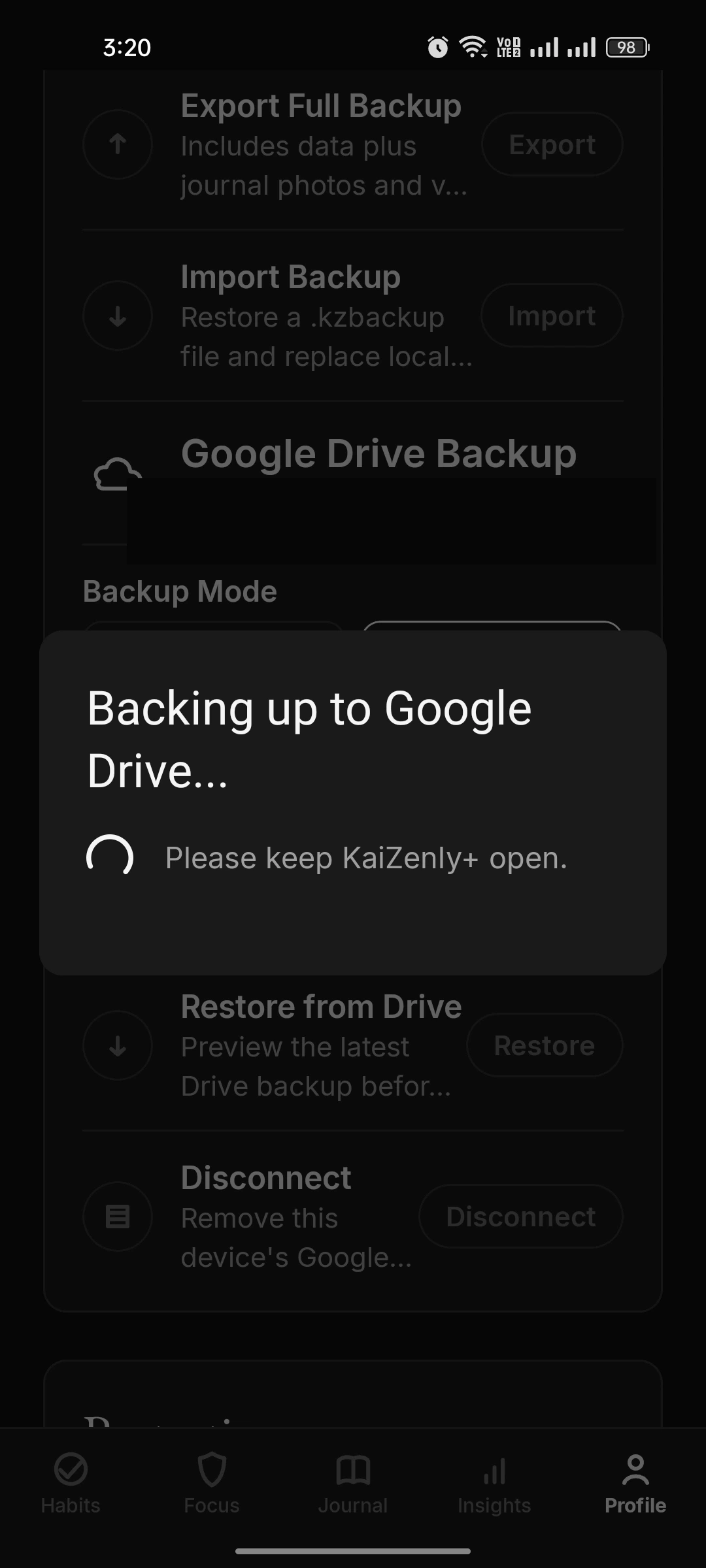
Encrypted local backup and optional Google Drive backup, fully controlled by you. (Account email masked for privacy.)
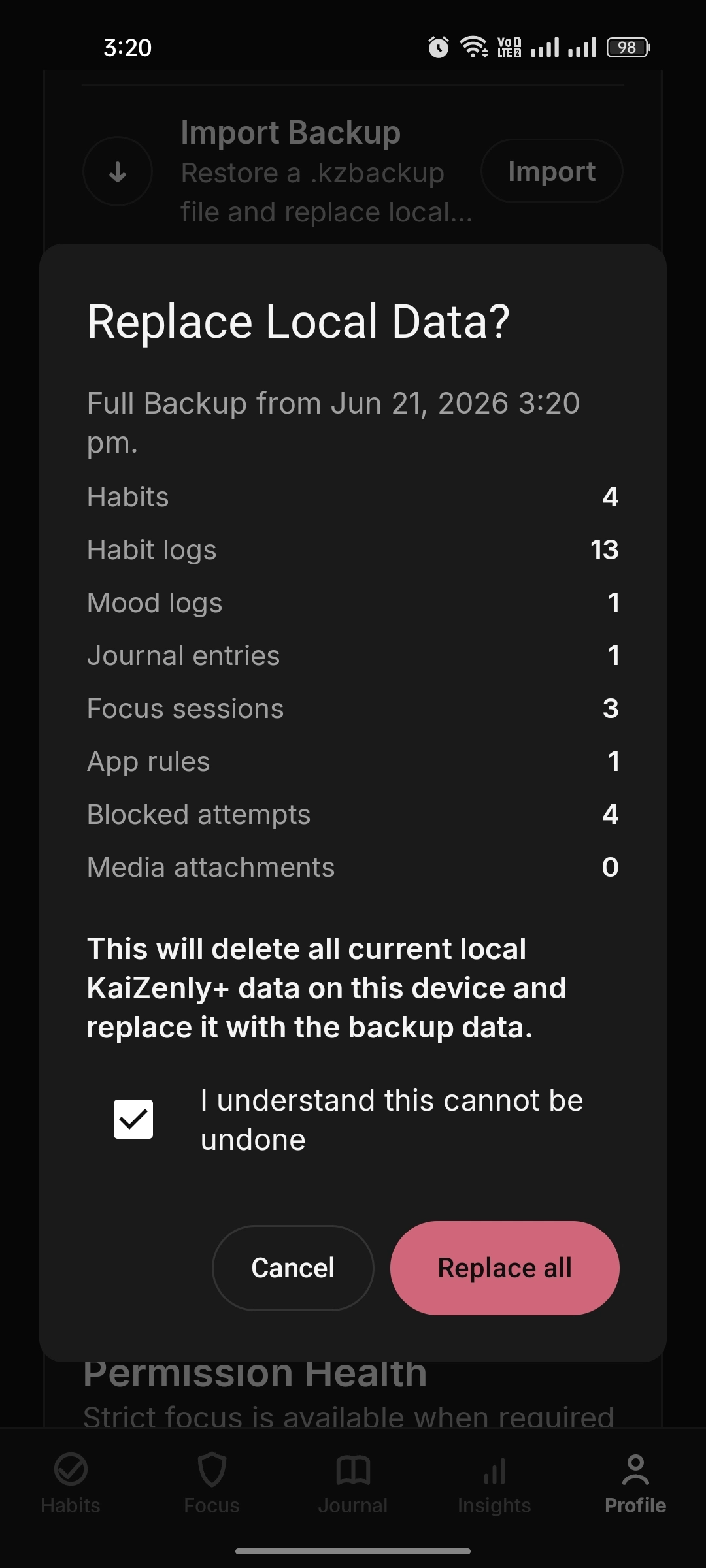
Create full backup dialog with password, confirm and optional hint fields Encrypted backup screen with export, import and Google Drive options (account email masked) Connect Google Drive passphrase dialog Backing up to Google Drive progress dialog (account email masked) Replace local data confirmation dialog with backup data counts Settings
A local settings center for theme, parachutes, backup, permissions, and about.
Full settings screen with parachutes, theme, encrypted backup and permissions