Local encrypted backup
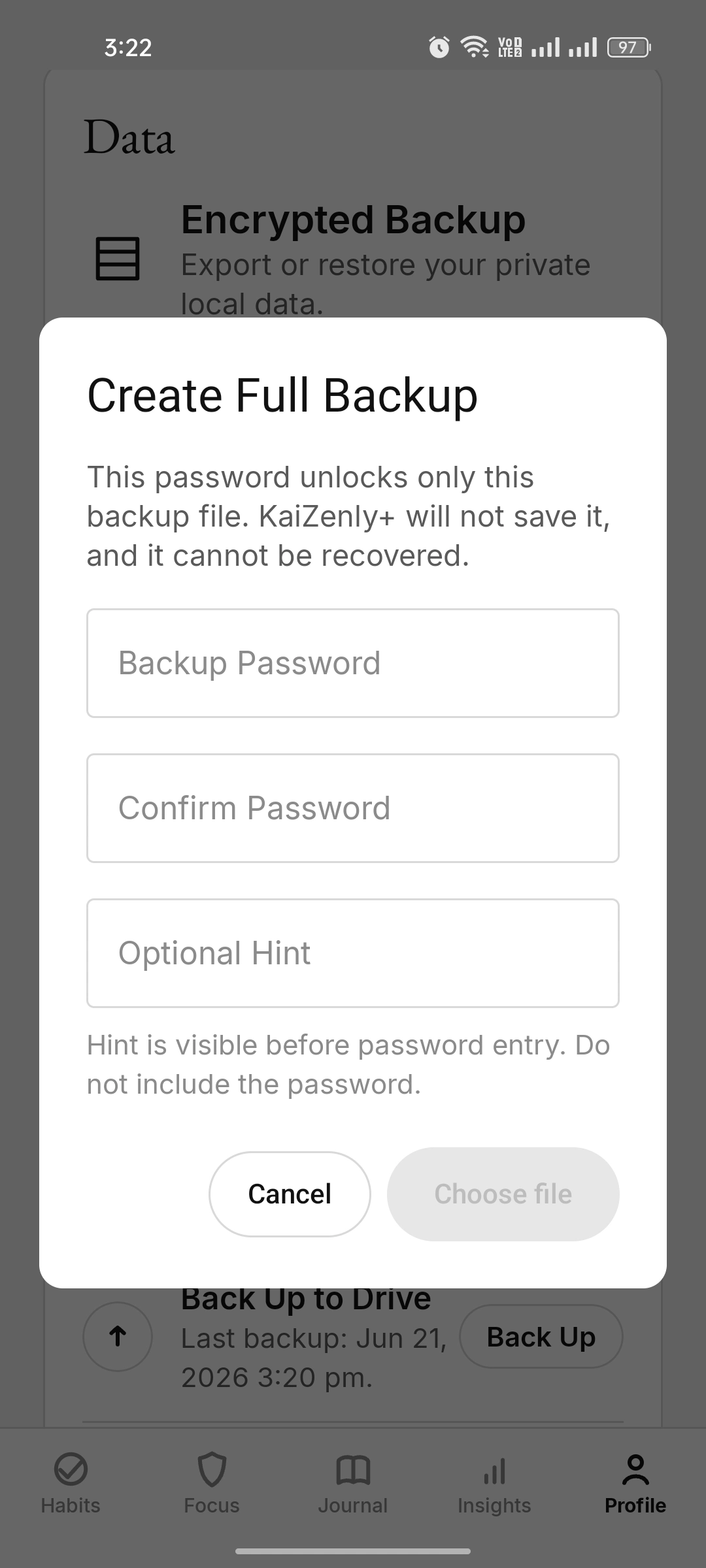
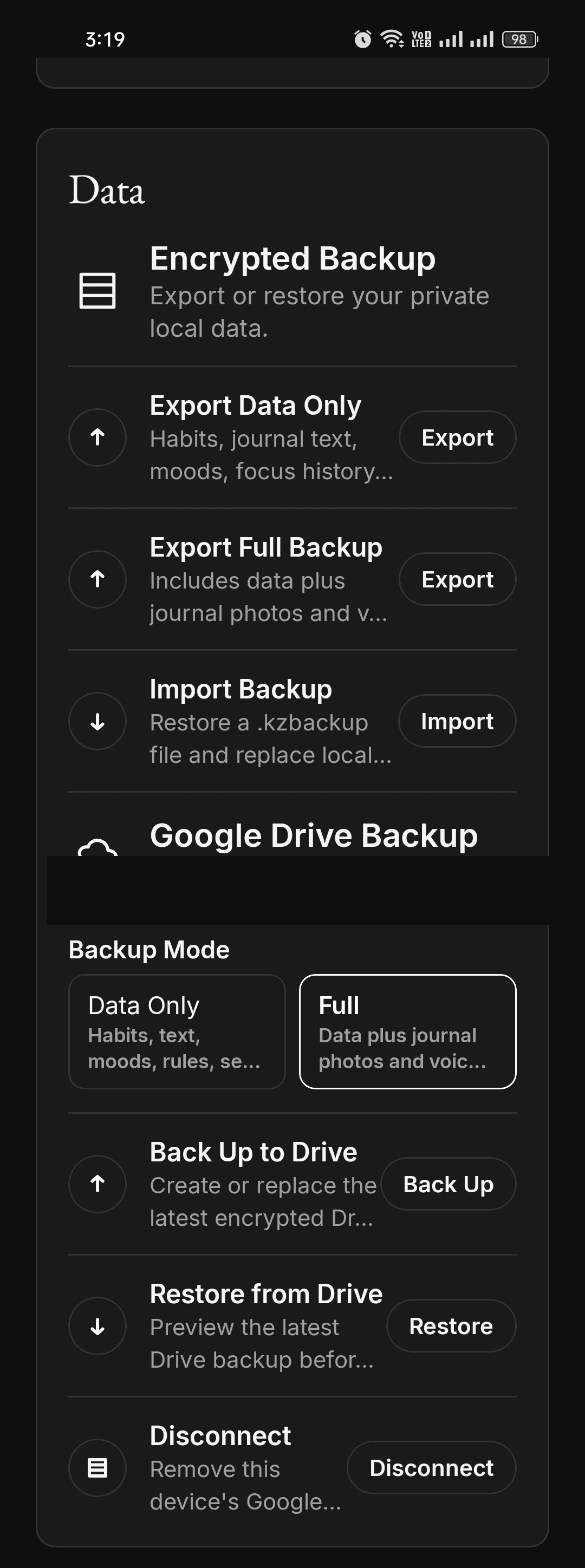
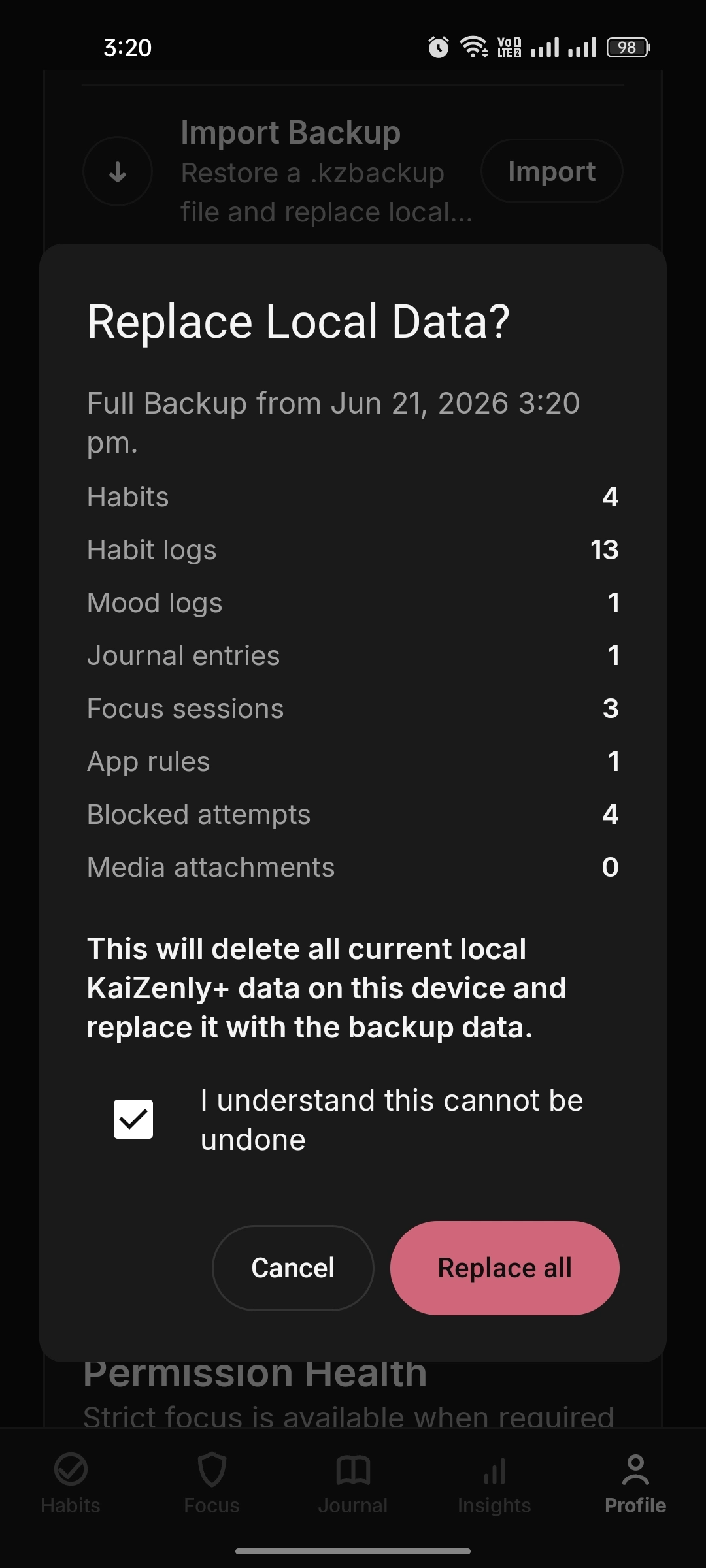
A backup is saved as a single encrypted file, locked with a password you choose. Local backup supports Data Only or Full Backup with media. The backup password is never stored and cannot be recovered by the app.
The backup password is never stored and can’t be recovered by the app — keep it somewhere safe.
Optional Google Drive backup
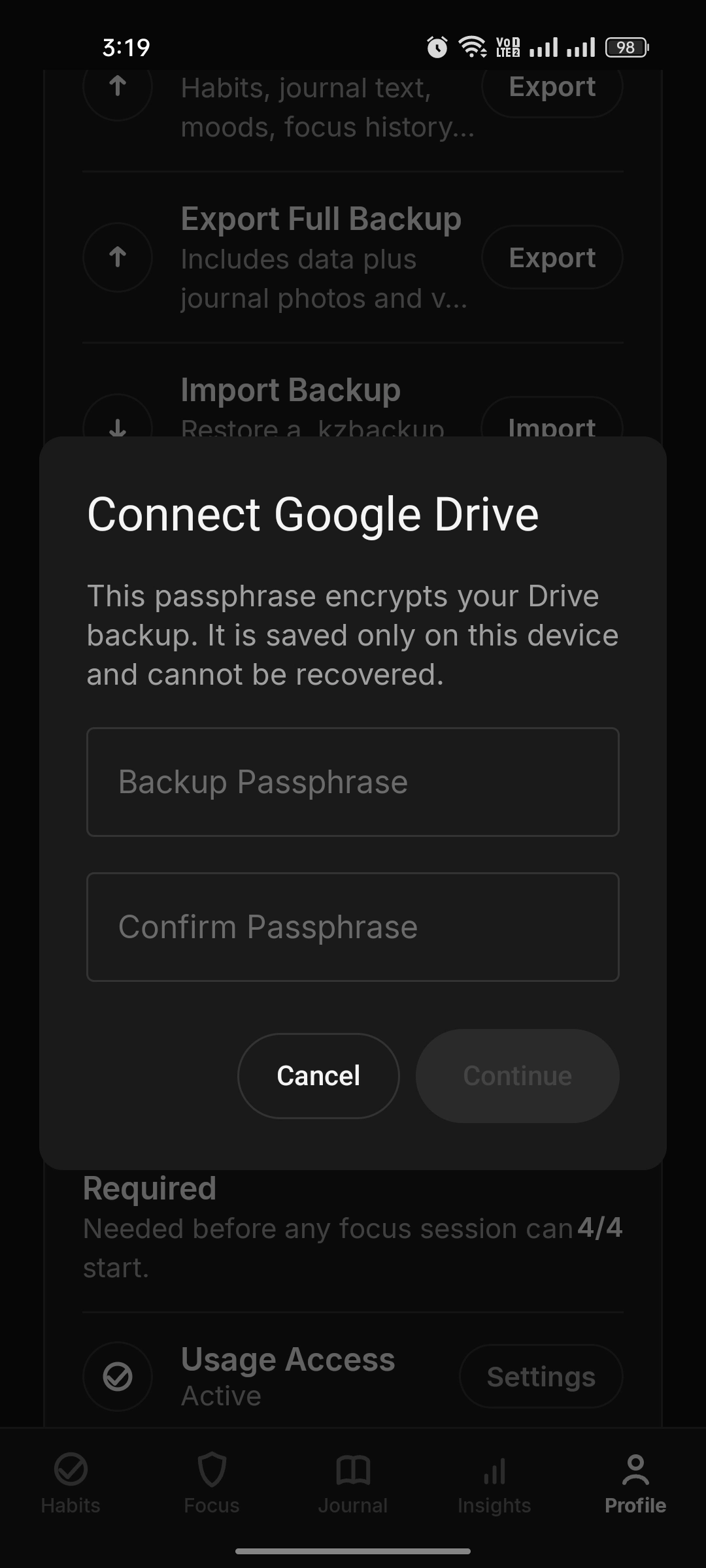
You link your own Google account and the app uploads one already-encrypted file to a
hidden Drive app folder (appDataFolder) that only KaiZenly+ can see. Backups go to your
Drive, never to the developer. This flow is opt-in and still in testing.
Automatic on your schedule
Once Drive backup is set up, KaiZenly+ can keep backup manual-only or run encrypted
backups automatically on a daily or weekly cadence. The Drive page also separates account
connection, media inclusion, backup now, restore, and disconnect so each action is clear.
Offline-aware by design
If the phone is offline or the selected network condition is not available at the backup
time, the app can wait and run when the connection returns. The backup is still the same
encrypted file, stored in the user’s Drive instead of a developer server.