Task habits
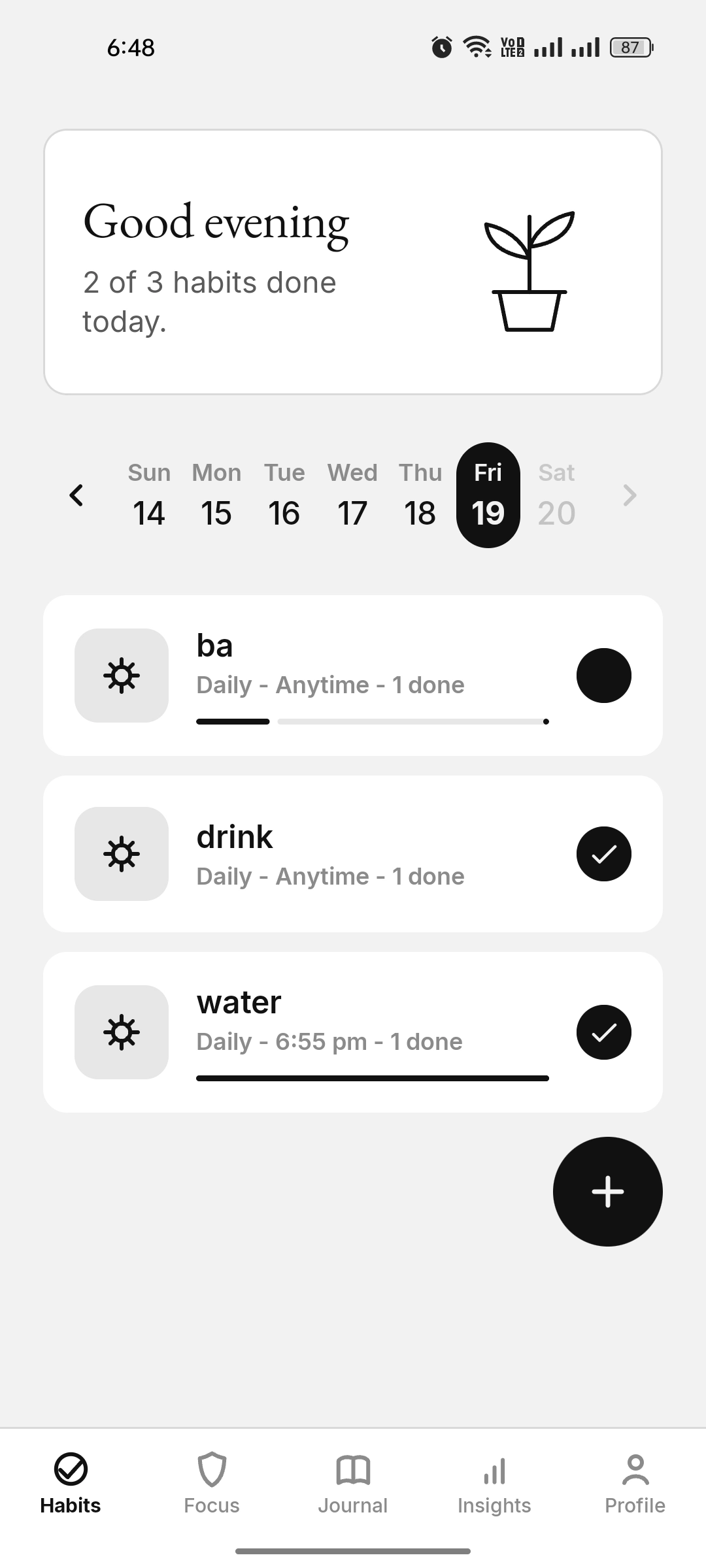
A linked Task habit works like a yes/no daily action. Completing it can select the matching Journal activity, and selecting that Journal activity can mark the habit done.
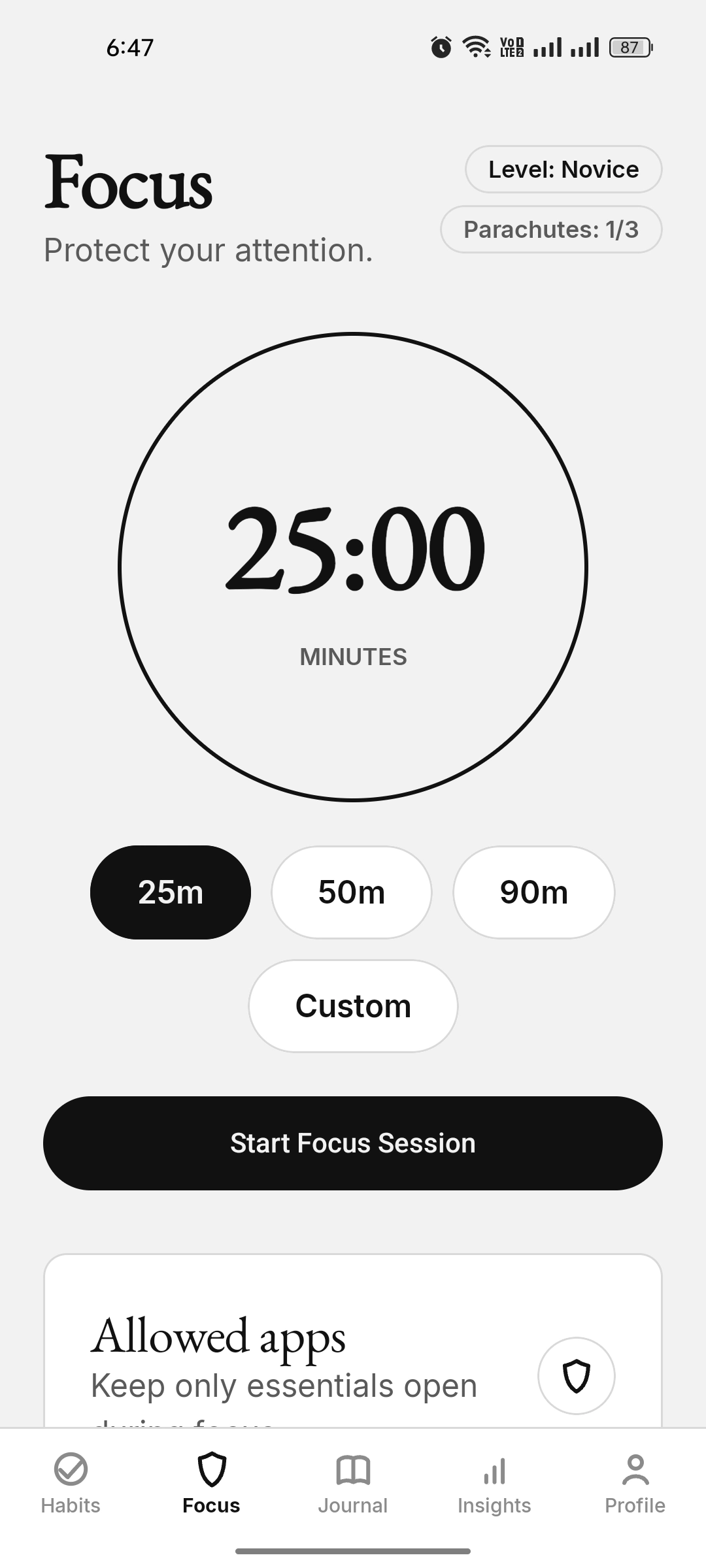
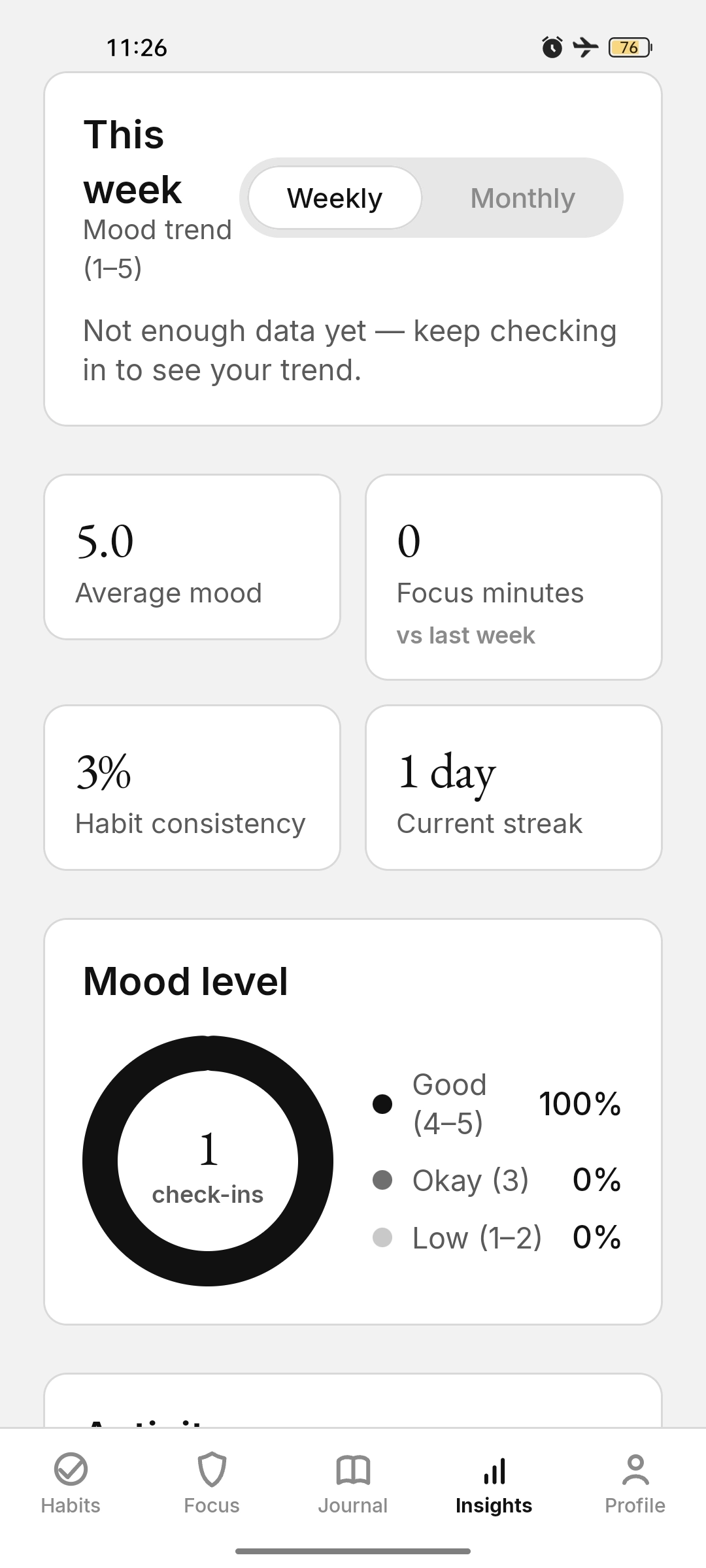
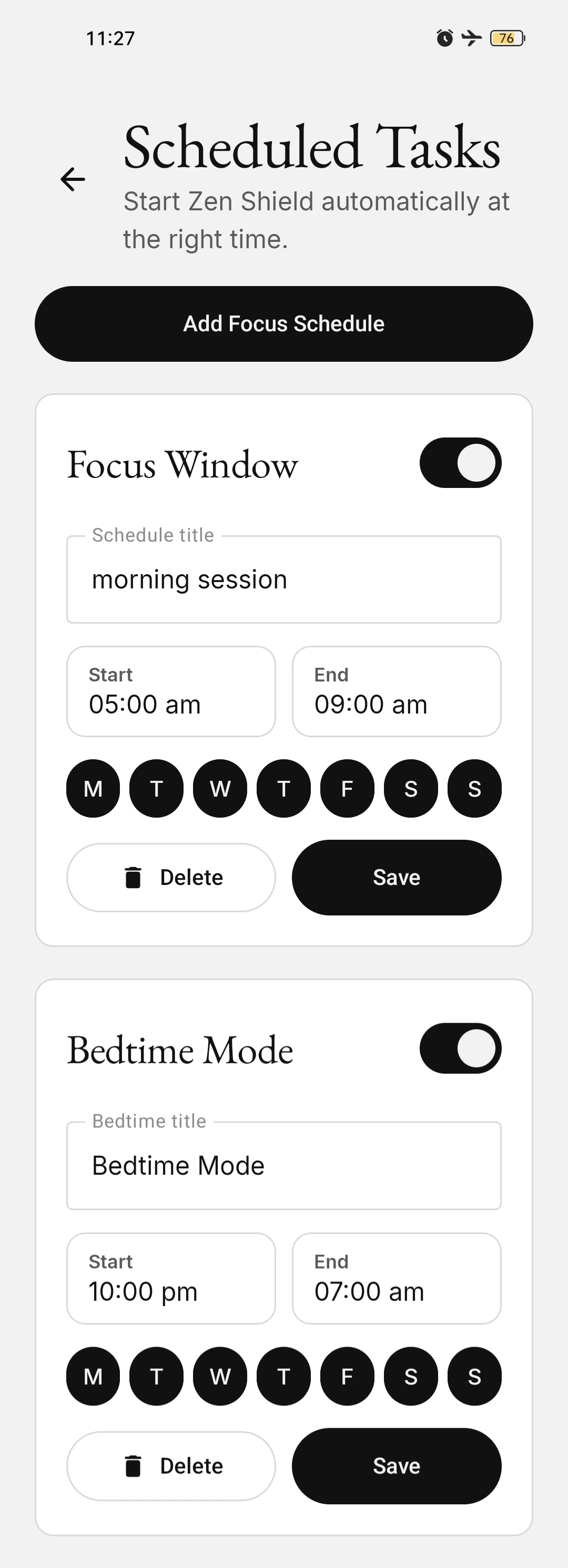
KaiZenly+ leads with Zen Shield focus: timed app blocking, an essential-app allow-list, scheduled focus windows, and bedtime mode. Alarm-based Task, Count, and Scale habits, flexible journaling, mood, insights, profile tools, permissions, and encrypted backup support that protected time in one private, local-first experience.
The allow-list keeps installed approved essentials available, including Phone, Messaging/SMS, WhatsApp, Gmail, Outlook, Google Keep, AI/productivity tools, and major banking/payment apps where installed. If your essential banking or productivity app is missing, request it from inside the app.
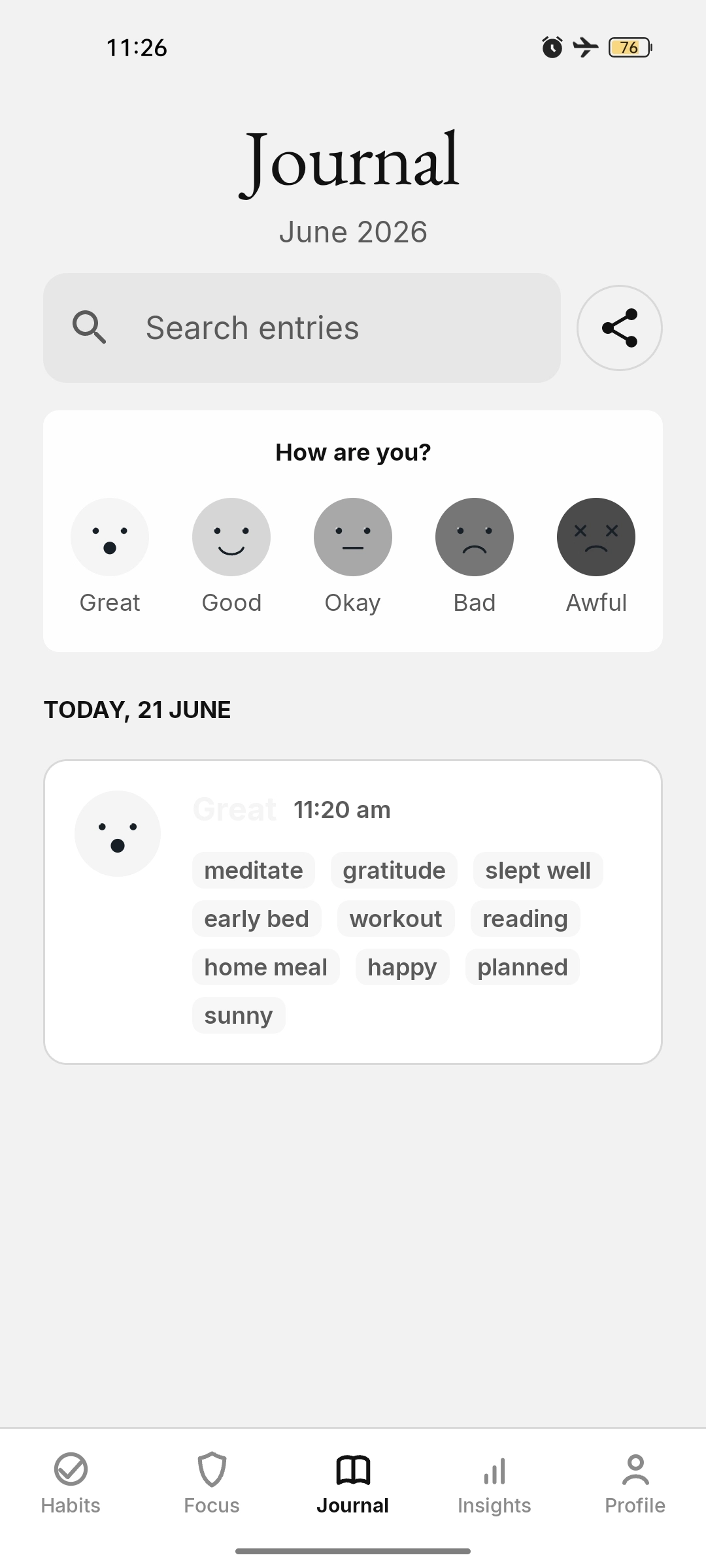
KaiZenly+ connects habits and Journal into one daily record, so routines, ratings, counts, mood, and reflection can live together instead of being managed twice. Most apps make the user choose: track habits quickly, or write a reflective journal manually. KaiZenly+ is designed so both can support each other.
A linked Task habit works like a yes/no daily action. Completing it can select the matching Journal activity, and selecting that Journal activity can mark the habit done.
A linked Count habit stores and displays an exact daily total. Journal can show a chip such as Water 7/10 or Water 10/10 instead of a plain activity label, and repeated saves stay clean.
A linked Scale habit shares a daily rating with Journal scales, while the home card can stay visually compact with a thin, no-handle slider and a readable label such as Low, OK, or High.
Independent habits stay out of the composer, but completed progress and partial Count totals can still appear in the saved Journal timeline as context.
Full-screen habit alarms help important routines get attention with done, missed, and snooze actions.
Scale habits can connect with Journal scales so one daily rating supports both tracking and reflection.
Zen Shield allowed apps are easier to understand with real app icons, practical categories, and cleaner session visuals.
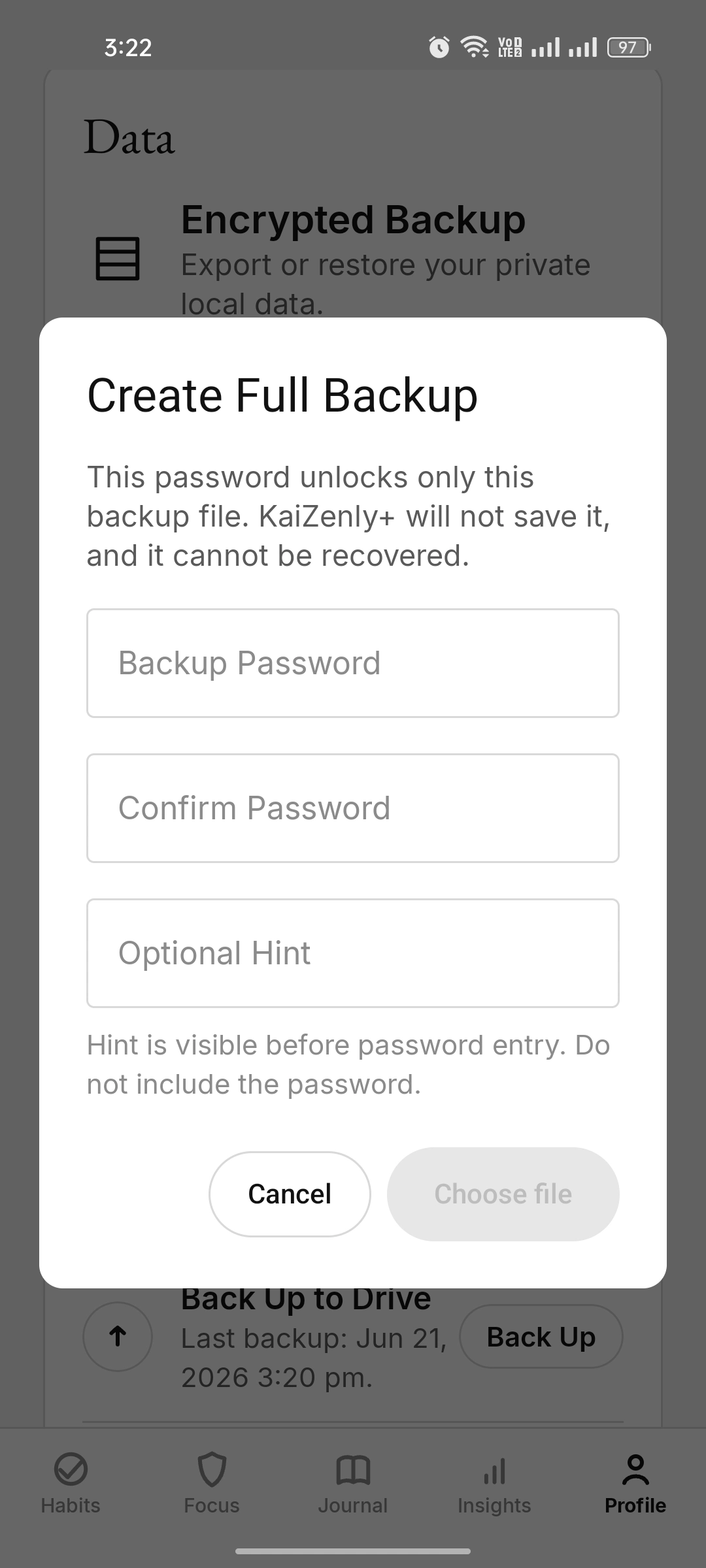
Edit Profile, Local Backup, Google Drive Backup, and Permissions each get their own focused page.
Free at launch — coming soon to Google Play, with everything kept on your device.