
Custom items
Add the activities, categories, tags, and emoji markers that make sense for your routine.
Write an honest line or a long entry. Add a mood check-in, tags, flexible activities, custom emoji items, daily scales, linked habits, linked Count values, or a gentle prompt template. Everything stays on your device — journals are personal, and KaiZenly+ treats them that way.
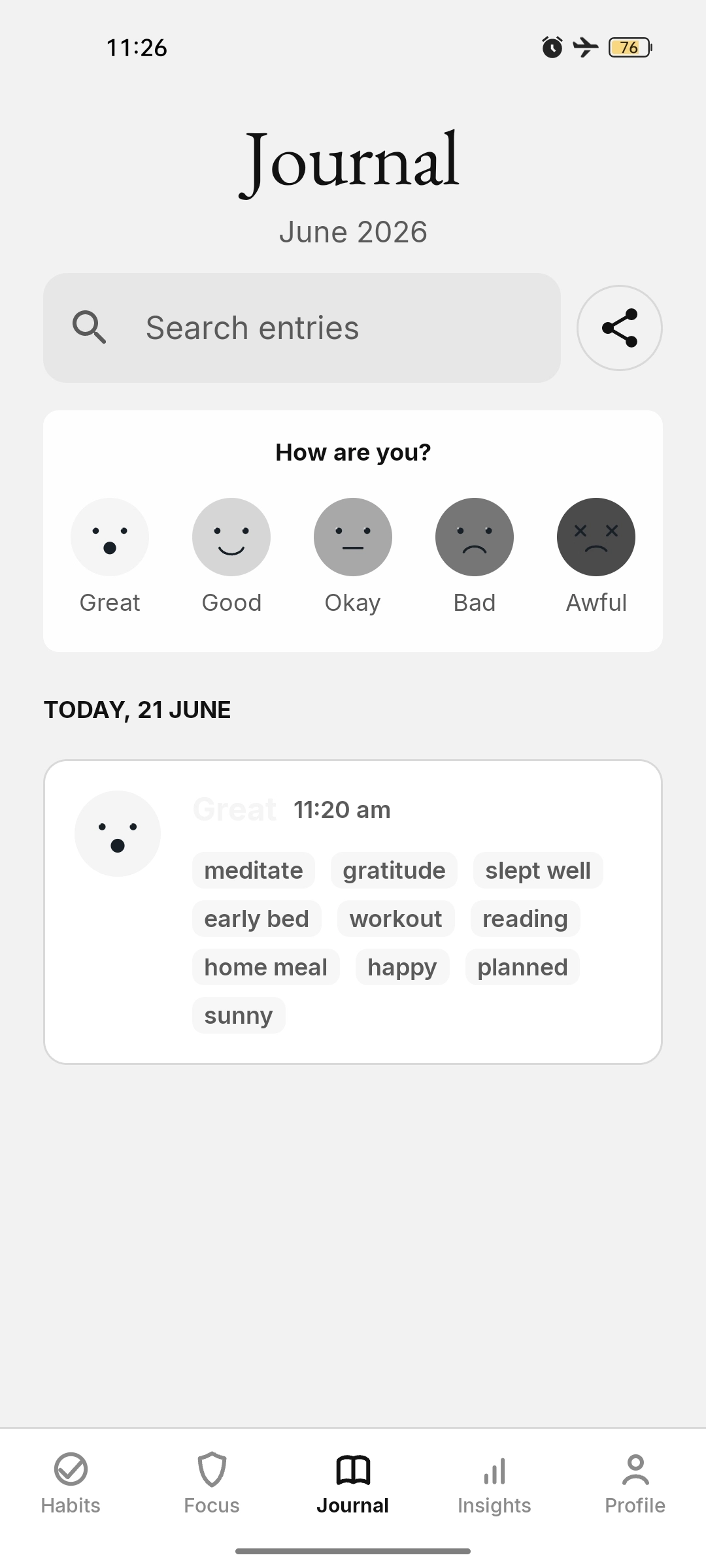
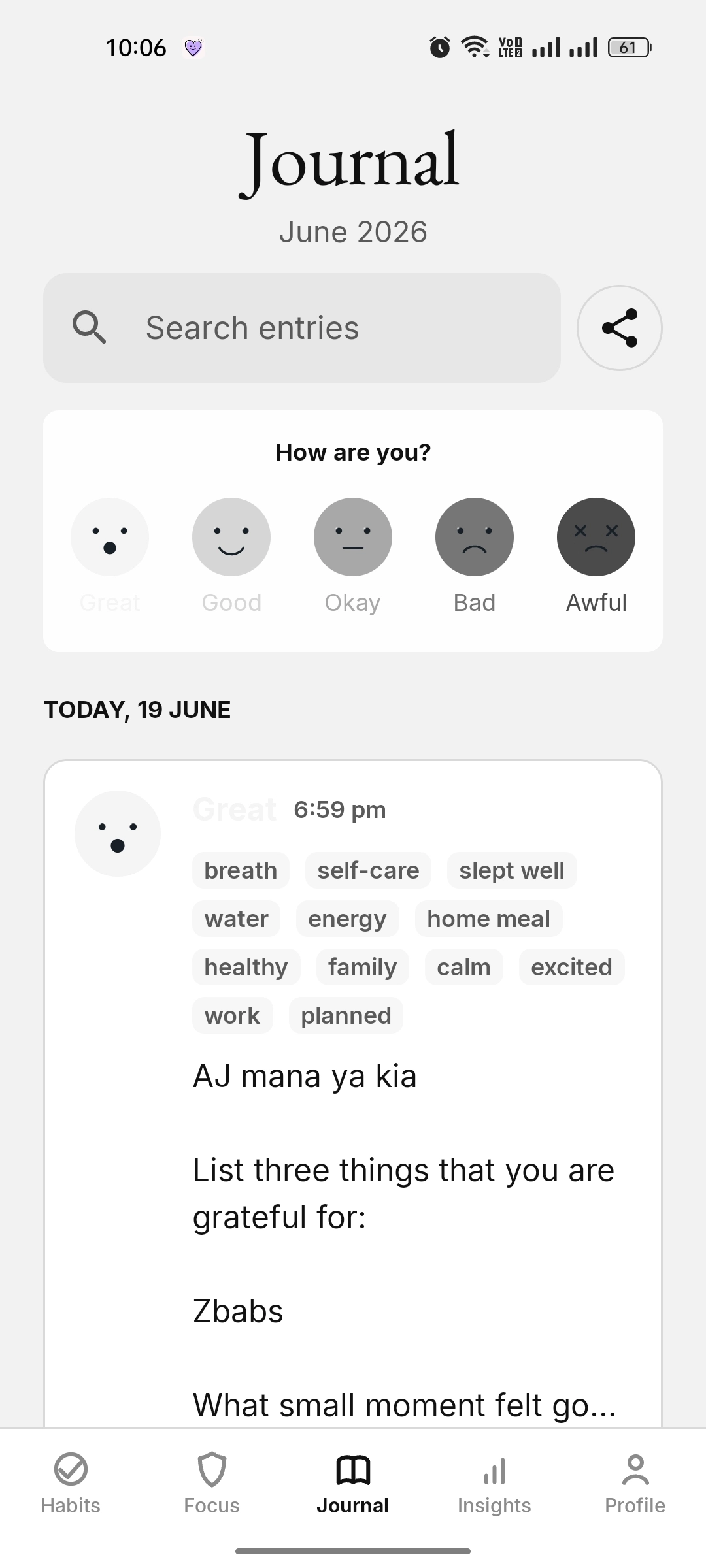
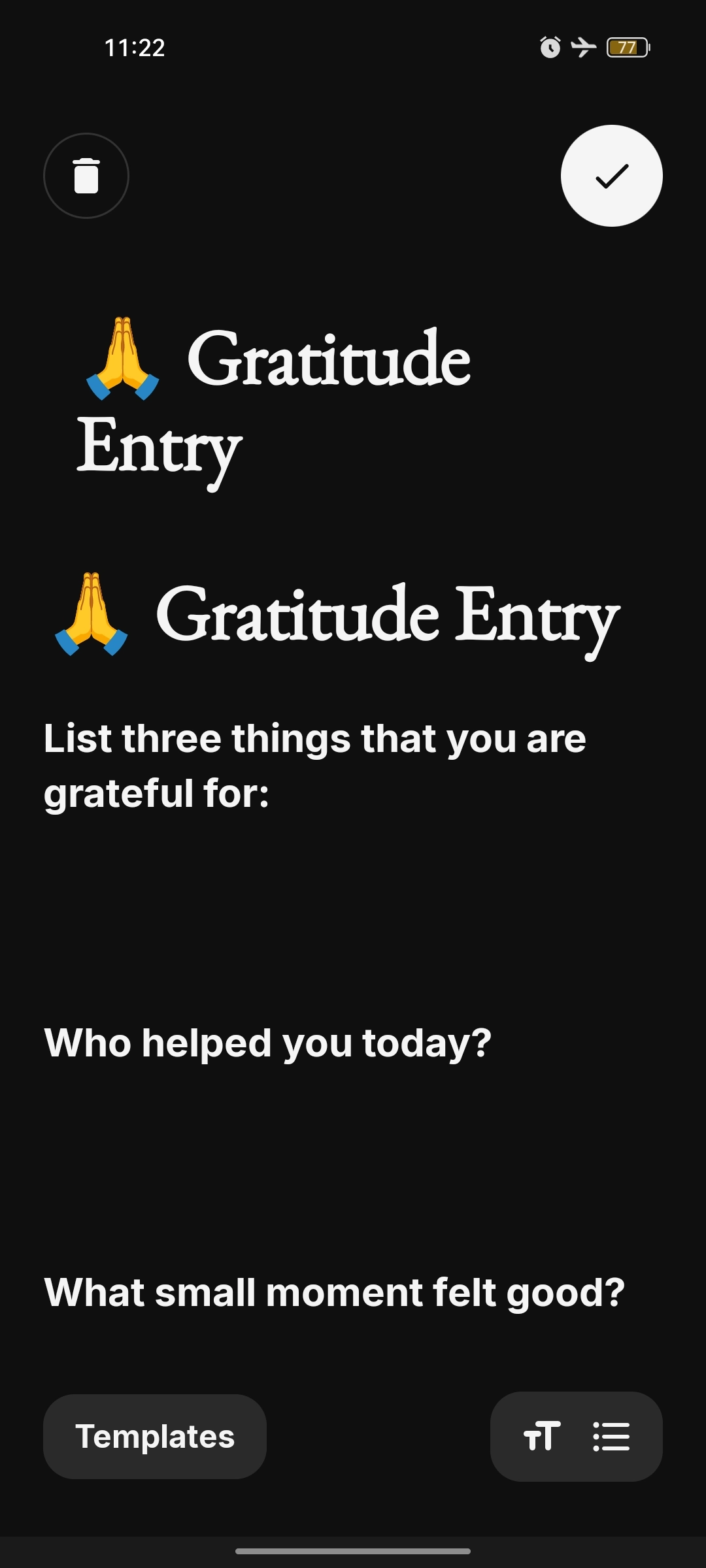
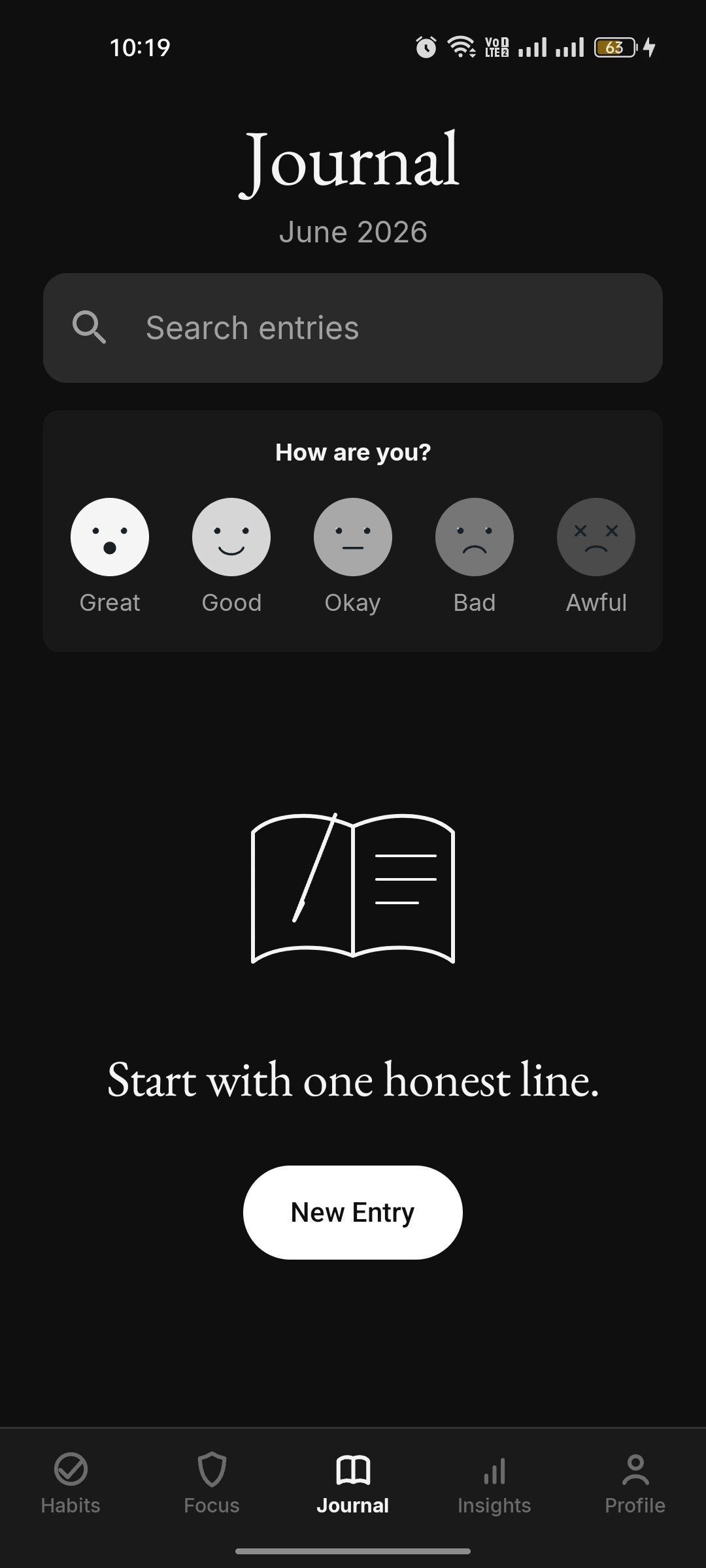
Journal is no longer limited to a fixed set of reflection items. You can shape it around your own words: custom activities, categories, emoji items, and daily scales that match how you actually track your day. When a habit belongs in that reflection, link it explicitly so the same daily action does not have to be managed twice.
Add the activities, categories, tags, and emoji markers that make sense for your routine.
Track subjective measures like energy, sleep quality, stress, confidence, or focus quality.
A synced habit can add today’s activity, count, or scale value to Journal, then you can edit the entry later with full context.
The Journal timeline is designed to become the daily record of what happened: mood, notes, activities, scales, linked habits, and independent habit progress. Manual entry stays calm, but the saved timeline keeps the full context.
Selecting a linked Journal activity can mark the matching habit done, and completing the habit can select the same activity for that date.
Linked Count activities open a compact count sheet with plus, minus, reset, and done, then save and display the exact total for the day, such as Water 7/10.
Auto-created sync entries use a check-in style calendar header instead of showing a neutral mood face.
Reserved for an updated screenshot showing a linked activity and the separate Habit done section in one Daily log.
Reserved for a screenshot showing the compact Count sheet inside Journal with plus, minus, reset, done, and a value such as Water 7/10.
Reserved for a screenshot showing a Scale habit value reflected inside the Journal scale area.
Journal export is built for real privacy moments: select a specific entry, a whole day, or a hand-picked set before sharing. You stay in control of what goes into the text export.
Select and unselect individual journal entries before the share sheet opens.
Choose a full date group when you want one day's reflections without exporting everything.
Add mood entries for earlier days, with a readable 12-hour time picker for the exact moment.