Stop distractions
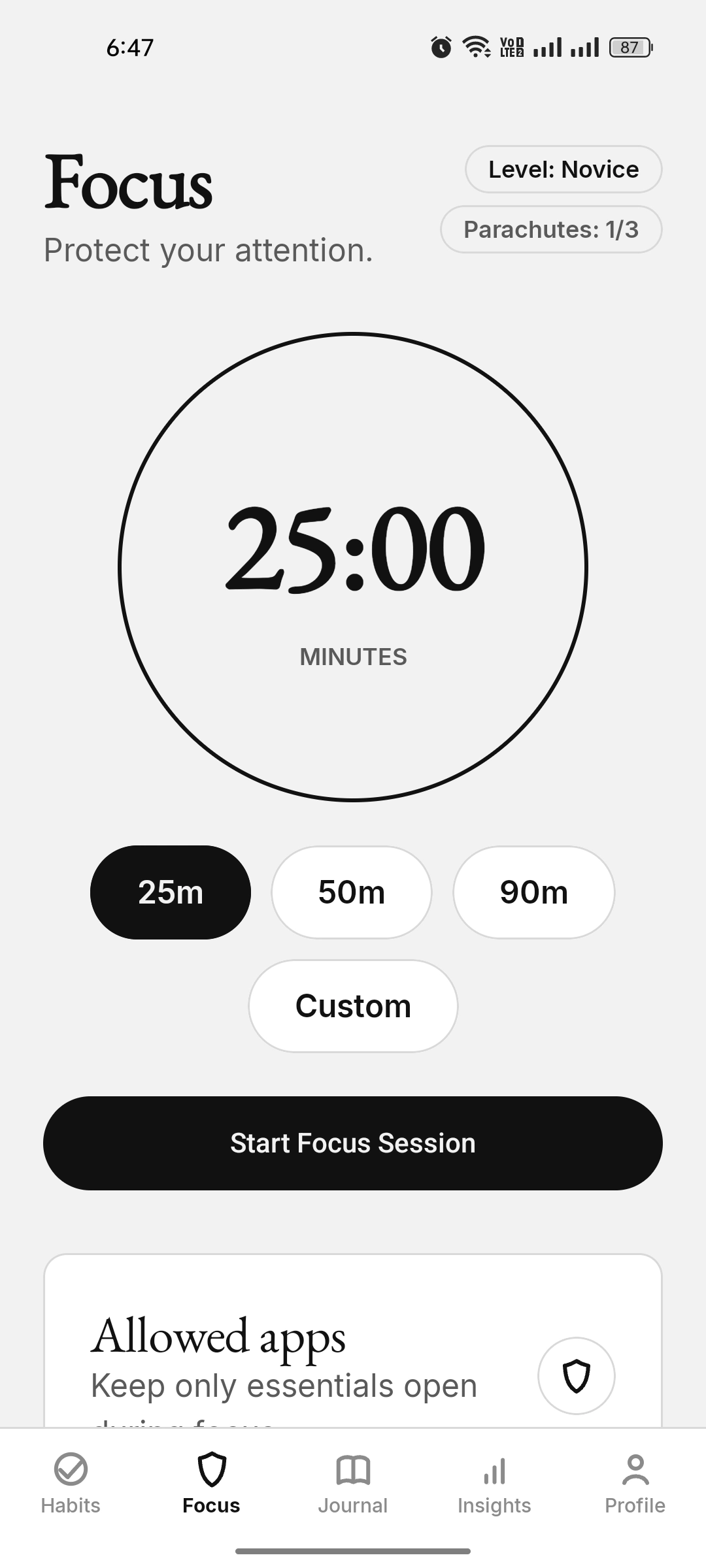
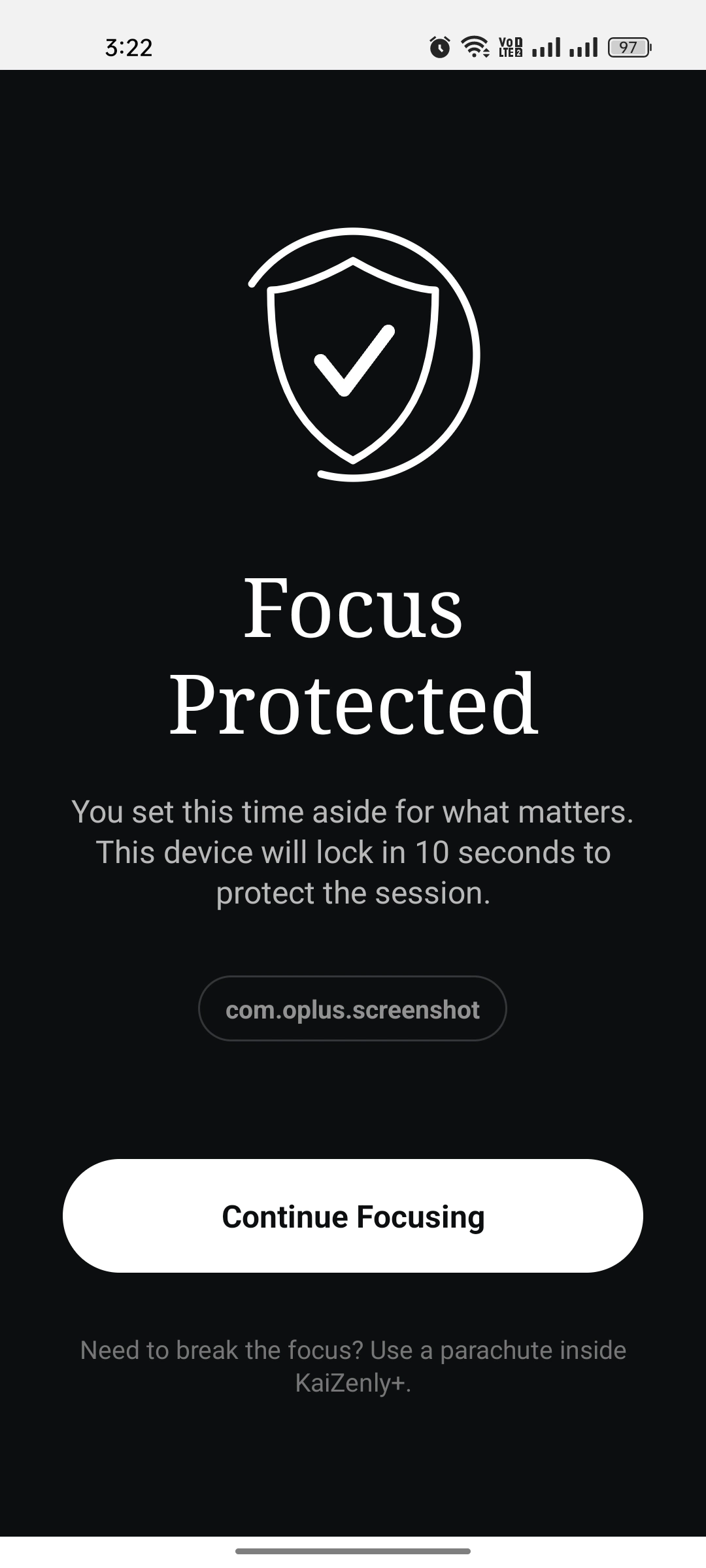
Zen Shield focus sessions add friction to the apps that pull you away.
Quiet the noise, reclaim your focus, and improve calmly—step by step
A calm, local-first Android app built around Zen Shield focus, then shaped into alarm-based habits, unified journaling, mood check-ins, private insights, and encrypted backup. Protect your attention, understand your patterns, and keep your growth on your own device.
KaiZenly+ starts by helping you protect the time that usually slips away. Then habits, mood-aware journaling, private insights, backup, and a calm monochrome interface help that protected time become a routine you can actually repeat.
Zen Shield focus sessions add friction to the apps that pull you away.
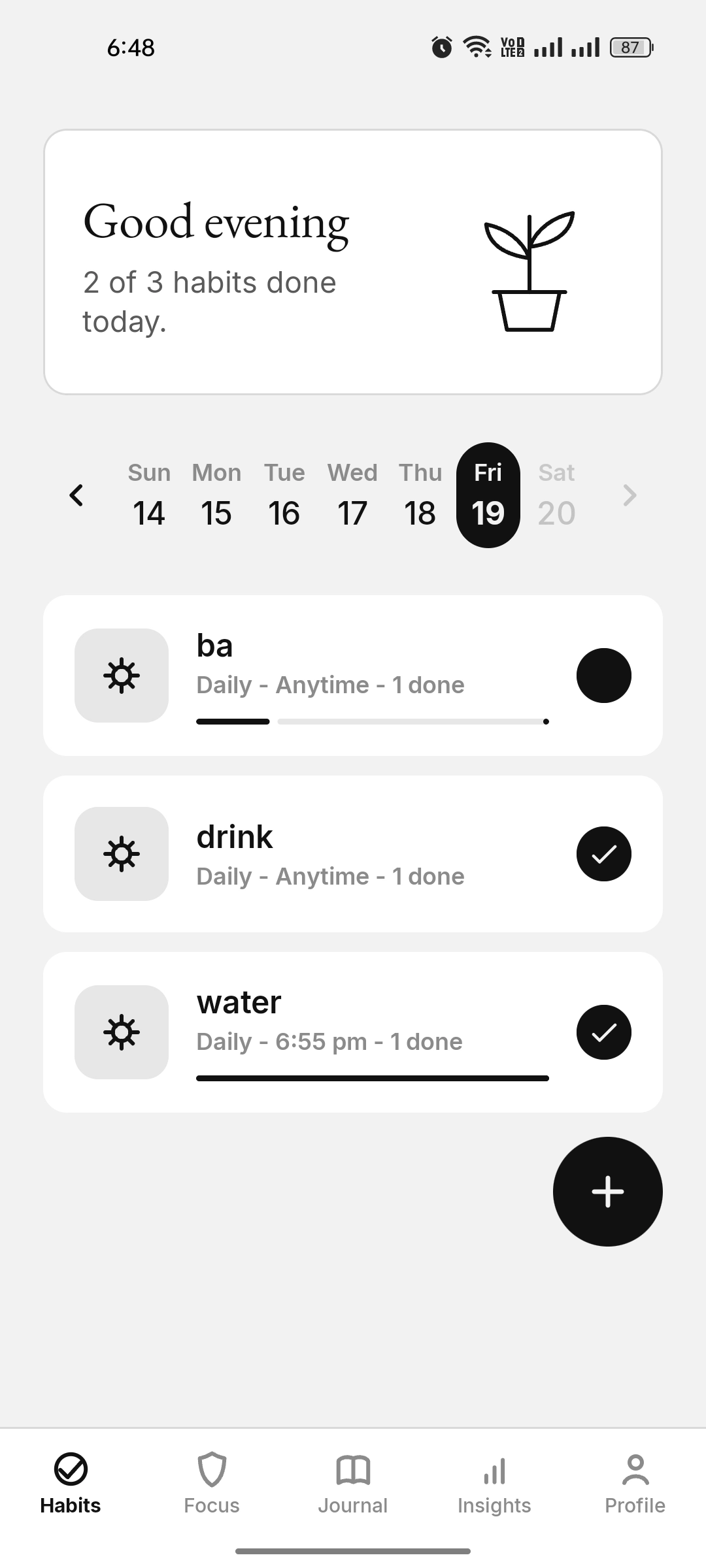
Track Task, Count, and Scale habits with streaks, reminders, alarms, gentle progress, and optional Journal sync.
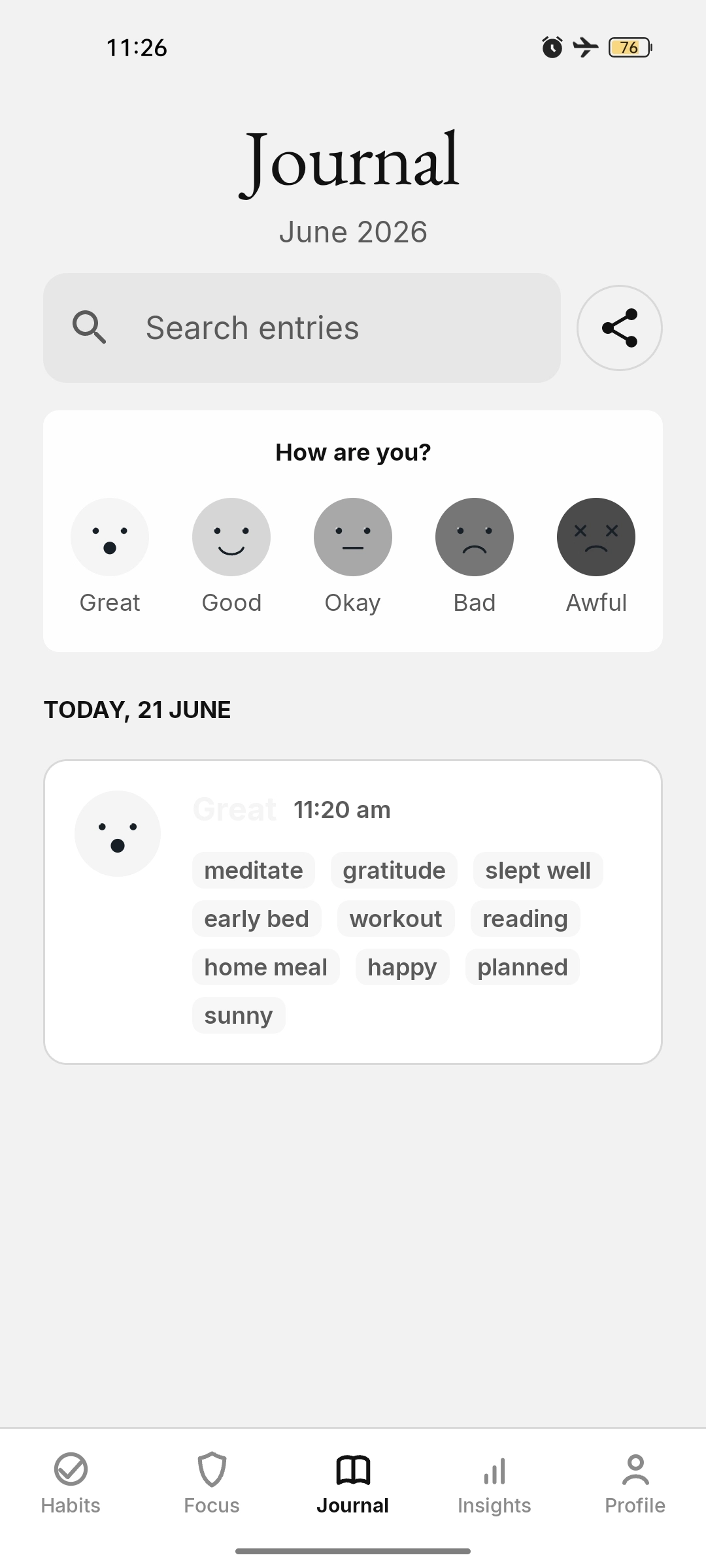
Write honest entries with mood, flexible activities, habit snapshots, custom emojis, prompt templates, and daily scales.
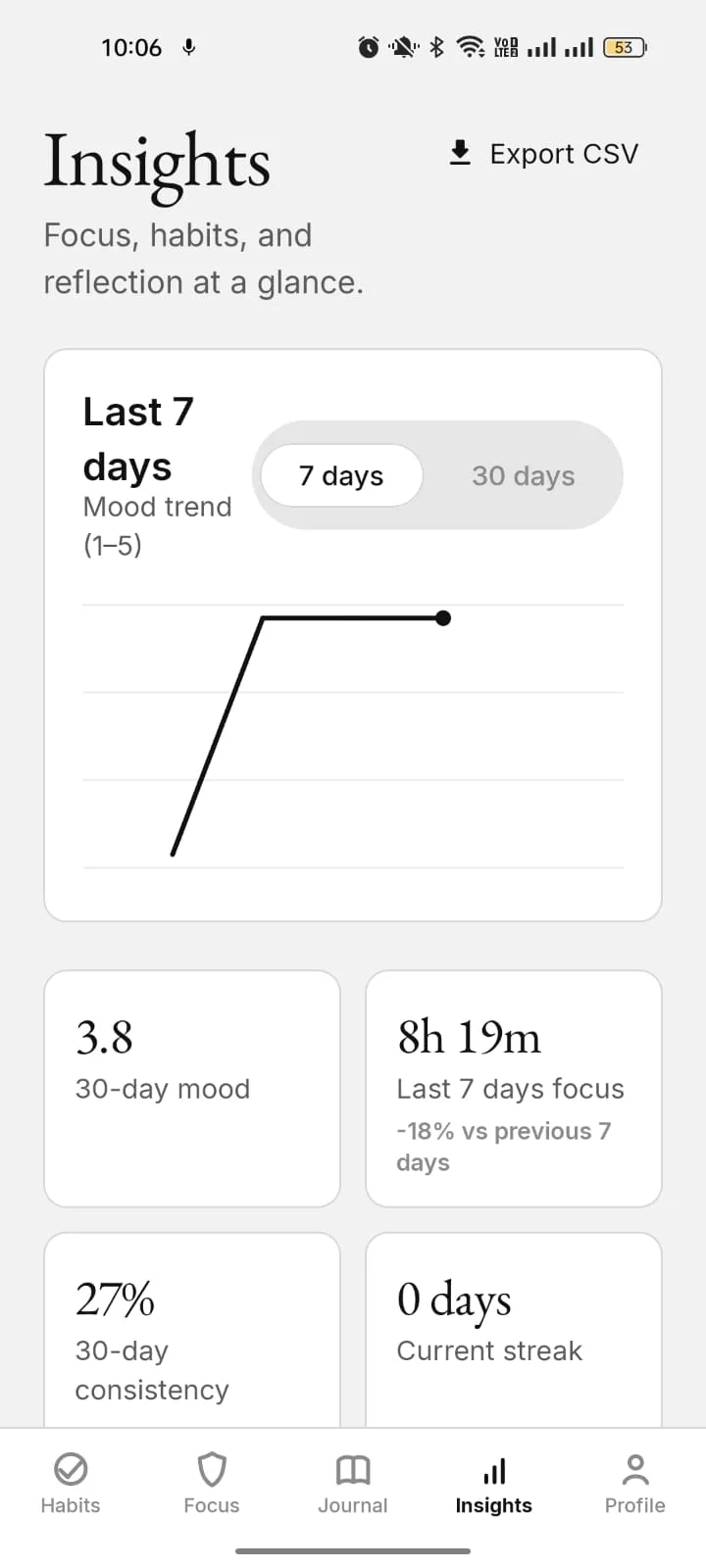
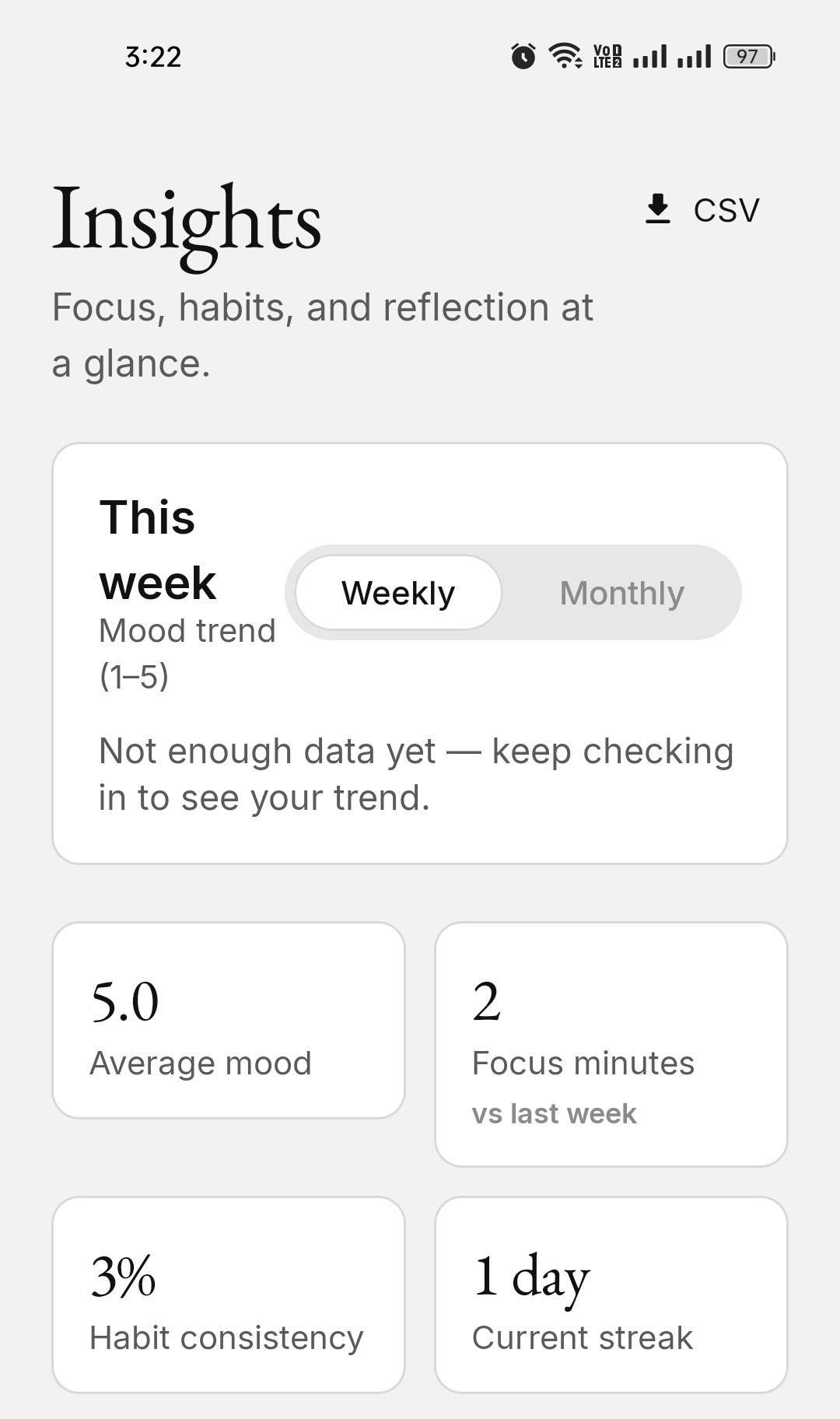
See mood trends, habit comparisons, and focus stats — all computed on-device.
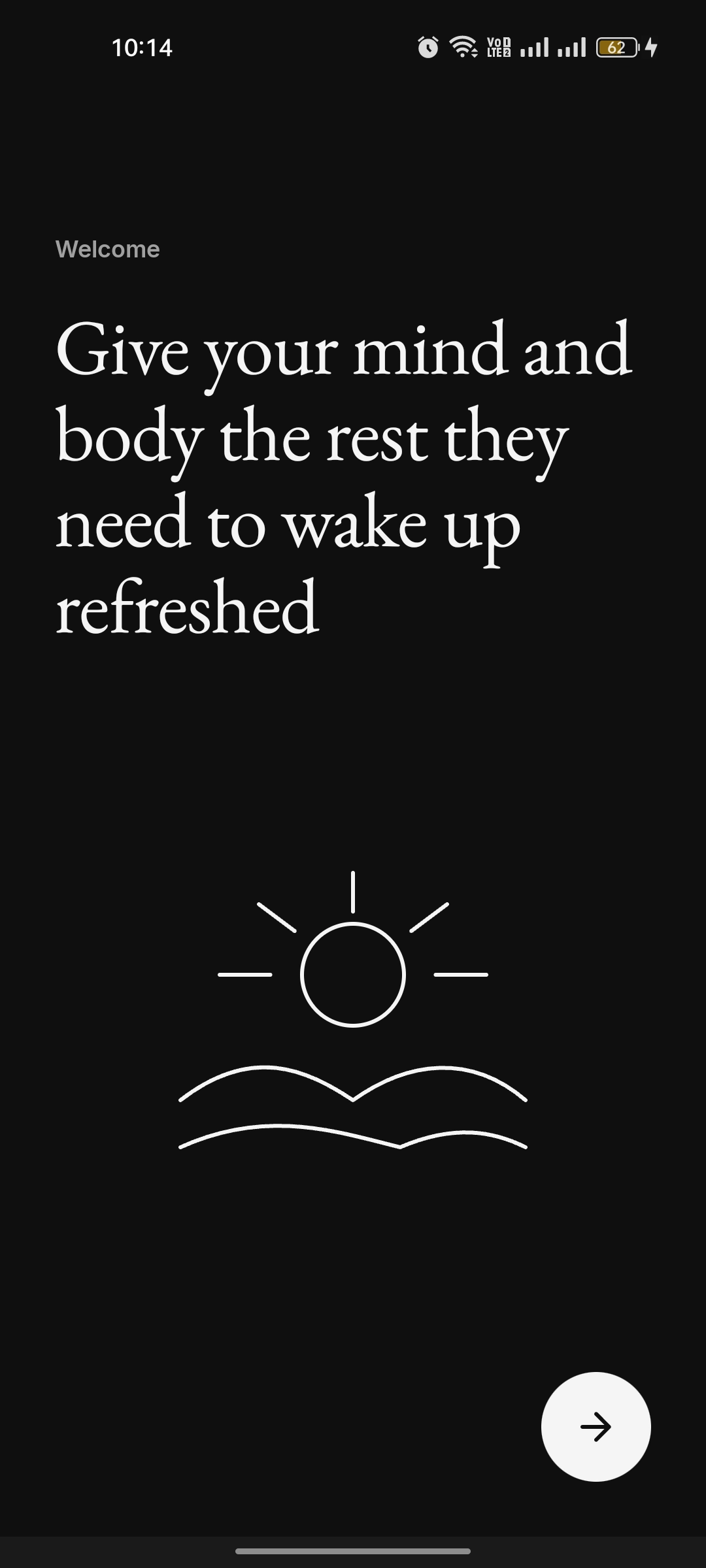
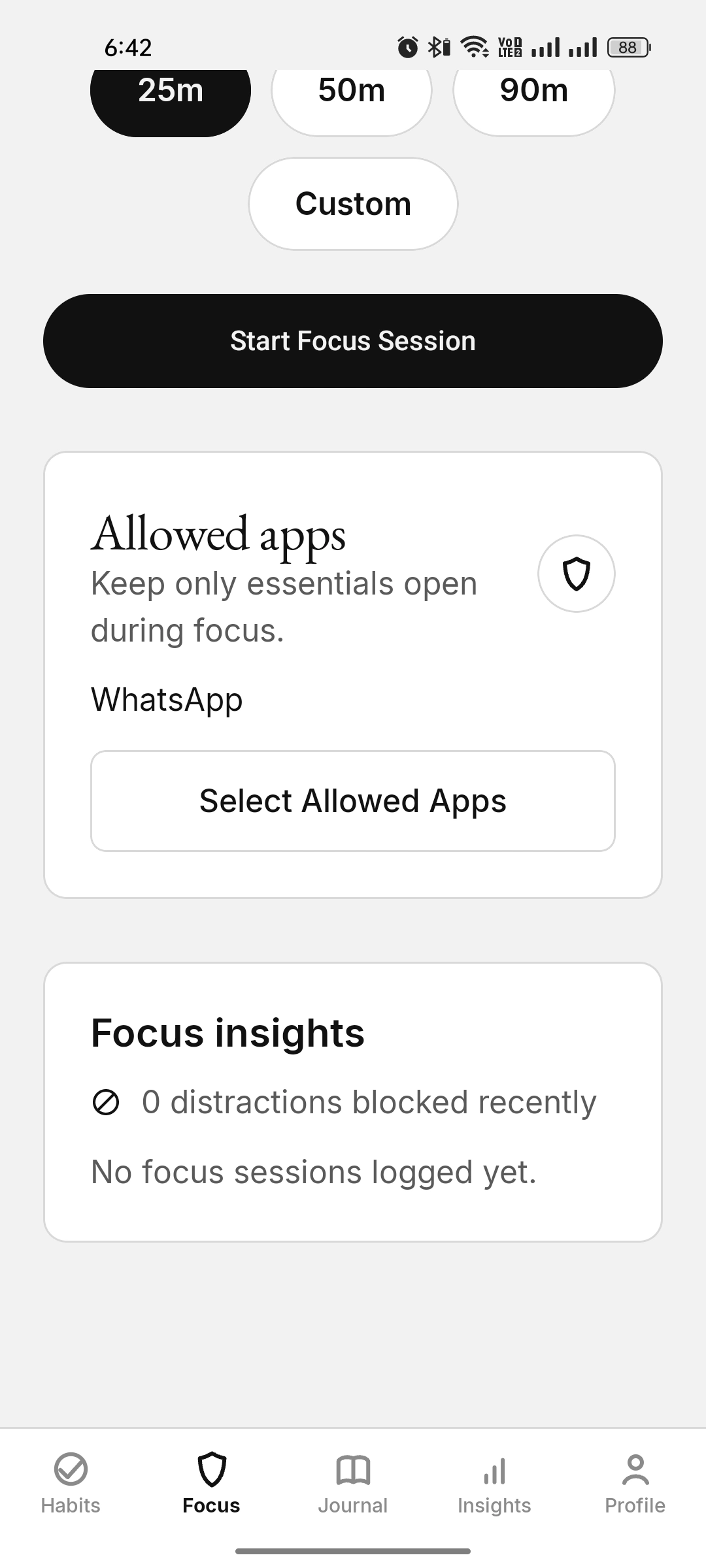
Schedule focus windows and a bedtime mode that run automatically.
Use encrypted local backup or optional scheduled Google Drive backup to your own hidden Drive folder.
Zen Shield focus sessions add real friction to distracting apps while still letting installed approved essentials through: Phone, Messaging/SMS, WhatsApp, Gmail, Outlook, Google Keep, AI/productivity tools, and major banking/payment apps where available. Schedule Zen Shield focus windows, add a bedtime mode, and use limited “parachute” tokens so ending focus is always a deliberate choice.
Designed to add practical friction, protect Zen Shield focus, and keep real-life essentials available. The allow-list is not a loophole for broad social or streaming apps.
Most habit trackers ask the user to complete routines in one place, while journal apps ask the user to describe the same day again somewhere else. That creates duplicate work and weakens the daily record. KaiZenly+ solves this with a calmer model: linked habits can become Journal context, Journal can update linked habits, and independent progress can still be preserved in the saved timeline without cluttering the writing flow.
Task, Count, and Scale habits can connect with Journal activities or scales, so one action can support both progress and reflection.
Habits that are not linked stay independent, but completed progress and partial counts can still appear later as daily context.
The user does not have to rebuild the same day twice. The habit board stays quick, and Journal becomes the richer memory.
Build Task, Count, or Scale habits with gentle reminders, full-screen alarms, streaks, inline progress, Journal sync, and per-habit analytics. They pair with Zen Shield focus sessions, so protected time turns into repeatable study, work, sleep, and wellness routines.
Write honest entries with mood check-ins, tags, activities, habit snapshots, and prompt templates. Then see what it all adds up to — mood trends, flexible Journal scales, habit comparisons, and Zen Shield focus stats, computed entirely on your device.
The name is inspired by Kaizen — a Japanese idea meaning ”change for the better.” Kai is change and progress; Zen is calm, focus, and balance; ly makes it a daily lifestyle; and + is the complete system beyond a single-feature app.
Together: improve your life calmly, one small step at a time.
Also known as KaiZenly Plus or simply KaiZenly.
There is no developer server and no custom backend. Your habits, moods, and journals live in a local encrypted database on your device. Optional Google Drive backup only uploads an already-encrypted file to your own account, manually or through the backup schedule you choose.
Editorial typography, hairline cards, and a strictly monochrome palette in both dark and light themes.

KaiZenly+ is free at launch and coming soon to Google Play — with everything kept on your own device.